I remain shocked that the MechLands M75 functions as well as it does for its price. While it is wired only and has a driver that’s not the easiest to use, it’s the best Hall Effect keyboard with a 75% layout that you can get under $75. Look no further than the M75 if you’re curious about the potential of a Hall Effect keyboard that doesn’t break the bank! Your wallet and your teammates will thank you!
Keyboards are quite expensive, folks. This is especially true for Hall Effect keyboards – you know, the fancy keyboards that use magnets and are far more durable than typical mechanical keyboards. In this economy, it can be difficult to stomach a new peripheral for your computer with tariffs, high prices for high quality products, and maintaining your setup altogether.
When I opened the MechLands M75 and began using it, I couldn’t believe my eyes. My hands couldn’t believe what they were feeling, either. A 75% Hall Effect gaming keyboard for well under $75?
Color me intrigued. This keyboard is a rare beaut, folks.
Check out the MechLands M75 Hall Effect Keyboard on their store! (non-affiliated URL)
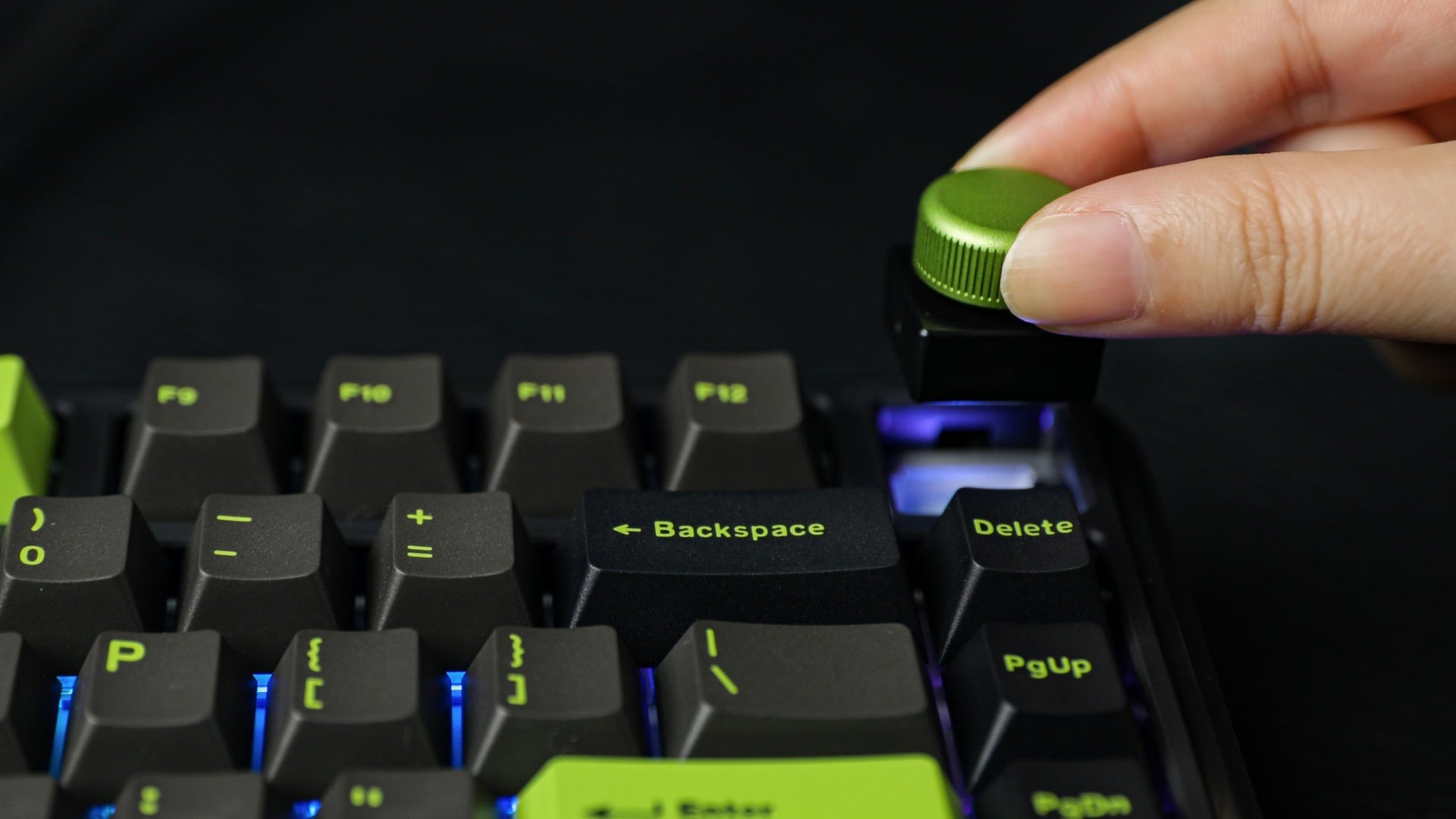
The MechLands M75 is a 75% wired-only Hall Effect keyboard with a swappable knob (for controlling volume). With its ultra-low 0.125ms latency and 8K polling rate, you can rest assured that your inputs can be as rapid as possible, especially for those who want to play E-sports and other competitive computer games.
 Hall Effect technology has been making its way through the mechanical keyboard space for the past year or so. With companies like Wooting and Keychron adopting the technology, other manufacturers have followed suit in creating more affordable keyboards that utilize the same magnets. If you’ve ever heard of the “anti-drift joysticks,” Hall Effect switches utilize the same technology but in keyboard form. Cool, huh?
Much of the Hall Effect discourse I’ve seen has been packed to the gills with hype. I haven’t given in, and nor should you. The biggest value of Hall Effect technology is its customizable actuation (done with a driver) and switch durability (often rated for more than 100m keypresses per switch). Things like SOCD and MT are nice-to-have features, but they won’t cause you to suddenly become amazing at your favorite games.
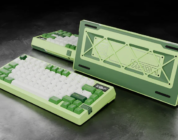
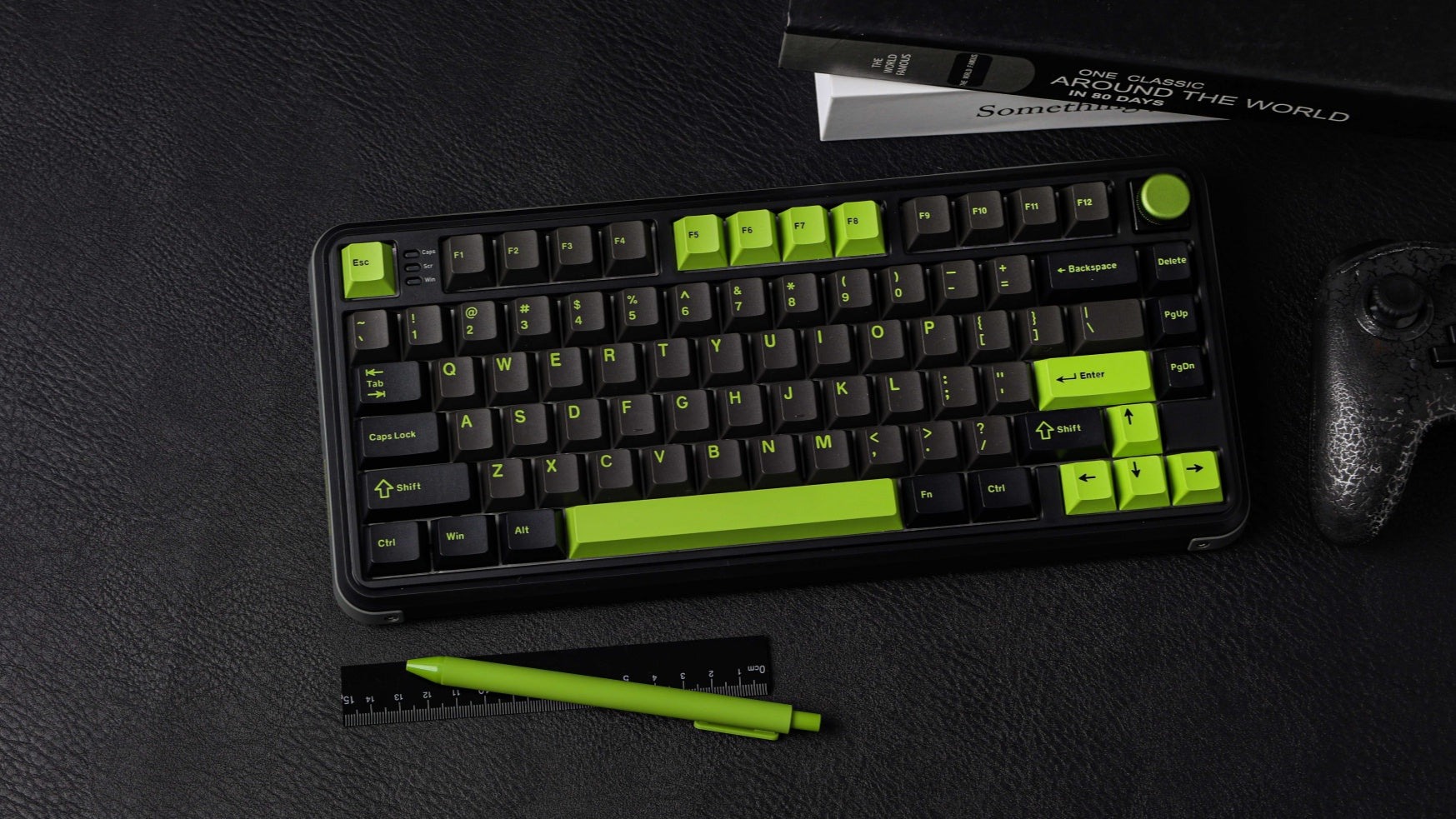
The M75 is comprised of a smooth black plastic, only coming in one color. It features green accents throughout the keyboard, from its hot-swappable double-shot PBT keycaps to its aluminum knob. Inside of the keyboard is an aluminum plate and south-facing RGBs.
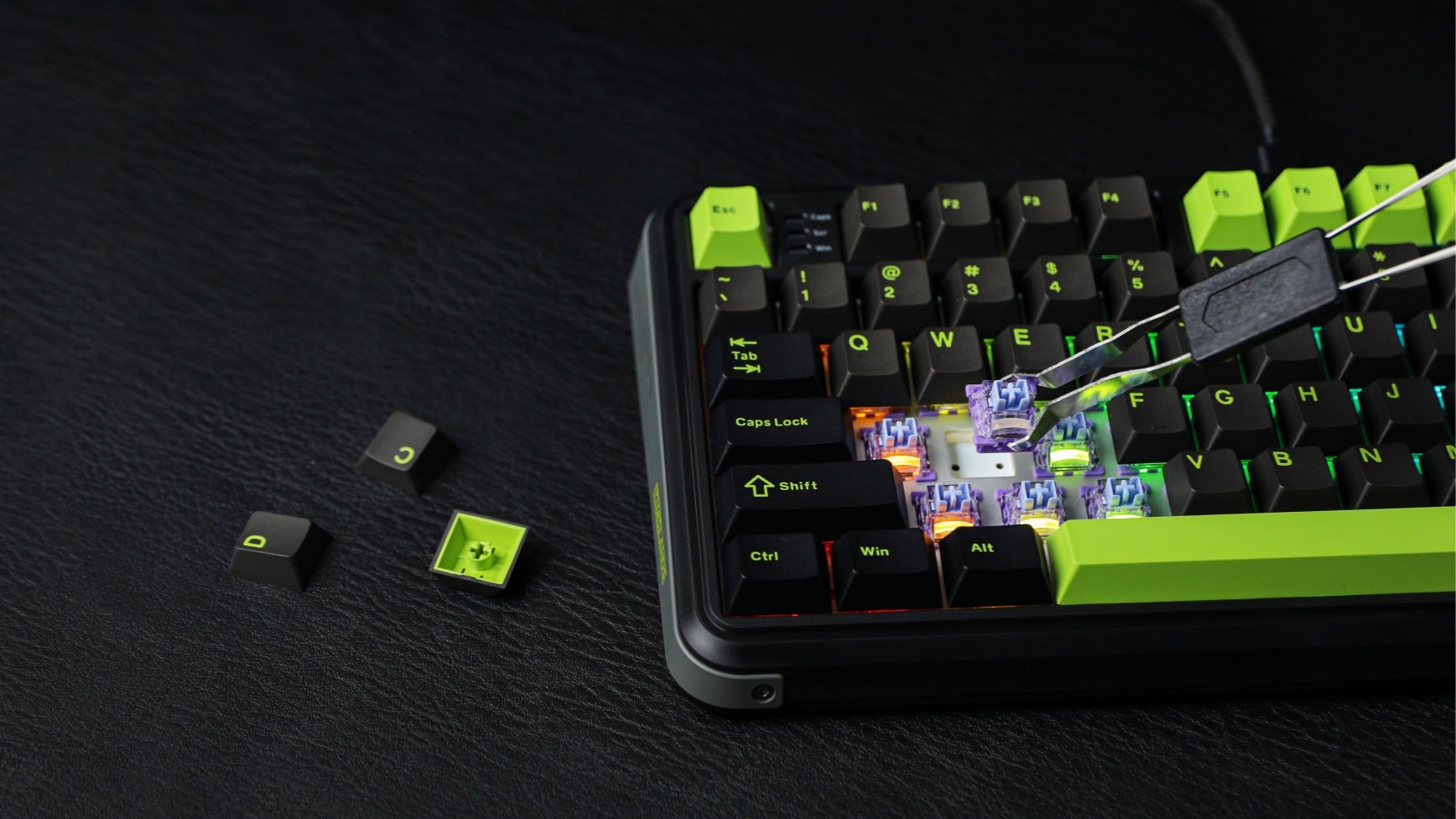 The M75 is a lightweight keyboard. Even though it’s plastic, it holds up quite well under pressure and manages to maintain its shape when I firmly press down on the keys. The keycaps feel solid and secure, too. While I’m not the biggest fan of the green accents, it has a cyberpunk aesthetic that is sure to be eyecatching and compliment your desk if you’re wanting a futuristic vibe. The keycaps can be easily removed with the included keycap puller, just in case you want to use your own set of keycaps.
According to MechLands, the M75 comes with “Outemu Magnetic switches” – linear switches with a medium-range actuation force of 45gf and total travel of 3.5mm. I did some googling in an attempt to identify which specific variant they were, and I’m relatively certain that these are the Outemu Amethyst Magnetic Switches. Outemu Amethyst switches are not yet sold in the US, but it looks like they’re available for purchase in Japan. If you’re hoping to use a different set of Magnetic switches with the M75, I would err on the side of caution with attempting to swap out the switches with something else. Given that Hall Effect keyboards have varying degrees of support for Hall Effect switches, your favorite switches might not be compatible despite being Hall Effect.
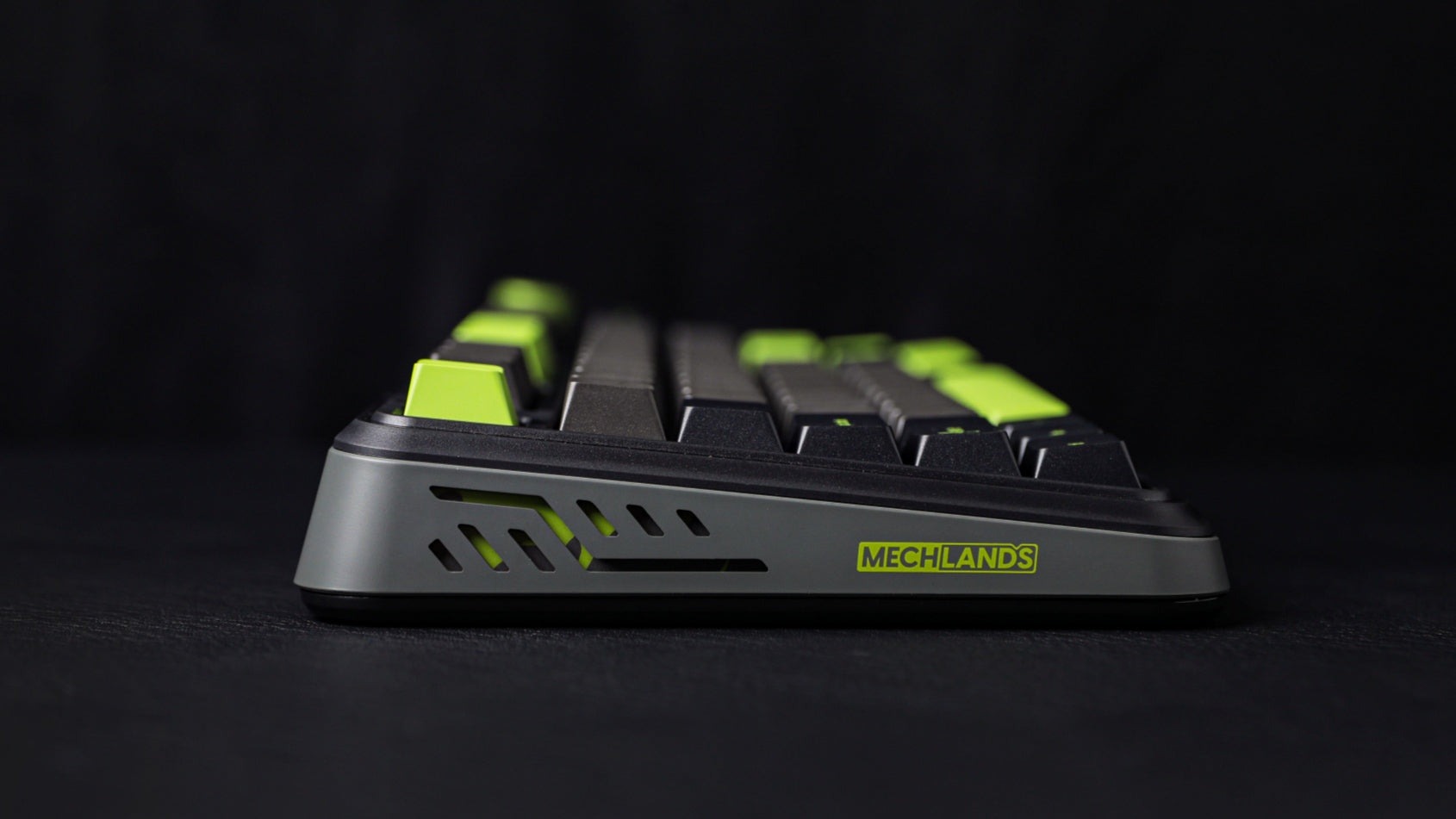 I’m not surprised that these switches are hard to find online – Hall Effect switches are slowly making their way into the keyboard marketplace and specifically assigned to some Hall Effect keyboards over others. Instead of trying to understand what specific type of switch is in the M75, you should focus on how they sound and how they feel.
With the aluminum plate, I assumed that the switches would sound loud. This was not the case. While the switches produced a slightly clacky acoustic profile, they still produced deep and pronounced sounds that were quite satisfying on the ears. Aside from acoustics, the Outemu magnetic switches felt responsive and smooth.
I tested the M75 across a litany of games over the past few weeks ranging from low intensity (Civilization VII) to high intensity (Counter-Strike 2). Across the board, the M75 exceeded my expectations in holding its own as I put it to the test in competitive games. It’s clear that this keyboard was designed to hold up under an immense amount of gaming pressure, and it demonstrated its value over the past few weeks as I tested game after game.
Customizing the M75 and taking advantage of its Hall Effect capabilities requires the use of the MechLands Driver, which is available on the MechLands website. This driver is similar to the older KiiBOOM and Epomaker drivers and can adjust things like macros, LED displays, and more. I had some difficulty understanding what some of the settings did (specifically the Hall Effect features) in the driver, but this confusion is common in this space. Most Hall Effect keyboards have drivers that are hard to use, as there’s little UI standardization in this space at this time.
 Interestingly, the “Shaft Setting” tab in the Driver alluded to different switches being compatible with the M75, including but not limited to “Emerald/Magnetic Jade,” “Magnetic Jade Pro,” and “Heavenly King.” Seeing as these switches are mentioned in the Driver, I would naturally assume that these alternative switches are compatible with the M75. However, I am not 100% sure – proceed with caution if you’re attempting to hot swap the magnetic switches with something else.
For a budget Hall Effect keyboard, the M75 does everything one might need just fine. While I might not have the best idea as to how to best take advantage of the driver, your mileage may vary. Out of the box, I didn’t need to adjust the M75’s switches much, so I would doubt that you would need to, either. That said, if you’re wanting a Hall Effect keyboard that supports fine tuning and granular customization, expect to pay extra for that benefit.
I’m willing to look past the driver, though. As should you. If you’re shopping around in the sub-$75 category, you’re going to be facing a litany of compromises across the board. I’m willing to take a hard-to-use driver as the compromise over other elements (e.g., build quality, wirelessness, plastic construction) because it’s almost impossible to find a good Hall Effect keyboard in that range, especially one with a 75% layout. Seeing as I was able to use the M75 with very little customization right out of the box, I’m sold on this being a recommendation for anyone looking to try their first Hall Effect keyboard.
I remain shocked that the MechLands M75 functions as well as it does for its price. While it is wired only and has a driver that’s not the easiest to use, it’s the best Hall Effect keyboard with a 75% layout that you can get under $75. Look no further than the M75 if you’re curious about the potential of a Hall Effect keyboard that doesn’t break the bank! Your wallet and your teammates will thank you!