The TH99 PRO contains the best bits of Epomaker’s keyboard lineup, all encapsulated within a single unit. Its construction and sound dampening materials bring out the divine creaminess of the Epomaker Creamy Jades while its LEDs and screen make the keyboard stand out on my desk. It’s an absolute joy to type on and deserving of its pro moniker.
I’ve been generally happy with Epomaker’s keyboards over the past few years, but rarely have I said, “Wow, this is amazing to type on” like I did with their newest keyboard, the TH99 PRO. Then again, I don’t think I’ve reviewed a PRO keyboard from them, so I may have just been missing out. I digress, my first few minutes of taking the TH99 PRO out of the box, plugging it in, and tip tapping away set the stage for an awesome review period that I didn’t want to end.
The TH99 PRO is the newest keyboard from Epomaker, a manufacturer of prebuilt mechanical keyboards who pushes the boundaries of keyboard designs. Their keyboards vary in size, color, layout, and featureset. If you’ve ever wanted a keyboard with a screen, you can turn to their RT line of keyboards for that retro aesthetic. If you’ve wanted to experience aluminum comfort, there’s the Galaxy line of keyboards. Best yet, they have Hall Effect keyboards that don’t break the bank!
Click here to check out the TH99 PRO from Epomaker’s website! (Unaffiliated URL)
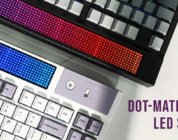
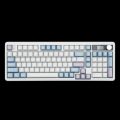
The TH99 PRO is one of Epomaker’s newest keyboards that they just finished showing off at this year’s CES. It’s available starting today at around $90 USD and comes with a boatload of features. It has a miniature screen, a little circular ring next to that screen, a volume knob, and a LED strip along the back of the keyboard. Best yet, its 1800-layout features all the keys you need for working in the day and playing your favorite games in the evening.
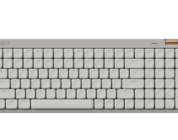
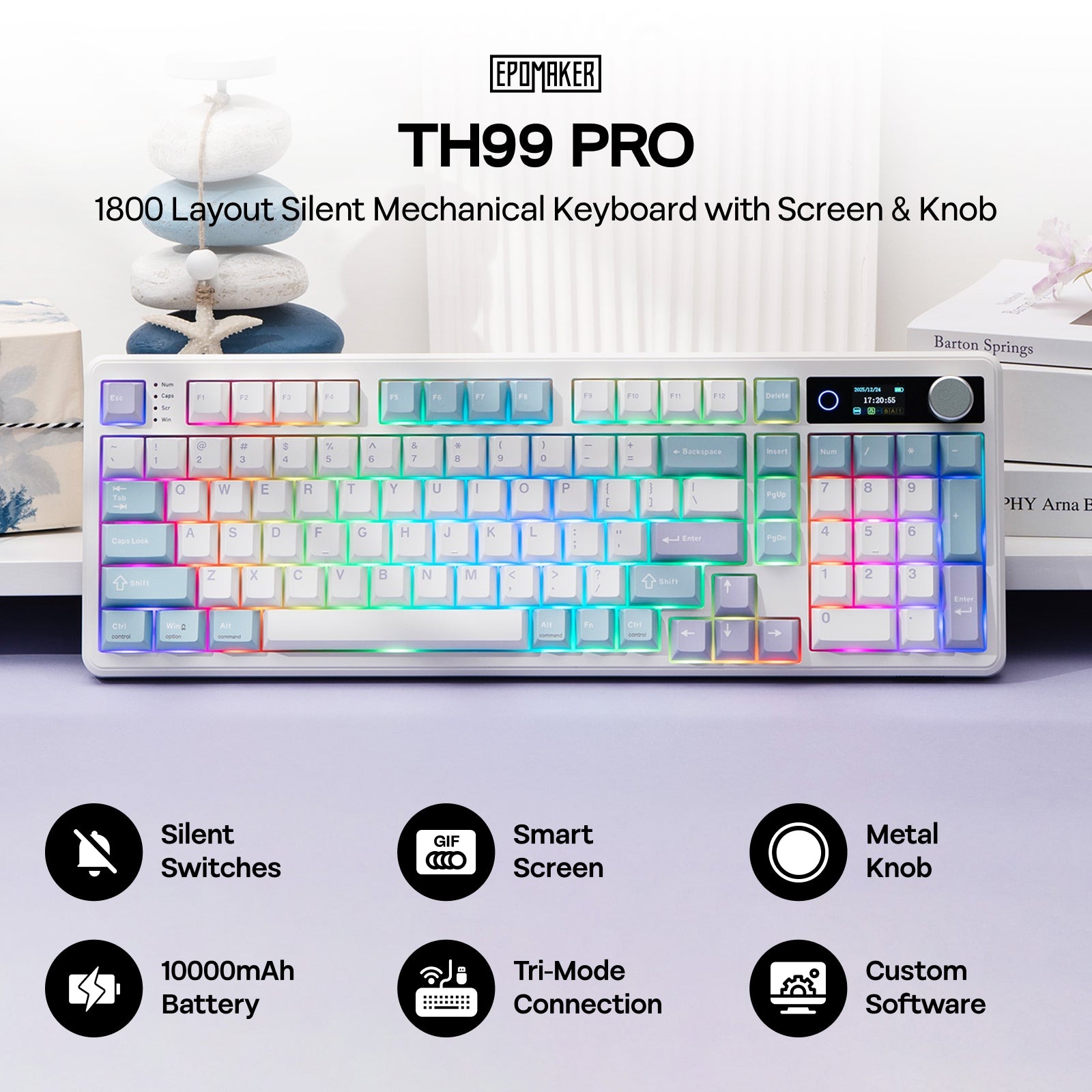 The joy of an 1800-layout layout keyboard is its utility; it features a full numberpad, the full function row, along with some editing keys (like Insert, PgUp, PgDown). While it has a few less keys than a 100% keyboard, it’s spacious enough to get just about anything done.
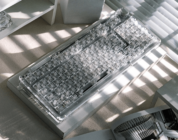
Moving onto the casing, the TH99 PRO is made up of an ABS plastic case, a PC plate, and gasket mounting. While I don’t usually associate plastic with a “PRO” nomenclature, the casing feels sturdy enough to hold up under immense pressure. During my typical pressure tests, I was pleased to find that the keyboard did not bend or give when pressing firmly down on multiple parts of the keyboard. It’s fit for gaming, all right!
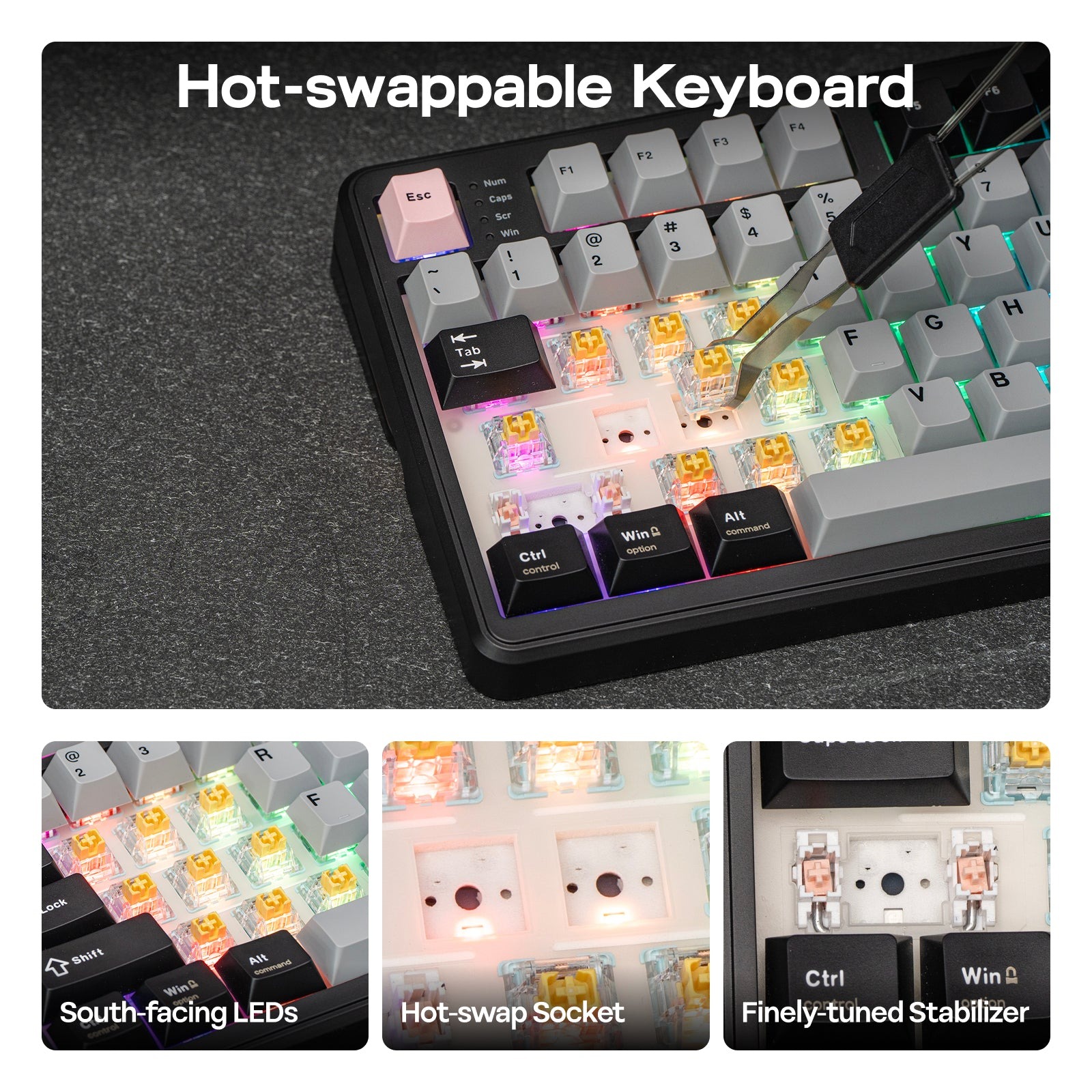
There’s something about the TH99 PRO’s LEDs, however. I just love the LED strip that wraps around the back of the keyboard, along with the LED circle that’s next to the TFT screen. These two elements have not been featured on any other Epomaker keyboard, which gives the TH99 PRO a unique look. The keyboard’s under-key LEDs seem brighter, too. I compared the TH99 PRO to the QK108 and found that the TH99 PRO shone brighter. Even if my eyes deceive me, it’s a great keyboard for a player who wants peripherals that are full of LEDs.
The TH99 PRO’s screen is the same screen on the QK108 – it’s a small little rectangular TFT screen that can be customized to feature any gif or image I wanted. With a quick button press, I could swap between the utility-focused date/time (enabled by default and unable to be customized), a little “typing mode” that shows the most recent key I pressed, and a gif/image of my choosing. Interestingly, the image customizer tool required a different online driver than the QK108.
 To my knowledge, the TH99 PRO does not have VIA/QMK compatibility. I know some folks might be disgruntled by that, but I love how this keyboard’s driver is an online driver and doesn’t require users to download anything to their devices. Don’t feel compelled to download the driver, though, as the keyboard works fabulously right out of the box. The customizations with Epomaker’s Upgear Online Driver is easy enough to use to make most necessary changes that you wish.
I’m hoping that Epomaker’s future keyboards use a single driver, as it’s becoming increasingly difficult to remember which keyboard is VIA/QMK supported, which require the downloaded driver, which require the online image tool, and which can be used with the Upgear Online Driver. When some of my colleagues have purchased some of Epomaker’s keyboards and asked me questions, I kept getting confused as to which driver to use to customize their keyboards. As of writing, the Upgear Online Driver only supports the G84 PRO, TH108, TH99 PRO, HE80, and the TH80 V2 PRO. I’d rather Epomaker err on using one single driver across all their keyboards instead of the several in-house drivers for keyboards that lack VIA/QMK compatibility.
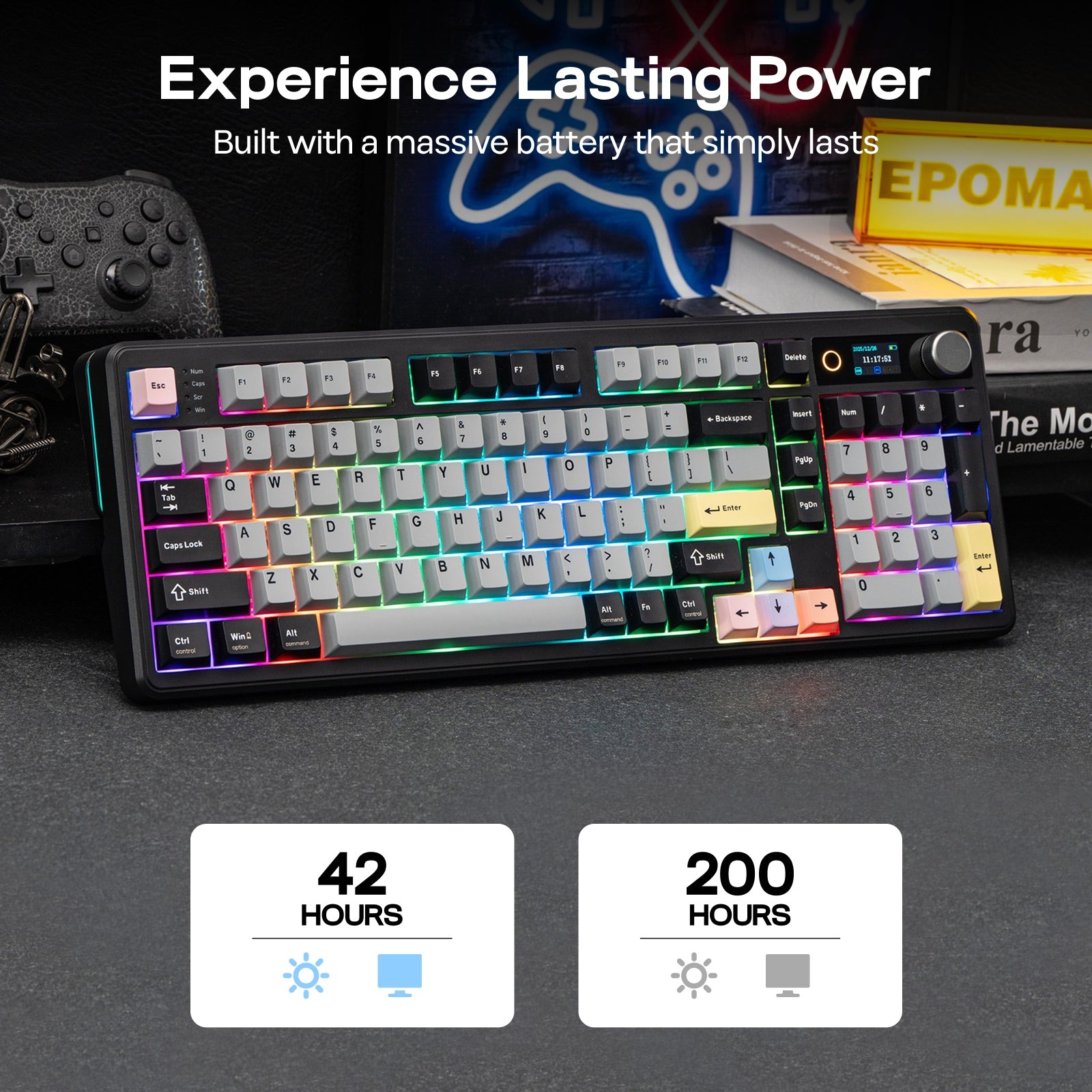
Beyond that, the TH99 PRO comes with tri-mode connectivity, a gigantic 10000mah battery, and adjustable feet to raise the back of the keyboard for a more ergonomic position. While I prefer to use my keyboards in wired mode, the battery is large enough to support around a week’s worth of battery life of daily use over Bluetooth.
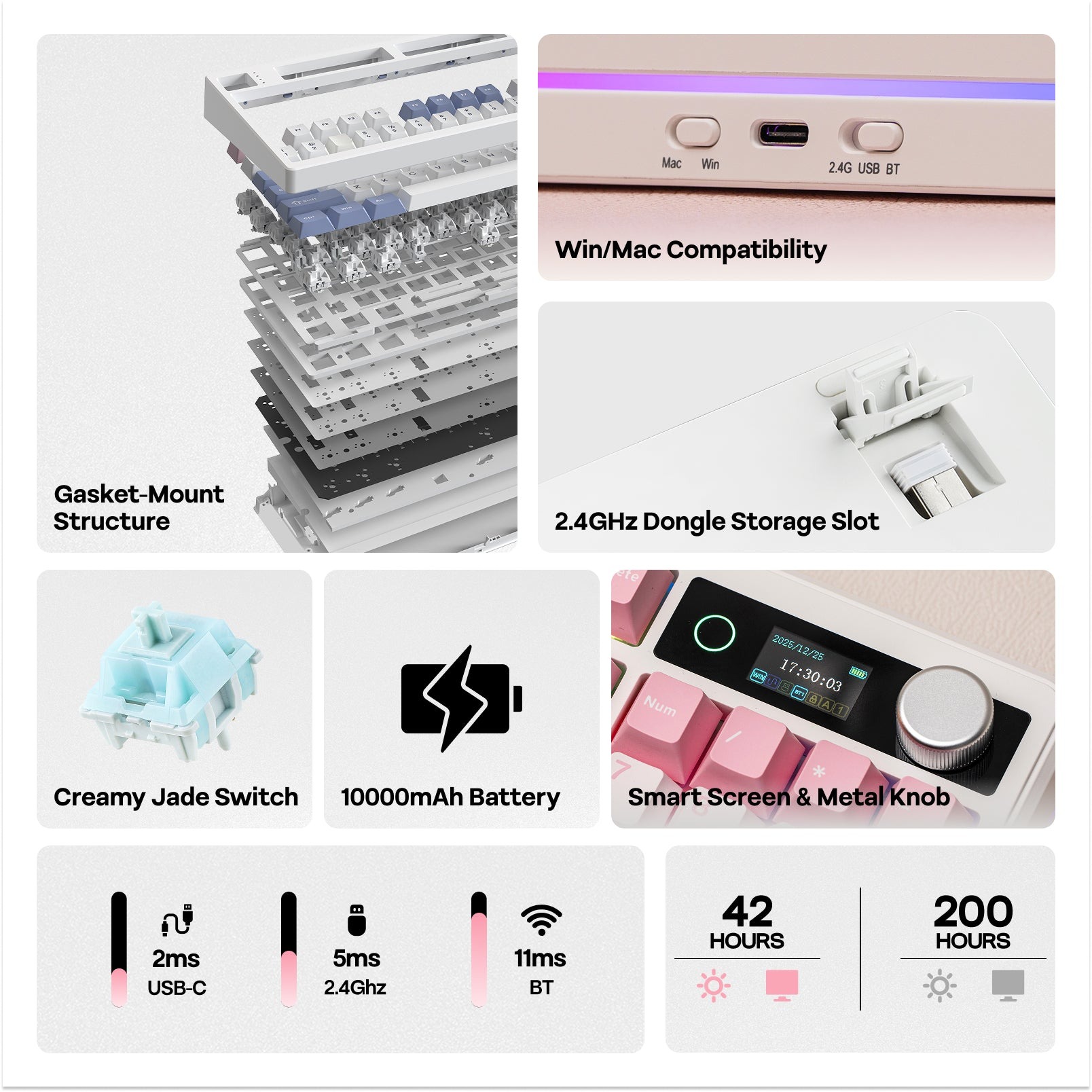 And now the big question: How does the TH99 PRO feel when in use? Easy answer, folks. It’s ever so silky smooth and sounds so divine. The gasket mounting can be thanked for the cushioned stability, while the switches (which I’ll cover in a moment) can be thanked for the acoustics and the typing smoothness. The size of the keyboard feels perfect for my large hands. The PBT keycaps have the right amount of texture that prevents slippage and greasiness, as well.
The TH99 PRO comes with one of two switches preinstalled: The Epomaker Creamy Jades and the Epomaker Sea Salt Silent V2. I’ve tested both of these switches extensively on some of Epomaker’s other keyboards and feel that the Creamy Jades are the way to go. Some folks might want a keyboard with silent switches for the sake of having a quiet keyboard, but the Sea Salts have a mushy feeling to them that feels…well, strange. The Creamy Jades, on the other hand, are linear switches that live up to their name by sounding perfectly creamy. I’ve recommended these switches to many perspective keyboard owners because of their silky-smooth typing feel along with the deep and pronounced sounds produced when typing.
The Creamy Jades are great for most gaming, so long as you’re not playing a high-intensity game that requires ultra-precise inputs. I’ve tested the Creamy Jades in playing VALORANT, Counter-Strike 2, Back 4 Blood, Stardew Valley, Starfield, League of Legends, and many other games. They feel great to use, but if you’re seeking a greater degree of precision you’re better off looking for a Hall Effect keyboard so you can customize the switches’ actuation points for twitchy inputs/peeking.
 Over the past year, I’ve been using the RT100 (the classic) as one of my several daily drivers. I loved the full layout, the screen, and the feel of the keyboard overall. The TH99 PRO has made me reconsider my Epomaker daily driver thanks to how great it feels to use along with how it sounds. I might not use Cerakey keycaps with the Creamy Jades (as I need switches with 50gf or more of force), but the TH99 PRO’s construction is solid and features the right
The TH99 PRO contains the best bits of Epomaker’s keyboard lineup, all encapsulated within a single unit. Its construction and sound dampening materials bring out the divine creaminess of the Epomaker Creamy Jades while its LEDs and screen make the keyboard stand out on my desk. It’s an absolute joy to type on and deserving of its pro moniker.