The KiiBOOM Phantom98 LITE is just as much of a delight as its smaller counterpart, except this time it features an adorable froggy aesthetic along with a great set of silent switches that are better suitable for gaming than others I’ve tested. For $100, you cannot go wrong with this keyboard for your average gaming and day-to-day work needs!
KiiBOOM’s Phantom line of keyboards holds a special place in my heart because of their innovative aesthetic. They look stunning. They’re a great mid-range keyboard given their typical $200 pricetags. That said, $200 can be a barrier for gamers who want a keyboard that’s a smidge more affordable that also offers the classic KiiBOOM experience of a keyboard that just works right out of the box.
Enter the Phantom98 LITE keyboard. I’ve covered another LITE variant of a KiiBOOM Phantom keyboard last year, but this is a larger version. The Phantom98 LITE is a full-sized (yes, number pad included!), ~$100 prebuilt keyboard that is sure to add an excellent splash of color to your office. If this review reads similar to my earlier review of the Phantom81 LITE, it’s because the Phantom98 LITE has a similar set of features and construction. That isn’t a negative, as KiiBOOM has smartly adopted the “if it ain’t broke, don’t fix it” approach to designing their keyboards.
Check out the Phantom98 LITE on KiiBOOM’s website! (non-affiliated URL)
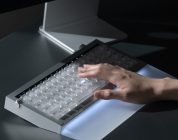
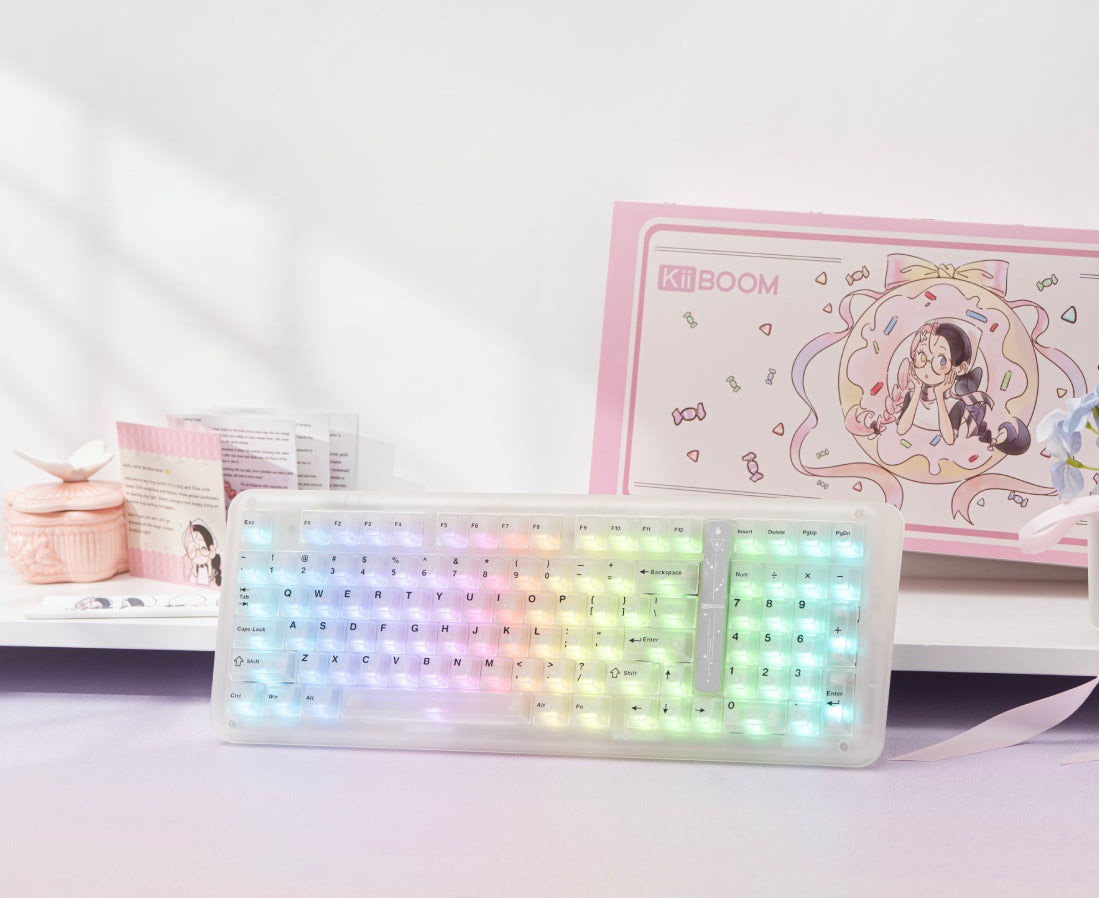
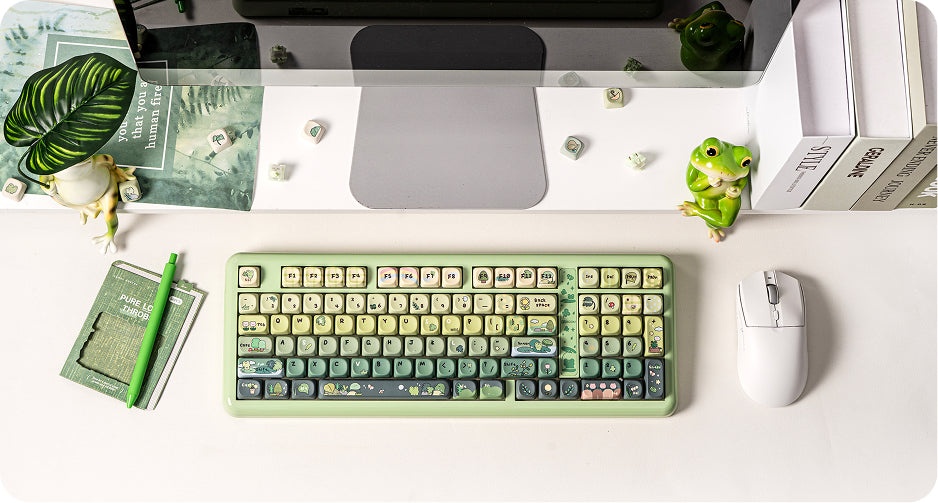 When I originally received the Phantom98 to review, there was only one model available for consumers: The Green froggy-themed edition that’s effectively the full-sized variant of the Phantom81 LITE that I reviewed last year. Because of this, I had assumed that this would be the only Phantom98 LITE colorway. It turns out that there’s another version available – a transparent model that looks just like the Jade75 and its transparent resin fantasy that blew me away last year. It just has a little cosmic decal that adds a thematic accent.
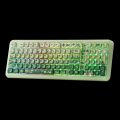
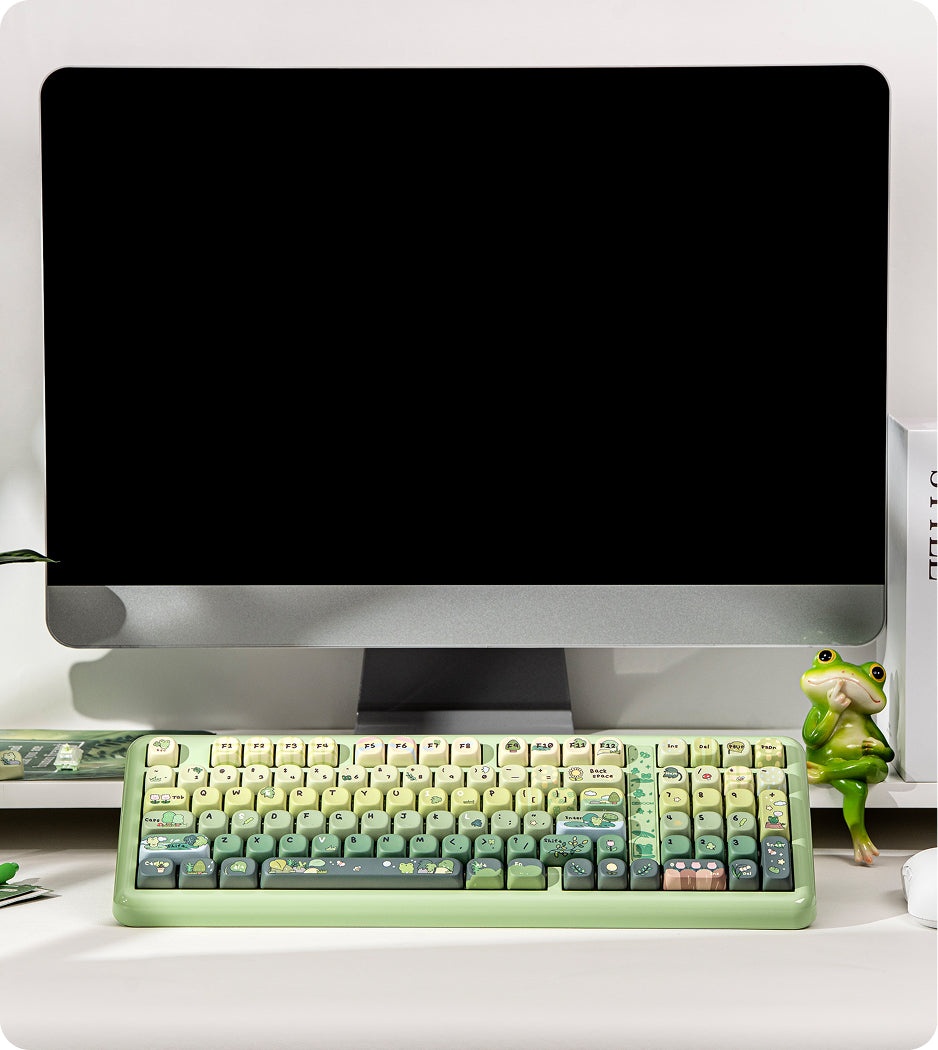
I know it sounds like I’m not a fan of the foggy thematic. I am a fan. The froggy keycaps that come with the keyboard gives it a charming and welcoming vibe. Frogs are fun. Frogs are delightful. KiiBOOM’s frog-themed keyboards (Phantom98 LITE included) are eye-catchingly fun compared to the traditional LED-fueled gamer keyboard out there. My only quibble is that I wish that KiiBOOM had leaned into the transparent fantasy that the earlier Phantom models are known for. Transparent keyboards are rare, too.
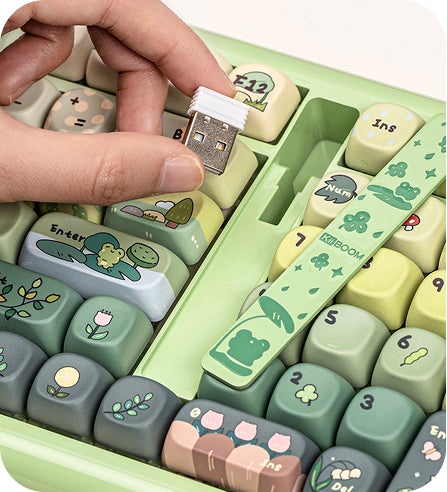 Moving on from the adorable thematic, let’s talk about the decal. It looks like KiiBOOM is following the (smart) trend of tucking the 2.5GHz USB dongle inside the keyboard. Rather than tucking the dongle on the underside of the keyboard inside a hidden compartment (something that is on Epomaker’s RT108 Pro), the dongle is instead under a decal on top-facing side of the keyboard. Unlike the sliding mechanism on Montech MKEY keyboards, the Phantom98 LITE’s decal is to be pressed inwards and popped out to reveal the USB dongle. The decal feels like a piece of metal, but it’s firmly embedded over a narrow cutout; when I press down with my fingers (thumb, index finger, whatever), the rectangular cutout felt sharp on my fingers because their width is a smidge larger than the cutout. I know this sounds like a me-problem rather than a universal problem. I know that the USB-removal process is one to be done a handful of times, too. It didn’t feel great to feel like the USB-removal process was uncomfortable, though.
Moving onto the Phantom98 LITE’s dye-sub PBT keycaps. They feel great – think of these keycaps as having a slight velvety texture to the touch while being thick enough to feel strong to use. The froggy themed keycaps use a green gradient, starting with a light green at the top function row that shifts to a deep forest green on the bottom row that of the spacebar and arrow keys. The legends on the keycaps are mostly readable, as some of the designs obscure the legends. For most folks, the obscured legends shouldn’t be an issue.
 KiiBOOM has included other features that are now standard on most prebuilts these days. There’s tri-mode connectivity (wired, Bluetooth, and 2.4GHz dongle), a decently large 8000mAh battery that should last around a week of daily use (longer if you turn off the LEDs), customizable south-facing LEDs, adjustable feet, and VIA support for adjusting keybindings. It’s not the native VIA support – you have to use a .json file and upload it directly to the VIA platform, but it’s a good start for those wanting to use the universal and community-led keyboard customization suite on a prebuilt.
This keyboard has the option of having silent switches pre-installed. Silent switches are alluring for many consumers, especially those who are working in an office and concerned about producing the loud click clacks that are standard on mechanical keyboards. The thing that no one tells you about silent switches is that they are very squishy. They typically feel like you’re pressing down into cloth or foam while producing very little sound. When I typically use silent switches, there’s a noticeable drop in my typing speed and an increase in mistypes. I usually don’t recommend silent switches for gaming because of this, but there are some small exceptions.
 The Mossy Silent Linear switches (KiiBOOM’s silent switches that come preinstalled on the Phantom98 LITE) are one of those exceptions. While they do have the traditional squishiness of a silent switch, they seem to be more functional as gaming switches in several ways. First off, they have a slightly stronger spring than other switches I have tested. Additionally, they seem to have a deep pre-travel/actuation point, requiring the key to be pressed further down in order for it to be registered. For gaming purposes, stronger switches and deeper presses benefit silent switches that have the typing experience offset by the squishy tactility. During my testing, most medium intensity games played well with the switches.
They’re a noticeable improvement from typical silent switches, though. My prior experience with silent switches resulted in me primarily playing games of lower-intensity.
If silent switches aren’t your thing, though, you cannot go wrong with KiiBOOM’s Mochi Linears. They’re what come with most of KiiBOOM’s keyboards and sound delightfully thocky when paired with a plastic keyboard with a gasket mount. Regardless of switch, you can’t go wrong with the Phantom98 LITE if you’re wanting to go all in on using the keyboard for gaming. It won’t give you the actuation flexibility and precision of a Hall Effect keyboard, but it looks stunning and works exceptionally well.
With that said, let’s wrap this up.
The KiiBOOM Phantom98 LITE is just as much of a delight as its smaller counterpart, except this time it features an adorable froggy aesthetic along with a great set of silent switches that are better suitable for gaming than others I’ve tested. For $100, you cannot go wrong with this keyboard for your average gaming and day-to-day work needs!
Update: There are now THREE colors available! Clear and Pink have been added to the colorway lineup and both are just gorgeous. The Clear model is more like a milky transparent Jade 75 and looks outstanding. The Clear model is the closest version that links back to the Phantom aesthetic of transparent delights.