
Overall, KiiBOOM’s Phantom81 V4 mechanical keyboard feels great to use and looks even better. Its partial translucence remains as eye-catching as ever, on par with the high visual standard of the brand’s keyboards. With the new stainless-steel weight, it offers a supreme typing experience suitable for casual office work and hardcore gaming.
Another year, another lovely refinement to one of KiiBOOM’s most visually striking (read: gorgeous) and satisfying products, the Phantom81 – the 75% variant of their retro and mostly-transparent Phantom keebs. This year’s variant is the fourth edition of the Phantom81, offering several meaningful updates that elevate the keyboard to contemporary standards while preserving what makes the keyboard a stunning centerpiece on my desk. If you’ve ever wanted a near-transparent keyboard, keep reading.
KiiBOOM remains one of my frequent recommendations for new mechanical keyboard owners looking for a prebuilt keyboard without the fuss of overcomplicated features and questionable build quality. What sets KiiBOOM apart from other prebuilt keyboard manufacturers is its focus on eye-catching designs. Their keyboards range from fully transparent to adorable frogs to refined dual-color aluminum. I’ve tested much of their lineup and they’ve consistently demonstrated that their keyboards are built to last for heavy-duty office work and frenetic gaming.
Check out the KiiBOOM Phantom81 V4 on KiiBOOM’s website by clicking here!
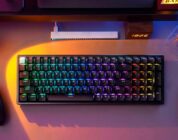
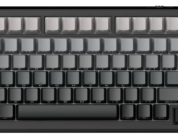
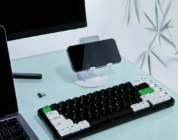
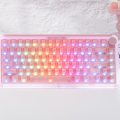
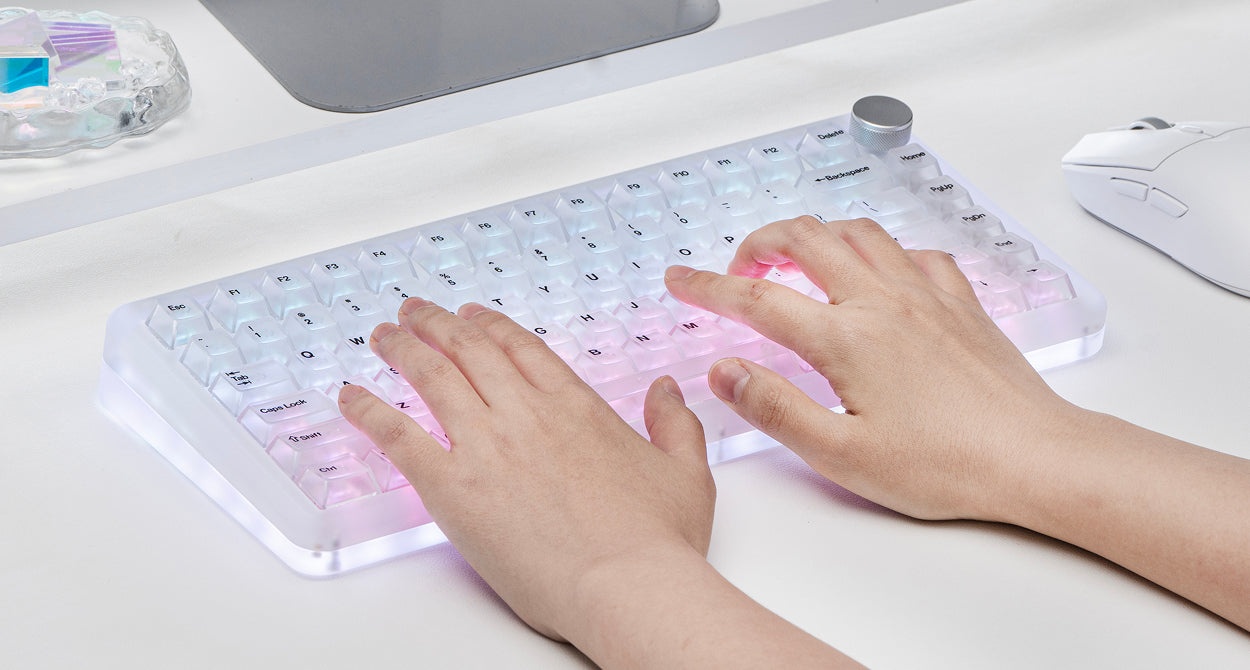
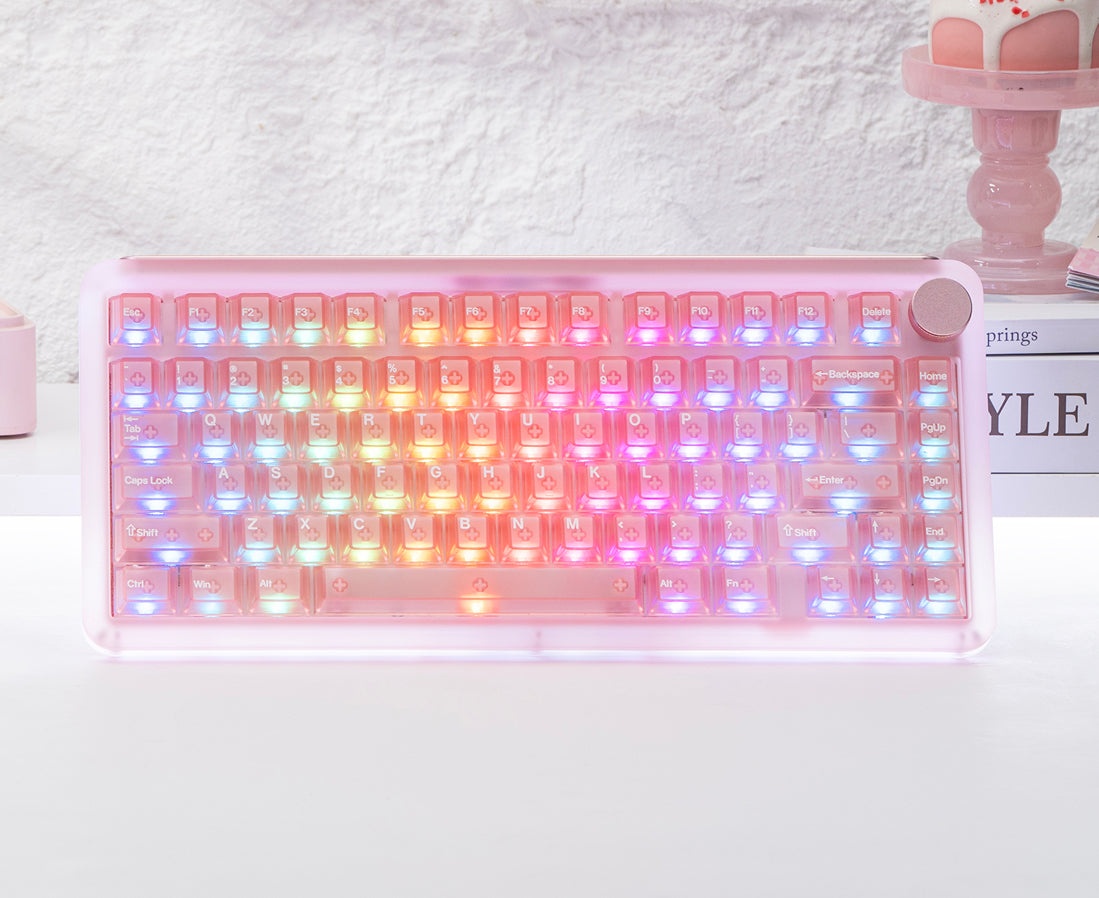
From my first minutes of testing one of the earlier models of the Phantom81, I fell in love with the keyboard’s transparency. Imagine a keyboard that allows you to look inside its innards in its mechanical glory while the vibrant LEDs shimmer away – that’s the Phantom81 in a nutshell. The V4’s transparency is slightly different, though. It now uses a frosted acrylic transparency that elevates the Phantom81’s aesthetic from fully to partially transparent and adds some muted color splashes (making it slightly easier on the eyes when the LEDs are on full brightness). There are three versions of the V4: clear, pink, and black. I was sent the black model to review. This specific colorway is almost ashy grey due to the transparency, but it looks straight out of the 90s almost as though it was the Game Boy Pocket’s slightly older brother.
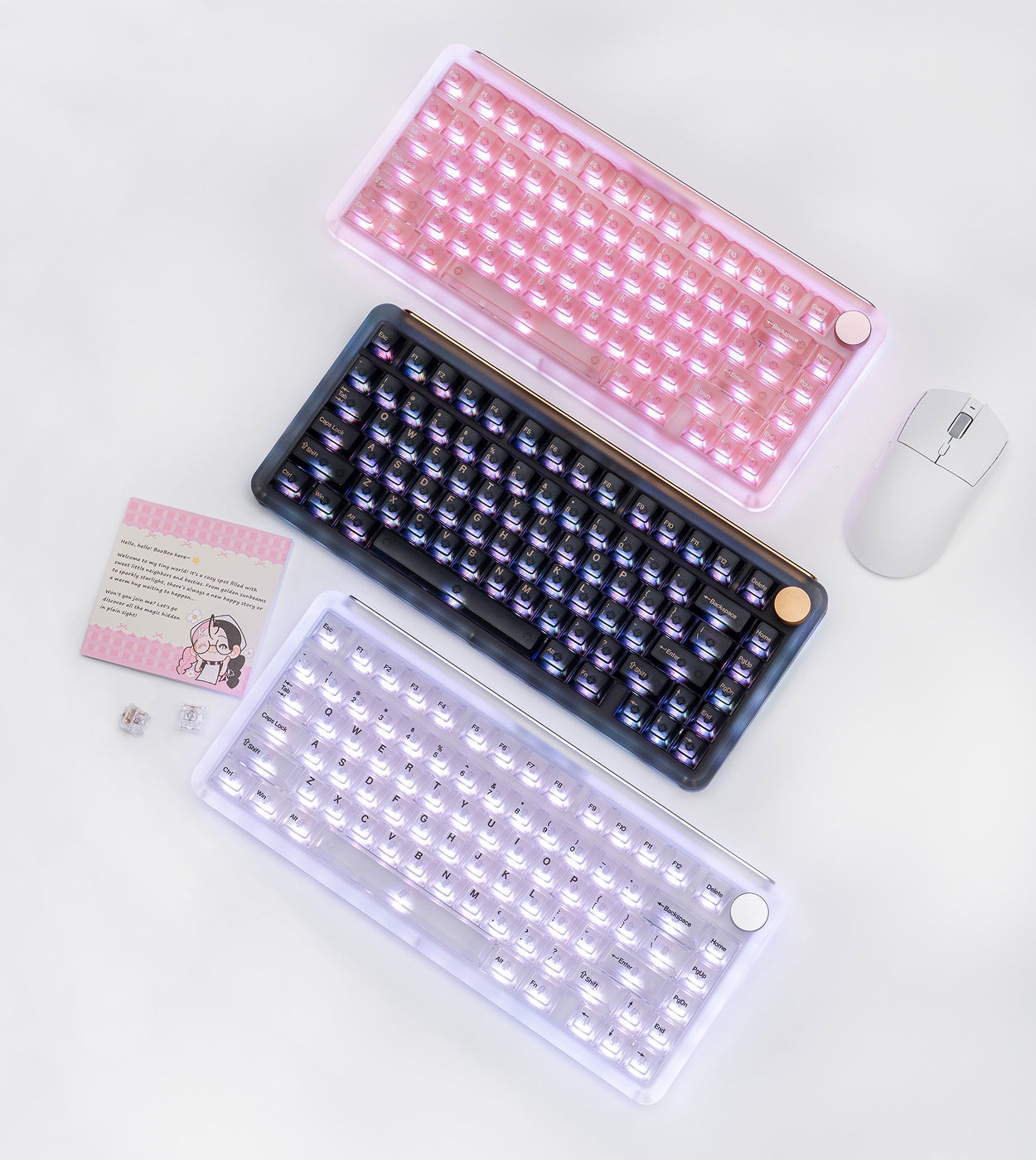 As much as I’m wooed by the concept of a fully transparent keyboard, the Phantom81’s semi-translucence is a sensible elevation of what made the Phantom series’ aesthetic so notable. It demonstrates that a transparent keyboard can adopt a professional aesthetic; it has just enough star power without being overly flashy. Once the keyboard’s mildly customizable side lights and full customizable per-key RGBs turn on, the keyboard will look like it’s alive with color. There’s nothing like it!
The frosted acrylic material of the Phantom81 V4 is has a soft matte texture. It also gives the keyboard a deep and creamy acoustic profile (some of that is thanks to the switches, which I’ll cover shortly). It’s lighter than metal but has a more satisfying heft than traditional ABS plastic. In terms of build quality, I love the Phantom81 V4’s premium construction.
 New to the V4 model is the inclusion of the stainless steel bottom weight and face-plate combo. Other KiiBOOM keyboards have utilized a standard metal faceplate, but this go-round KiiBOOM has adopted a far bigger and heavier faceplate. It shows off the KiiBOOM logo while also adding satisfying heft to the backside of the keyboard. When I lifted the keyboard out of the box, the faceplate added a bit of weight to the top-side of the keyboard. I’m usually not one to comment on a keyboard’s weight distribution, but do be careful when handling this keyboard for the first time. Once placed on my desk, I was pleased to find that it held up well under pressure and didn’t slide around when I was reorganizing other things during my typical workday. Beyond the satisfying weight of the keyboard, the steel faceplate brings the Phantom81 V4 up to par with some of the more premium customizable keebs that consumers build from scratch. When I built a Meletrix keyboard, the bottom faceplate acted as a hidden source of uniqueness that made my keyboard feel like something I personally designed rather than a standard color. Sure, most people don’t turn their keyboards upside down to show off the faceplate/weight, but it is nice to do every so often!
The other notable shift of this edition of the Phantom81 is its new rubber feet. This model has small little cat paw-shaped rubber feet. It’s a nice touch, but I don’t associate cats with the Phantom line. I won’t criticize KiiBOOM’s approach for adding more kawaii-inspired elements to their keyboards, but I’ll admit that it looks somewhat out of place.
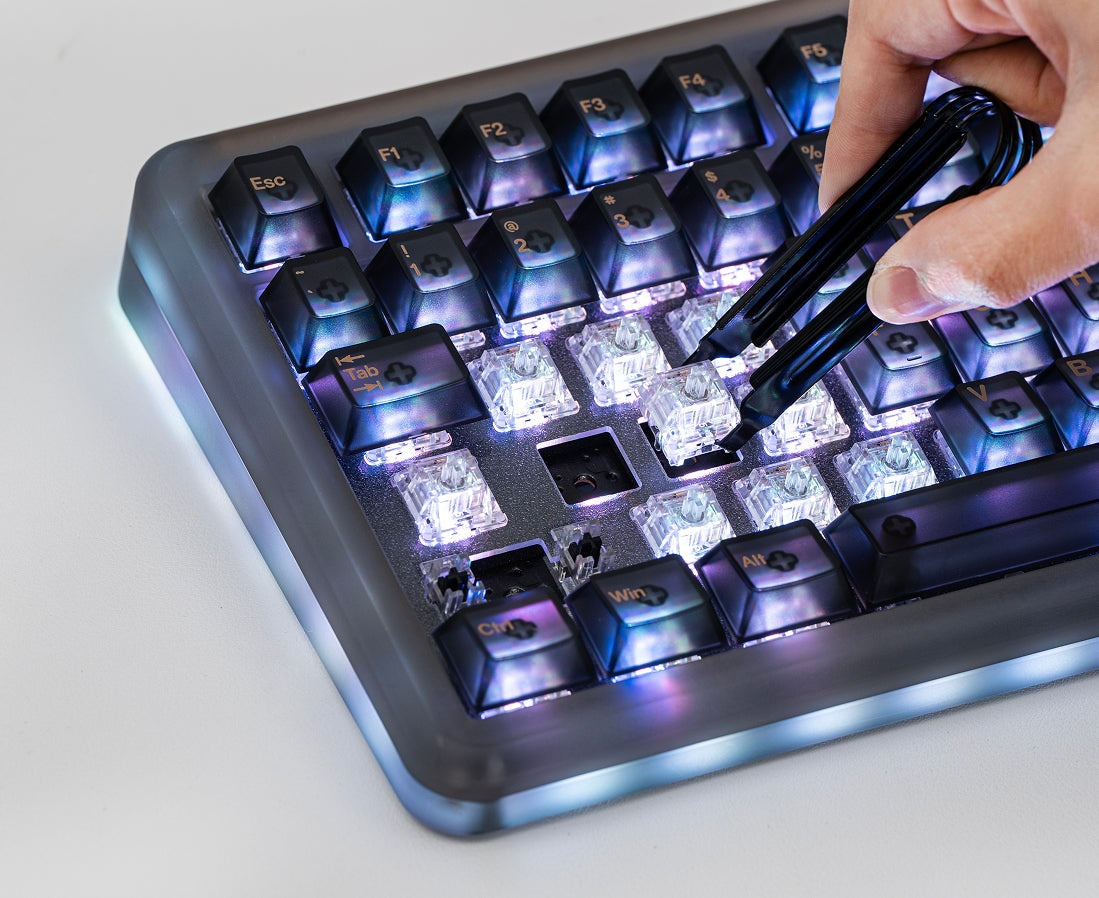
Beyond what I’ve already mentioned, the Phantom81 V4 has that standard keyboard trimmings. By that, I’m referring to the metal volume knob, 8000mah battery, tri-mode connectivity, VIA support (which isn’t official VIA support, but close enough), KiiBOOM’s driver for LED customization, and hot-swappable keycaps & switches. This keyboard will have everything that most keyboards released in the past two years have, so you don’t have to worry about missing out on anything.
 Let’s move onto switches. The Phantom81 V4’s pre-lubed and hot-swappable switches differ based on the colorway. If you select the pink colorway, it’ll come with the Pink Rose switches pre-installed. The clear and black colorways have the Crystal switches (which are fully transparent). Both sets of switches are linear switches, but they have some minute differences by way of their actuation forces (meaning the strength needed to press down for activation). This switch/model difference is something that several prebuilt manufacturers have done for years, but it’s not the best feeling for some models to only come with one type of switch while others get arguably better (or inferior) switches.
I digress.
KiiBOOM’s selection of switches are longstanding pre-lubed linear switches I’ve tested on some of their other models. Broadly speaking, you can’t go wrong with either switch for average keyboard use cases. If you’re playing FPS games, you’re probably better off with the Pink Rose switches due to their slightly lower actuation forces (meaning that they’re easier to press), but I prefer heavier switches like the Crystals with their relatively heavy force of ~55gf. The other nice thing about the Crystal switches is that, when paired with the Phantom81 V4’s acrylic case, they produce a deep and clacky acoustic profile. The spacebar somehow produces a different, deeper, and creamier sound compared to the rest of the keys despite having the same switch. I guess there’s some magic with how the case material and gasket mount changes the keyboard’s sounds.
If you’re planning on gaming, the Phantom81 V4 will easily suffice for casual and medium-intensity games. Playing Starfield and Oblivion Remastered was just fine, as was League of Legends, but attempting to play Counter-Strike proved to be less effective given how twitchy the movements tend to be. For games with twitchy inputs, you’ll probably need to seek a Hall Effect keyboard.
 My one criticism of the Phantom81 V4 is its price. As of now, its MSRP is $199.99 – nearly $50 more than any earlier Phantom81 model. It’s almost as much as the Phantom98 (which comes with a full number pad). I would argue that some of that price is most likely a result of the marketplace shifts and the addition of the new stainless steel weight on the bottom, but the fact remains that this keyboard is at a price point that might put some new mechanical keyboard owners off. It’s worth it, though – KiiBOOM’s build quality is top notch and the materials they use to construct their keyboards make them a joy to use and worth showing off. It’s also one of the nicer (if not the nicest) prebuilt transparent keyboards I’ve seen.
With that said, let’s wrap this up.
Overall, KiiBOOM’s Phantom81 V4 mechanical keyboard feels great to use and looks even better. Its partial translucence remains as eye-catching as ever, on par with the high visual standard of the brand’s keyboards. With the new stainless-steel weight, it offers a supreme typing experience suitable for casual office work and hardcore gaming.