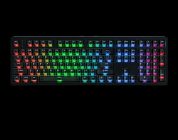
If you’re wanting a keyboard that’s been designed with a modern aesthetic in mind, the K4 HE will blow you away. Its 96% layout gives you every key you need for your day to day work and play. Its Hall Effect features are great for those wanting a prebuilt keyboard that can hold up under immense pressure, too. This is one gorgeous Hall-Effect keyboard!
Earlier this year, Keychron announced several new keyboards that will be joining their collection of well-designed and solidly-built keyboard. I was recently pleased with their Q6 HE and the Lemokey L5 HE (Lemokey is their sister-brand of gaming keyboards), but I was also recently given the opportunity to review the K4 HE Wireless Magnetic Switch Custom Keyboard and a separate set of Hall Effect switches that are compatible with Keychron’s HE keebs.
I would be surprised if you did not yet know about the Keychron brand, but don’t worry if you’re out of the loop. Prior to this year, Keychron has been recommended by many keyboard enthusiasts on Reddit and elsewhere because of their consistent affordability and high-quality design in the prebuilt mechanical keyboard space. If you have yet to own a mechanical keyboard, Keychron comes to mind as an excellent all-around brand to get familiar with mechanical keyboards before going deep into building your own. I’ve used the Q6 HE as one of my three daily driver keyboards since my original review period,
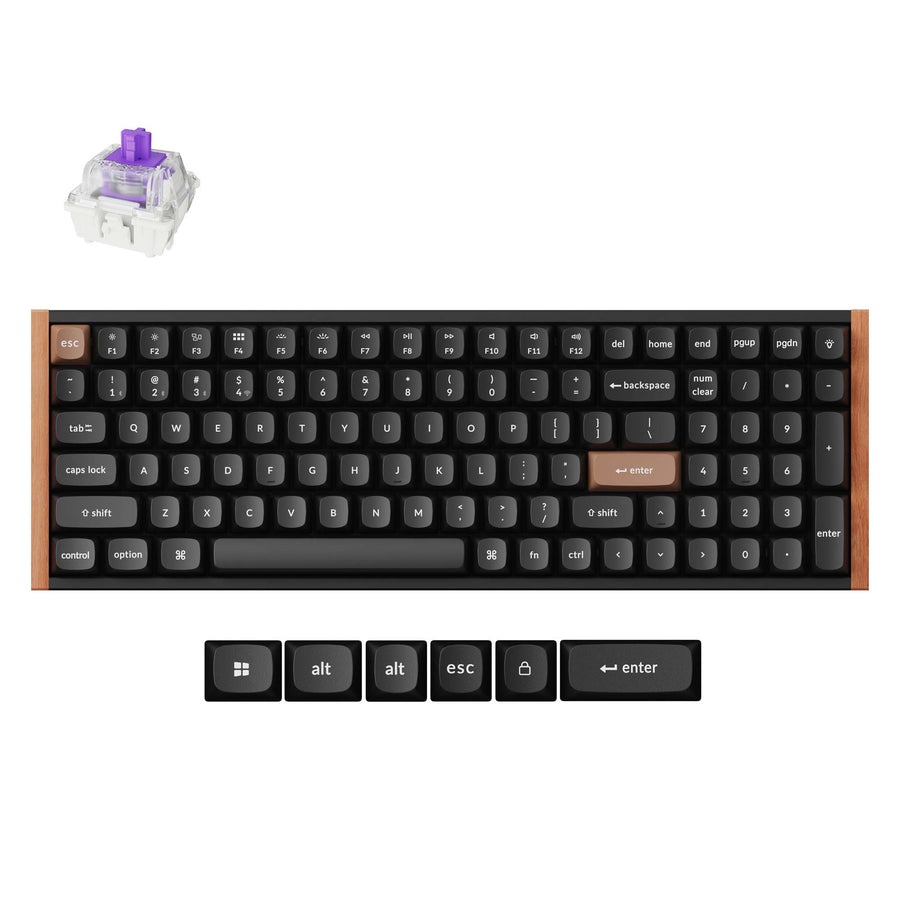
I digress, this review is about the K4 HE, not about my love of Keychron’s keyhboards. The K4 HE is a compelling Hall Effect (HE) keyboard with a 96% layout. This means that the keyboard has a full numberpad, full Function row, all the while contained to a compact form factor. It features an aluminum plate and several layers of acoustic foams to produce a muted yet satisfying acoustic profile.
Check out the Keychron K4 HE Wireless Magnetic Switch Custom Keyboard on Keychron’s website! (Non-affiliated URL)
Before I proceed, let’s chat about Hall Effect technology. I’ve seen many influencers and keyboard fans attempt to portray Hall Effect as the future of switch design and a must-have if you’re a gamer. Let’s get this out of the way now: Hall Effect keyboard technology is great, but you can get by just fine without it. Don’t expect to suddenly become a “Gamer God[dess]” by replacing your mechanical keyboard with an HE keyboard.
 Hall Effect keyboards are unique in that their switches utilize magnets to detect inputs. It’s the same technology found in the pro variants of console controllers (think DualSense Edge) that minimize the risk of joystick drift. In keyboard form, this translates to a host of other unique benefits, ranging from custom actuation points (i.e., the distance you need to press for the keyboard to recognize an input) to far greater durability.
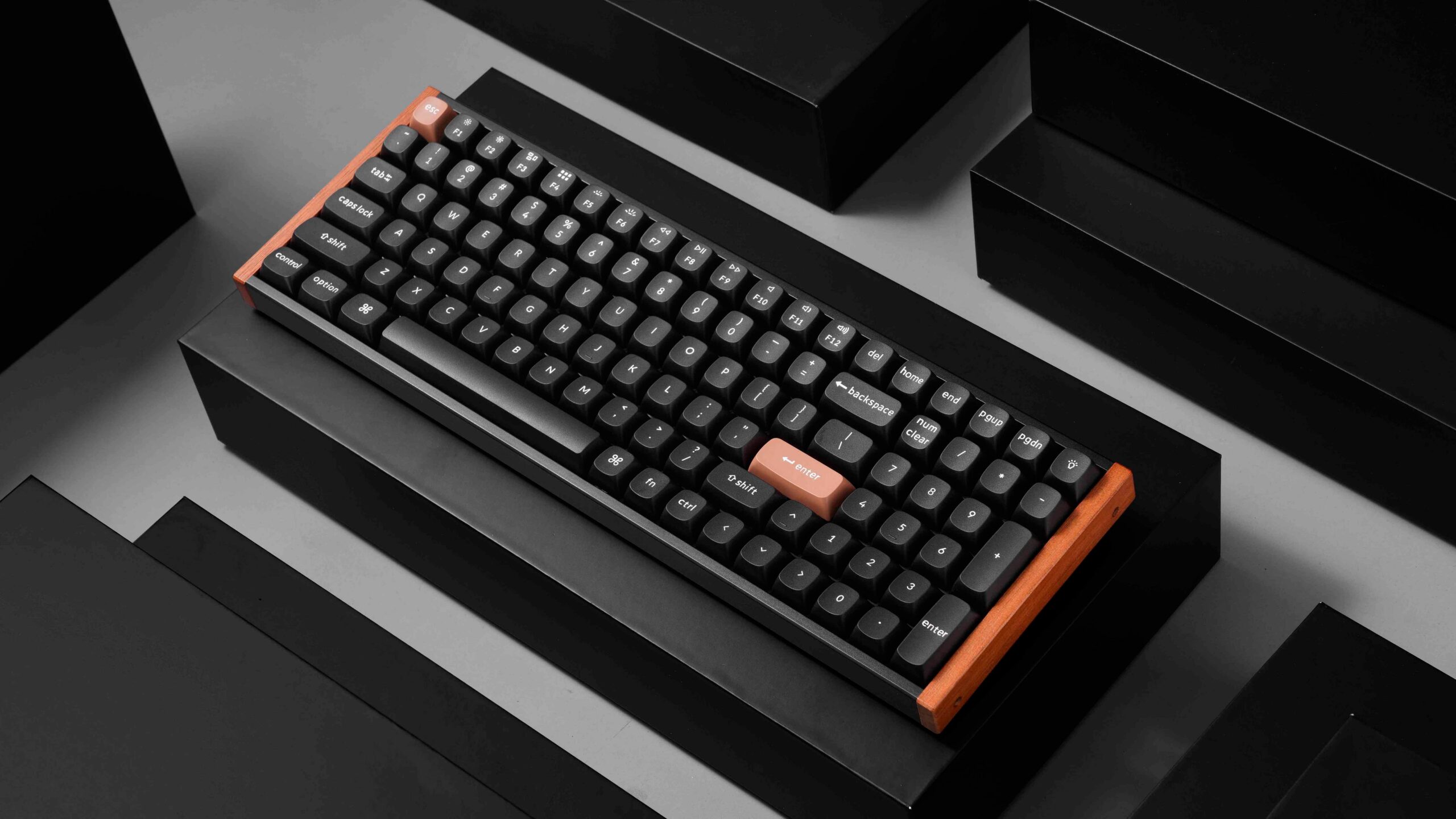
The K4 HE is a compact keyboard that comes in several variants – a Special Edition and a Standard Edition. The Special Edition comes in two colors, black or white, while the Standard only comes in Black. The Special Edition is unique in that the sides of the case feature natural rosewood accents.
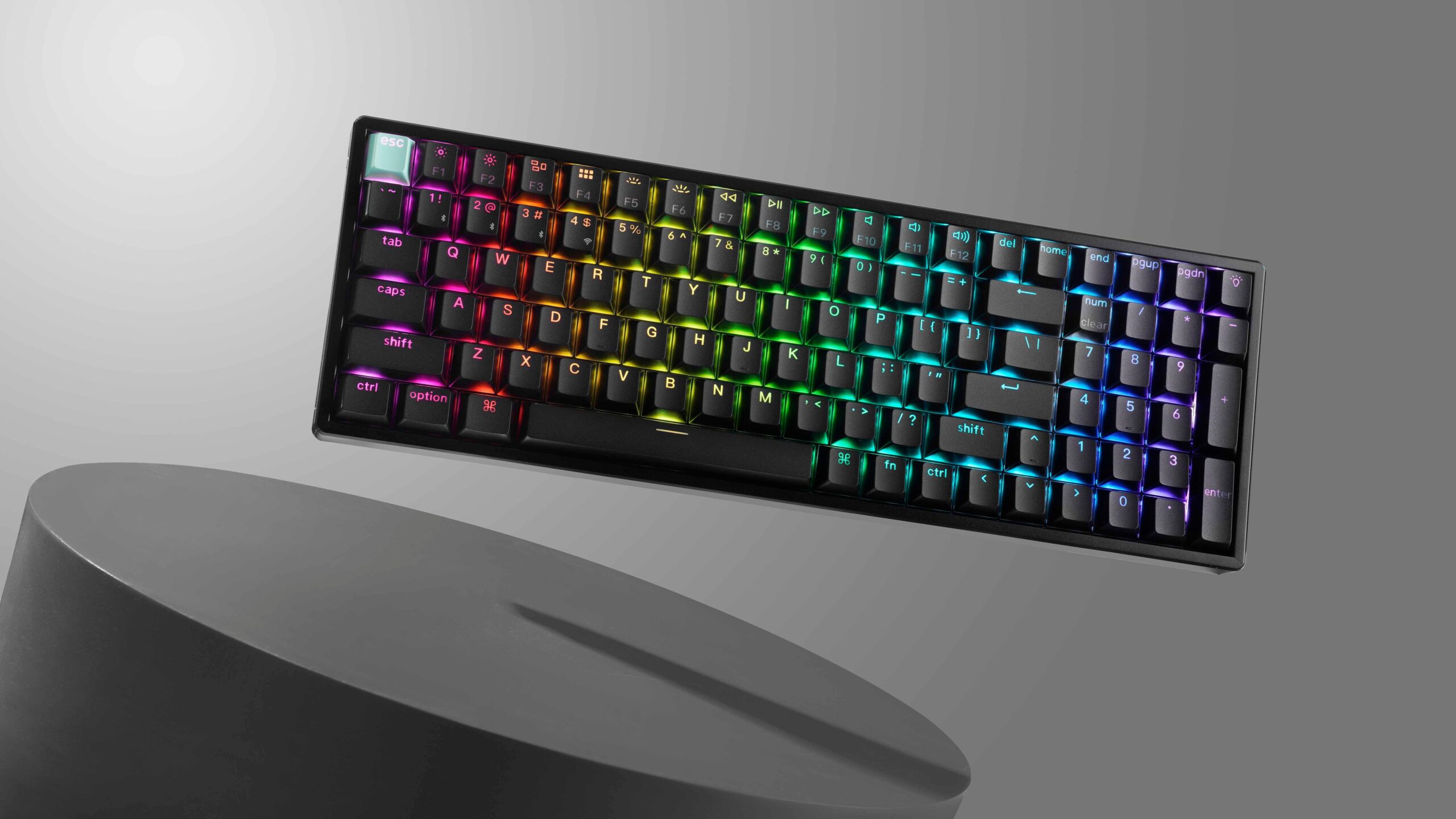
The K4 is surprisingly light, especially when compared to its HE counterparts from Keychron. I’ve become familiar with aluminum keyboard having a degree of heft thanks to their all-metal construction, so a lighter aluminum keyboard is great to see. Despite it being lighter than I had assumed, its build quality is consistent with that of other Keychron keyboards I have reviewed. It’s solid. There’s no give when pressing firmly down on multiple keys. Its north-facing LEDs shine brightly and give the keyboard color when I desired.
This is the first keyboard I have used that has ever used anything other than plastic or metal in its construction. The rosewood on my Special Edition feels quite nice, giving my keyboard a modern touch and elevating it from a traditional utilitarian design into something that would blend in with Fractal Design’s wooden PC aesthetic. There’s some texture on the wood, but it’s been sanded and refined to a sleek and shiny degree. I wish more keyboards utilized wood in their product design – Keychron made a very smart move in doing so. Hopefully other versions of their keyboards adopt wood in the future.
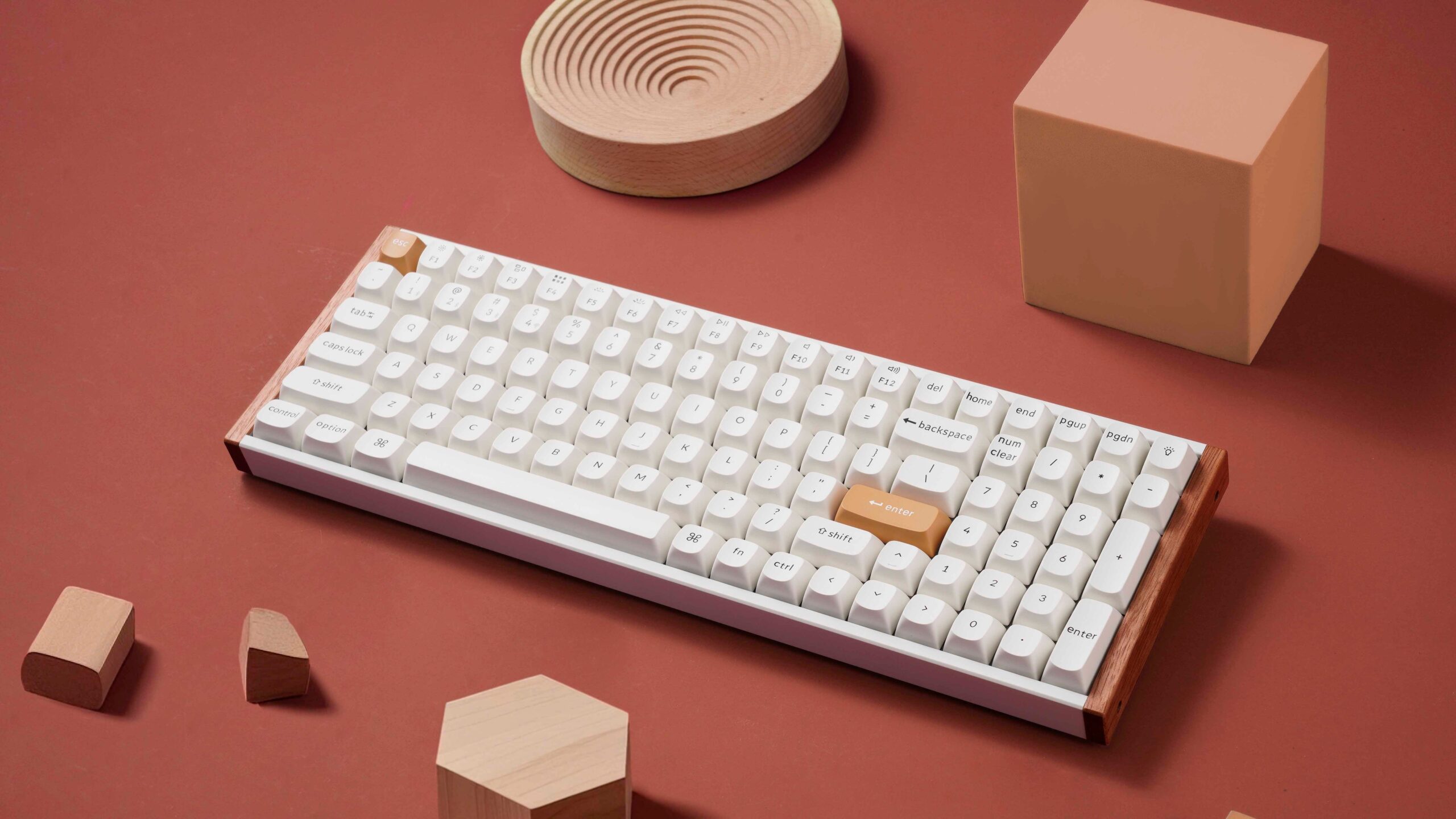 The 96%-layout makes the keyboard quite compact. In some ways, it feels and can be mistaken for a low-profile keyboard. It’s compact to the point of lacking breathing room for typing. During my review period, I would occasionally press the “4” button when pressing Enter because I’ve become trained to expect a slight gap between the alphanumeric keys and a numberpad on the right-hand side. This is slightly nitpicky, I know, but this issue is less of a bug with the K4 and more of a feature of the 96% layout.
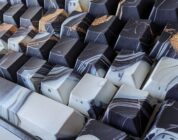
This keyboard came with OSA-profile keycaps rather than a set of traditional Cherry profile keycaps. OSA keycaps feel quite unique – imagine typing on inverted spheres. On one hand, your fingers will naturally rest in the middle of each keycaps, but the keycaps’ uniformity will feel foreign if you’re coming from a set of ergonomically designed profile (e.g., Cherry, OEM). If you’ve used a chiclet keyboard (think laptop), OSA will feel relatively familiar. Regardless, these keycaps feel great. The double-shot PBT keycaps have a nice texture and are smooth to the touch.
Interestingly, the Standard edition is the only variant of the K4 HE that has shinethrough keycaps. I like shinethrough as an aesthetic, but it makes sense that the Special Edition variants lack shinethrough to emphasize and accentuate the modern aesthetic of the rosewood.
 Now, let’s talk about the switches. All of Keychron’s HE keyboards come with the same set of HE switches: Gateron double-rail magnetic switches (Nebula). Sadly, Keychron’s HE keyboards are only compatible with the Gateron double-rail magnetic switches, so you can’t use a spare pair of Lekker V2s or the Gateron Magnetic Jades (which sound fantastic and are one of my current favorite pair of switches on a keyboard).
If you’ve read my prior reviews of Keychron’s keyboards, you’ll probably remember how much I praised the Nebula switches’ exceptional smoothness. They lack the typical loud clackiness that results from using a keyboard with an aluminum construction. Thus, the K4’s acoustic profile is the same as the Q6 HE: Soft and clacky.
However, should you want an alternative HE switch, Keychron sells three variants of the Gateron double-rail magnetic switches: Aurora, Nebula, and Dawn. These switches are constructed exactly the same barring their actuation forces. I was sent a set of Aurora HE switches to review when testing the K4 HE.
 The Aurora HE switches have a 50gf operating force – the strongest of the three available from Keychron. This set of switches is one of the strongest HE switches I have used, save for the Wooting Lekker V2 switches. I tend to prefer switches with stronger operating/actuation forces to minimize accidental inputs. Most HE switches I’ve tested have been overly sensitive and light, requiring anywhere from 20-35gf of operating force to push down the switches. So, when I had the opportunity to test a stronger HE switch, I was excited!
Click here to check out the Gateron Double-Rail Magnetic AURORA Switches on Keychron’s website. (Non-affiliated URL)
Using the Aurora switches on the K4 HE was a fantastic experience. The additional strength made the switches feel more secure and impactful. I have tendencies to be frenetic when typing (even in gaming!), so a stronger switch is great for me in making precise and accurate inputs. These are my favorite switches in Keychron’s lineup, hands down.
At this time, if you want an alternate set of switches for your Keychron HE keyboard, you’ll need to purchase the switches separately. I can understand why Keychron ships their keyboards with Nebula switches by default (they’re great all-around HE switches, don’t get me wrong), but it would be great to have the option to have another set of compatible switches pre-installed. Hopefully there will be more options available in the future.
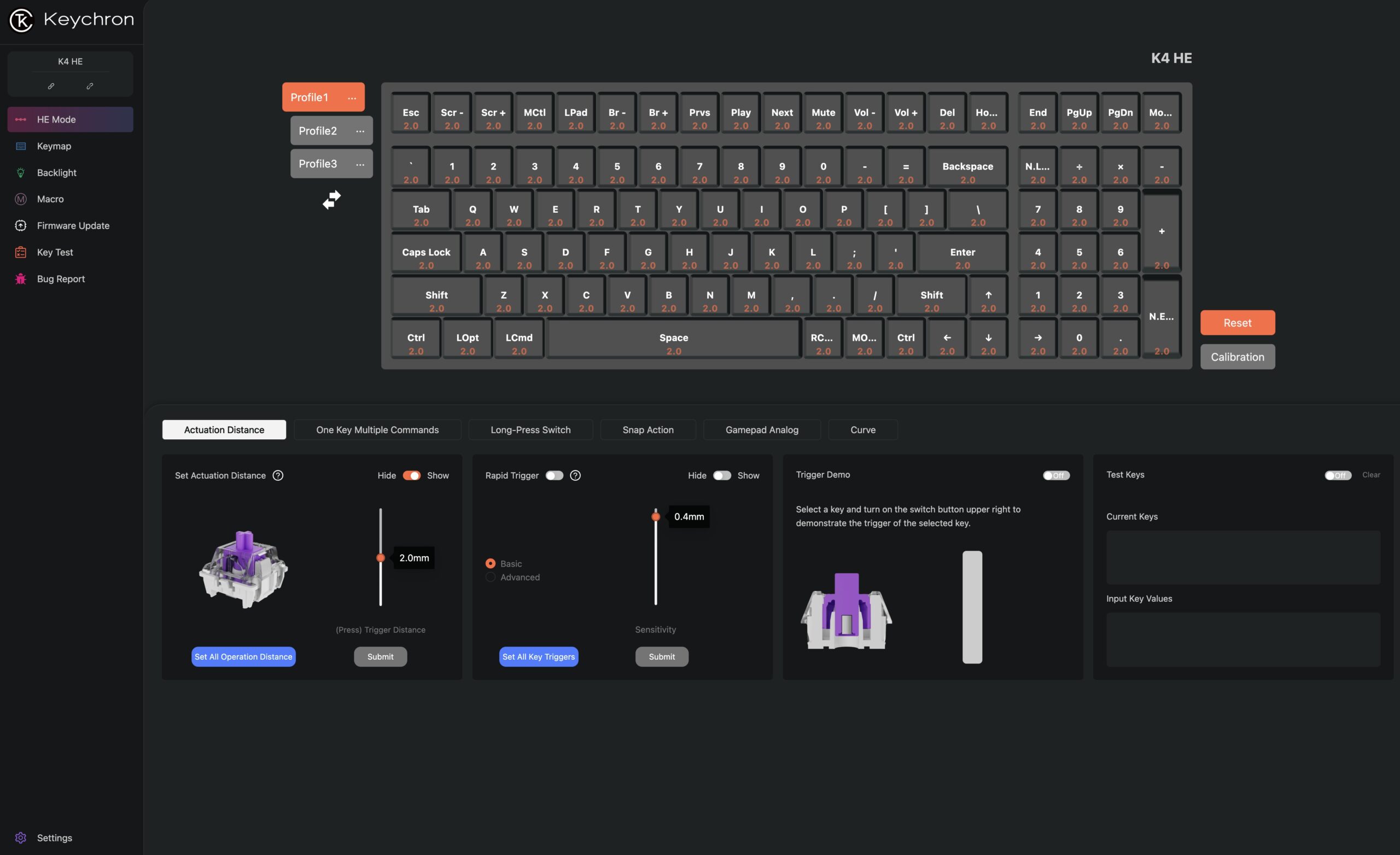 If I wanted to adjust the HE switches’ actuation or activate the unique features (like Rappy Tappy / Mod Tap), all I had to do was open up the Keychron Launcher. Keychron’s launcher is entirely web based, so I didn’t have to deal with driver bloatware. The Keychron launcher is one of the better designed drivers I’ve tested. Information is presented well, the user interface is simple, and it doesn’t take up space on my computer! That, dear reader, is a great trifecta of keyboard customization perfection.
Before I wrap this review, I want to emphasize the value of Hall Effect switches. Again, they won’t boost your ELO in League of Legends or turn you into a Counter-Strike 2 professional overnight. Instead, they’ll give you a degree of customization that you wouldn’t have if you had a mechanical keyboard. They’ll make some of your inputs more efficient, too. Even better, they’ll hold up far longer than your average mechanical switch. If you’re on your keyboard all day like me (for gaming and work), you’ll want your switches to last a long time. Hall effect switches will do all of these things quite well.
Why get a Keychron keyboard, then? Why the K4 HE? Here’s the gist:
If you’re wanting a keyboard that’s been designed with a modern aesthetic in mind, the K4 HE will blow you away. Its 96% layout gives you every key you need for your day to day work and play. Its Hall Effect features are great for those wanting a prebuilt keyboard that can hold up under immense pressure, too. This is one gorgeous Hall-Effect keyboard!