The Epomaker Galaxy100 Lite surpasses its predecessor with its cherry keycaps and unified design language while maintaining the qualities that makes the Galaxy100 a fantastic keyboard. It performs well under presser, feels naturally premium, and sounds incredible. It is one of the easiest recommendations I can give for a high-quality keyboard that handles both office work and gaming, thanks to its durability, size, and price. It’s also an excellent choice for a “first” mechanical keyboard, as it offers the kind of premium experience that sets a great baseline for new enthusiasts.
Earlier this year, I reviewed the Epomaker Galaxy 100 keyboard. I was thrilled with how Epomaker designed this full keyboard with premium materials, full QMK support, and a creamy/thocky acoustic profile in mind – all under $100! The only thing I really criticized it for was its keycap combinations: One colorway used MDA keycaps while the other colorway used Cherry keycaps. Where was the consistency?
It seems as though Epomaker heard my concerns and released the Galaxy 100 Lite, a nearly carbon copy of the original Galaxy 100 but with one major change: The keyboard uses a unified design language with cherry keycaps across both colorways.
Check out the Epomaker Galaxy 100 Lite by clicking here! (Non-affiliated URL)
If this review reads similarly to my previous coverage of the Galaxy 100, that’s definitely intentional. The Galaxy 100 Lite is virtually the same as the Galaxy 100 with the sole exception of its keycaps. Its price is still amazing at sub-$100. Its construction uses a similar CNC aluminum that’s cool to the touch and heavy when placed on the desk. The volume knob is the same size. Even the switch options (Feker Marble White and Epomaker Wisteria Linear) are the same!
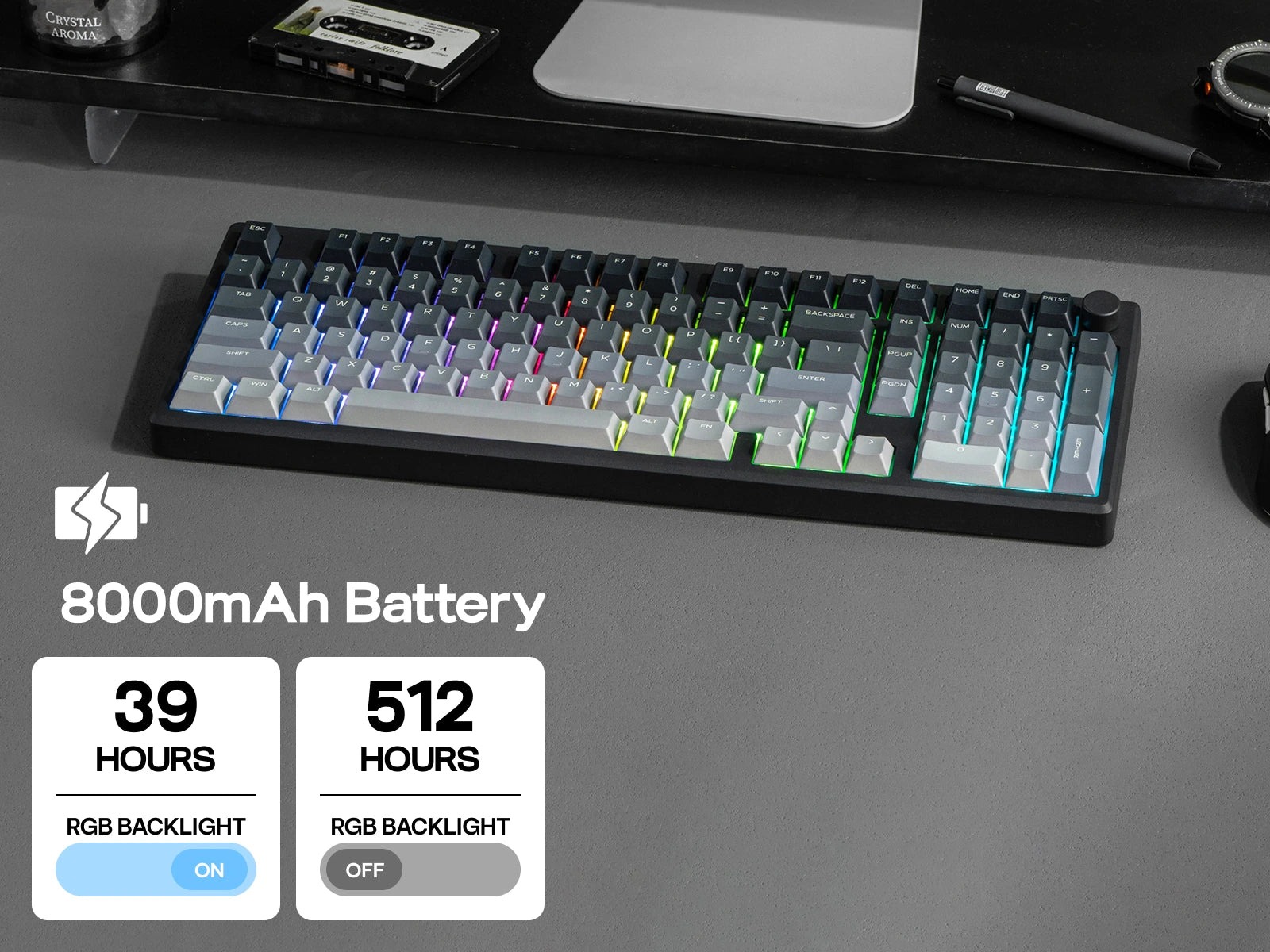
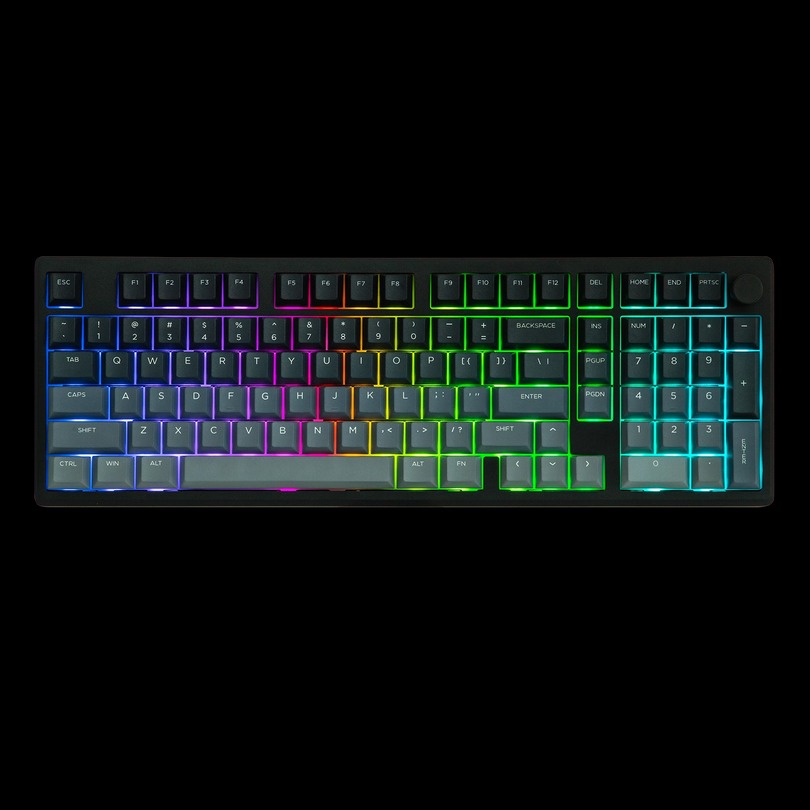
When I think of products with a “Lite” moniker, I think of compromises, cut corners, and cheaper price tags. The Galaxy100 Lite is interesting because it features no compromises, no cut corners, and no adjustment in price. If anything, it improves on the original Galaxy100 by sticking to cherry profile keycaps (which are far more ergonomic than MDA keycaps) in both variants. I was sent the black version to review and was just as happy with the grey gradient PBT plastic as I was with the original version. More prebuilt keyboards should utilize gradients in their designs!
 Let’s move on to the rest of the review.
The Galaxy100 Lite is one of Epomaker’s latest full-sized (or 1800-layout) mechanical keyboards, and it’s quickly become one of my favorite boards over the last few weeks. This keyboard is clearly designed to deliver an exceptional typing experience, blending rigidity and flexibility for those who love a creamy, thocky sound and minimal typing fatigue. Much like its smaller siblings, the Galaxy80 and Galaxy70, the Galaxy100 Lite aims to satisfy both audibly and tactilely. Plus, it sports a convenient knob in the upper right-hand corner—perfect for volume control! The Galaxy100 Lite comes in two variations, which differ only by color. This makes it easier than ever before to choose the keyboard of your preference based on your favorite color!
The keys are spaced out well, a benefit of the 1800 layout. You get a single column of common functions separating the alphanumeric keys from the number pad. With my larger hands, I was particularly grateful for the extra space to the right of the arrow keys. I always get annoyed when I accidentally hit the “0” key instead of the right arrow, but that’s not an issue here!
Regardless of which color you choose, the Galaxy100 Lite is constructed from CNC aluminum alloy. Aluminum keyboards are typically solid, weighty pieces of metal that won’t shift on your desk, and the Galaxy100 Lite is no exception. The powder-sprayed aluminum has a soft texture while remaining incredibly sturdy. If you press firmly on the board, there is a small amount of give, but nowhere near enough to make it feel unstable. This is one robust keyboard—it easily withstands the pressures of daily office work and intense gaming sessions.
The Galaxy100 Lite includes all the connectivity features you’d expect from modern prebuilt keyboards. While I personally preferred to use it in wired mode, you also have the option to connect wirelessly via Bluetooth. The 8000mAh battery provides great longevity, even with the LEDs on, but that comes at the cost of polling rate performance. You could use the 2.4GHz dongle, but that will similarly impact battery life. My recommendation: stick to wired.
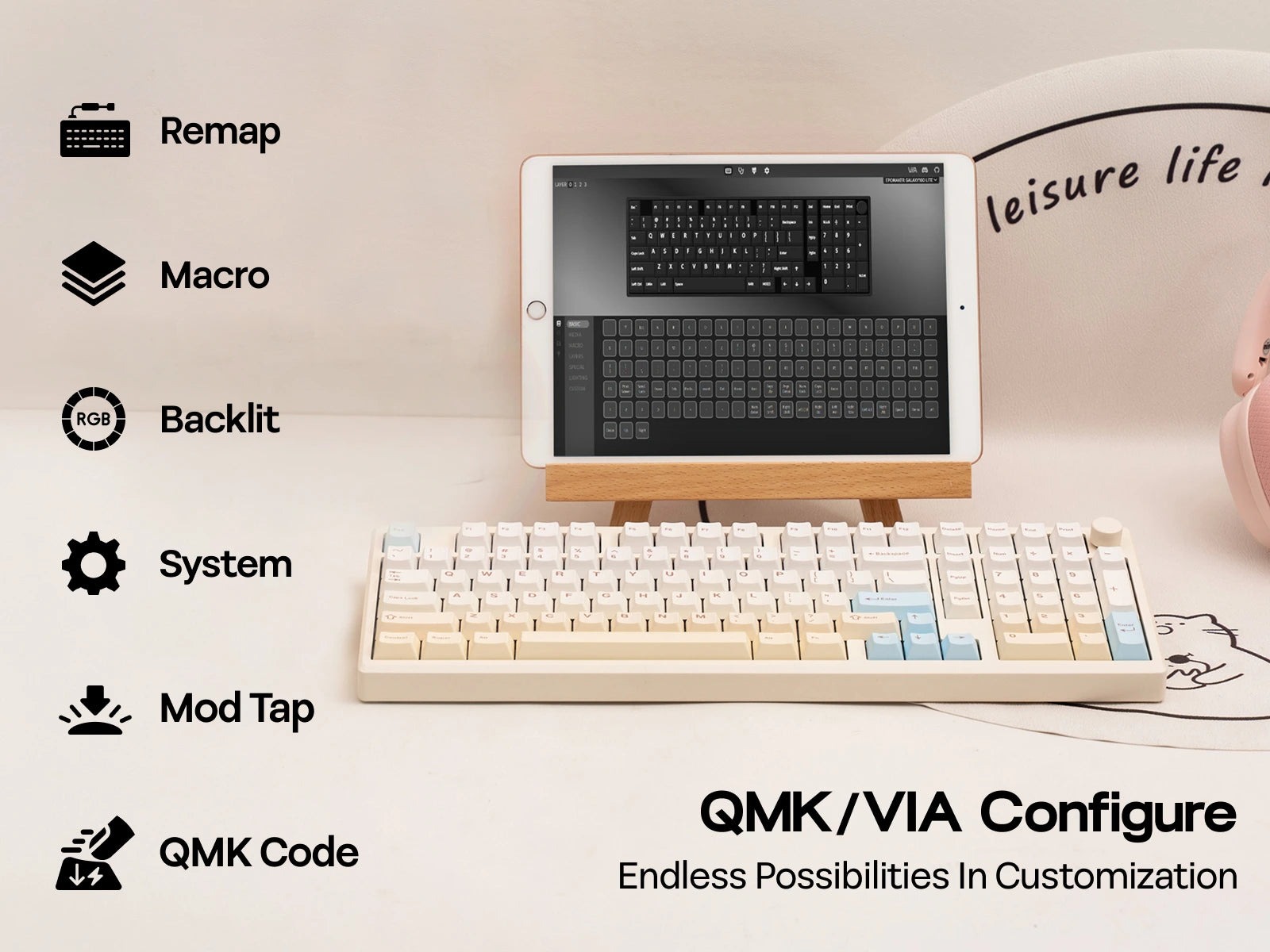
 Like many of Epomaker’s recent offerings, the Galaxy100 Lite supports QMK/VIA. QMK/VIA is an open-source software suite that lets users customize their keyboard’s inputs, and a web version is even available! The Galaxy100 Lite isn’t fully supported by the VIA community just yet, but you can directly import the necessary JSON file from Epomaker’s website. It’s an extra step, sure, but I appreciate that they’ve made the effort to let users stick with VIA as their preferred customizer.
For switches, the Galaxy100 Lite is preinstalled with one of two sets: Wisteria Linear or Feker Marble White. The Wisteria Linears are fantastic switches—I’ve used and tested them extensively on other Epomaker boards. The Feker Marble White switches, on the other hand, I’ve tested once before on the Galaxy100.
My review unit featured the Wisteria Linears switches, which sounded great combined with the Galaxy100 Lite’s sound absorption materials and PP plate. These are linear switches with a mid-range pre-travel of 2.0mm and a light actuation force of 45gf. They feel smooth and sensitive, but not so sensitive that I was constantly making accidental twitchy inputs in FPS games.
I’m generally pleased with the Wisteria Linear switches as a user’s first experience with mechanical keyboard switches. They have creamy yet satisfying acoustic profile. The Galaxy100 Lite’s aluminum body amplified the thock slightly, yet it remained quiet enough not to be distracting in a shared office environment.
 If you’re trying to decide on switches for your Galaxy100 Lite, I wholeheartedly recommend the Feker Marble White switches for their acoustics alone. Many keyboard enthusiasts spend hundreds trying to find a truly thocky switch, and the Marble Whites nail it. I only wish they were slightly heavier, but they were smooth to use and sounded delightful. If you choose the Wisteria Linears, though, you’ll have a similarly delightful experience. You can’t go wrong either way!
Given its spacious layout and somewhat sensitive switches, the Galaxy100 Lite performed well under the moderate pressure of medium-intensity games. I had no trouble succeeding when testing MOBAs and casual FPS titles. My attempts to play VALORANT were okay for casual play, but I did struggle a bit with peeking and making other quick, twitchy inputs. If you’re looking to play competitively, you might find yourself at a slight disadvantage compared to players with faster switches, but your experience may vary.
The Epomaker Galaxy100 Lite surpasses its predecessor with its cherry keycaps and unified design language while maintaining the qualities that makes the Galaxy100 a fantastic keyboard. It performs well under presser, feels naturally premium, and sounds incredible. It is one of the easiest recommendations I can give for a high-quality keyboard that handles both office work and gaming, thanks to its durability, size, and price. It’s also an excellent choice for a “first” mechanical keyboard, as it offers the kind of premium experience that sets a great baseline for new enthusiasts.