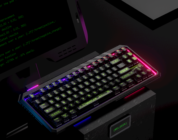


Overall, I’m greatly satisfied without all these settings and customization options, it works well and it works great and that’s good enough for me.
As a college student that likes to squeeze in some gaming sessions in between classes and work, this keyboard has been a treat. Up until recently, I’ve only used keyboards that come with prebuilt PCs and your standard mechanical gaming ones. My typical keyboard, a K70 CORE (Steel Grey) Mechanical Keyboard from CORSAIR, served me well for the past year but, there’s a whole keyboard industry that I didn’t know I wanted. Now, I can’t imagine my life without it.
For the past week, I’ve used the Epomaker TH85, an 80% QWERTY ANSI US Layout keyboard, for everyday use on my Windows PC; from essays to discussion posts and, of course, on the gaming side with R.E.P.O. to Project Zomboid. The differences are noticeable and for the most part good. The Epomaker TH85 is gasket-mounted with five layers of sound dampening material and PBT plastic keycaps which gives some context to its ~1 kg weight but it’s not without reason. These materials combined create a smooth typing experience with sounds akin to a soft tapping on your desk when you think, a sort of creamy-type sound. The keys remain stable no matter where your fingers are on the key so, if you’re trying to get something done quickly, then this is a reliable keyboard for it.
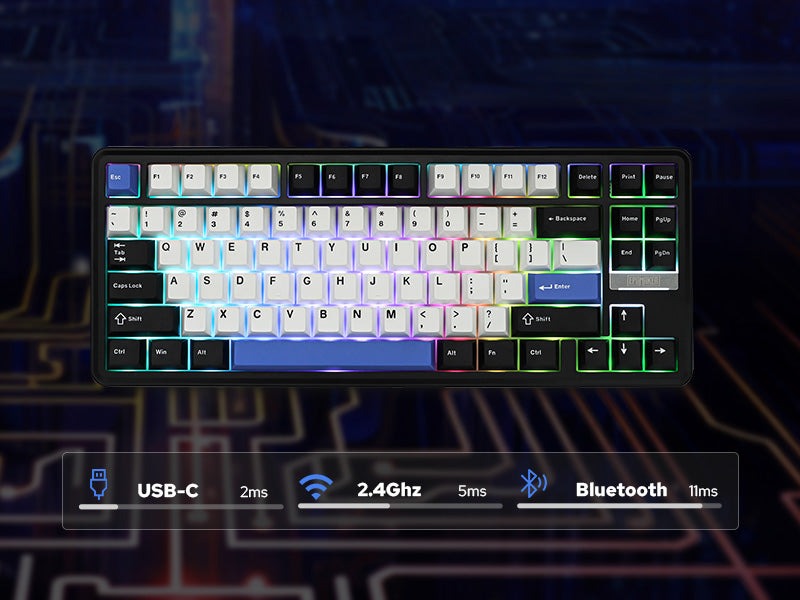
Just tapping on the keyboard, you can feel the weight behind each of the 84 pre-lubed keys, and for someone like me, it’s a satisfying feeling. Pre-installed into each key are Epomaker’s Creamy Jade Switches, a linear switch type meaning you’ll feel the aforementioned weight throughout the motion of pressing a key. In contrast to the tactile and clicky switches, there’s neither an additional sound nor a physical bump. These switches complete the rest of the build as to keep in theme with the smooth experience this keyboard offers.
Check the Epomaker TH85 out on Epomaker’s website! (Non-affiliated URL)
When typing away on the TH85, rest assured that when you graze a key you didn’t mean to use, it won’t register. Keystrokes are only noticed when you fully press down on a key. You’ll need the slightest bit of force to fully press down on a switch, minimizing the amount of manual error as you’re playing a game or writing. The extra layers of sound dampening to make the soft clicks add a little extra height to the keys in comparison to your typical work keyboards. In addition to this keyboard, I’ve utilized the small stands that are, at this point, typical for them and a wrist rest (which, even if your hands can reach these higher keys, I still recommend).
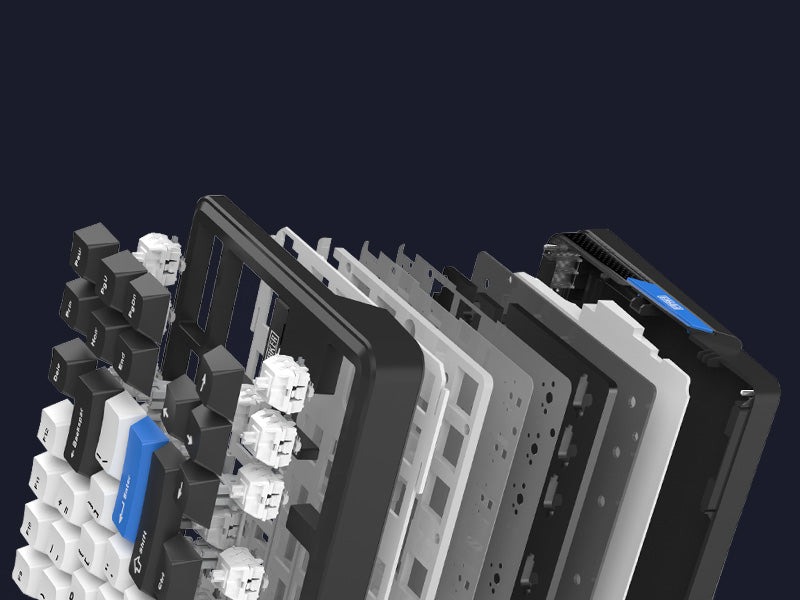
What I really appreciate about this build is the exceptional low-latency response. A problem that’s arisen for me on my typical keyboard was its insistence on double-type letters which get extremely annoying when I’m typing something like, well, this review! The constant backspace tapping just to fix a mistake that wasn’t even mine led me to really appreciate the Epomaker TH85. It remains reliable with the stabilizer and switches already in place, so any keystrokes are properly registered with little to no lag whatsoever; This is the case for the keyboards wired, Bluetooth, and 2.4Ghz connection.
When testing the wireless modes, especially for normal use, I found no significant difference. Or really, any at all. While I’m not looking into the milliseconds of delay there are between the three modes, for the average writer and gamer, this keyboard will work excellently. So, if you don’t like wires, this takes the cake but, I don’t mind staying wired given how small my space is already!
As for customizability, you can’t spell “gaming keyboard” without R-G-and-B. What I really like about this keyboard is that I don’t need to go to a different application to download from the maker’s site, go through tab after tab and search for the specific type of keyboard. Using the Fn-key, you can easily edit the color settings straight from the keyboard, each light south-facing with per-key RGB. I found it neat that the number keys shine green depending on the power level of the keyboard itself!
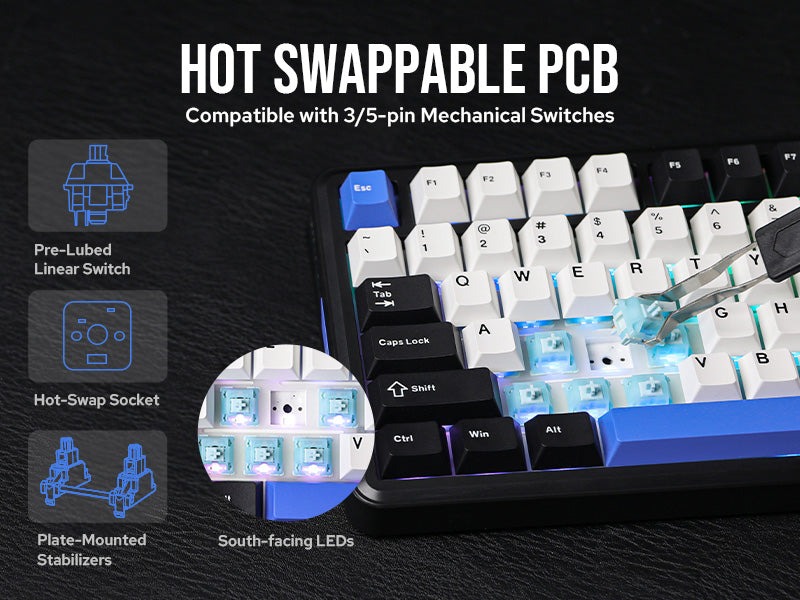
And while I didn’t personally use it, the TH85 is QMK/VIA compatible. According to the product page, the VIA software allows users to easily personalize their keyboards with customizing key functions, program macros, and the ability to adjust the dynamic RGB lighting for specific games or work settings. And while I don’t need something like this, it’ll interest a lot of people looking for a customizable experience. AND if that wasn’t enough, the Epomaker TH85 features hot-swappable switches.
Overall, I’m greatly satisfied without all these settings and customization options, it works well and it works great and that’s good enough for me.