Leave it to Epomaker to create yet another gaming keyboard that works damn well. They continually know what their audience wants, and seem to understand how to draw newbies into their wonderful web.
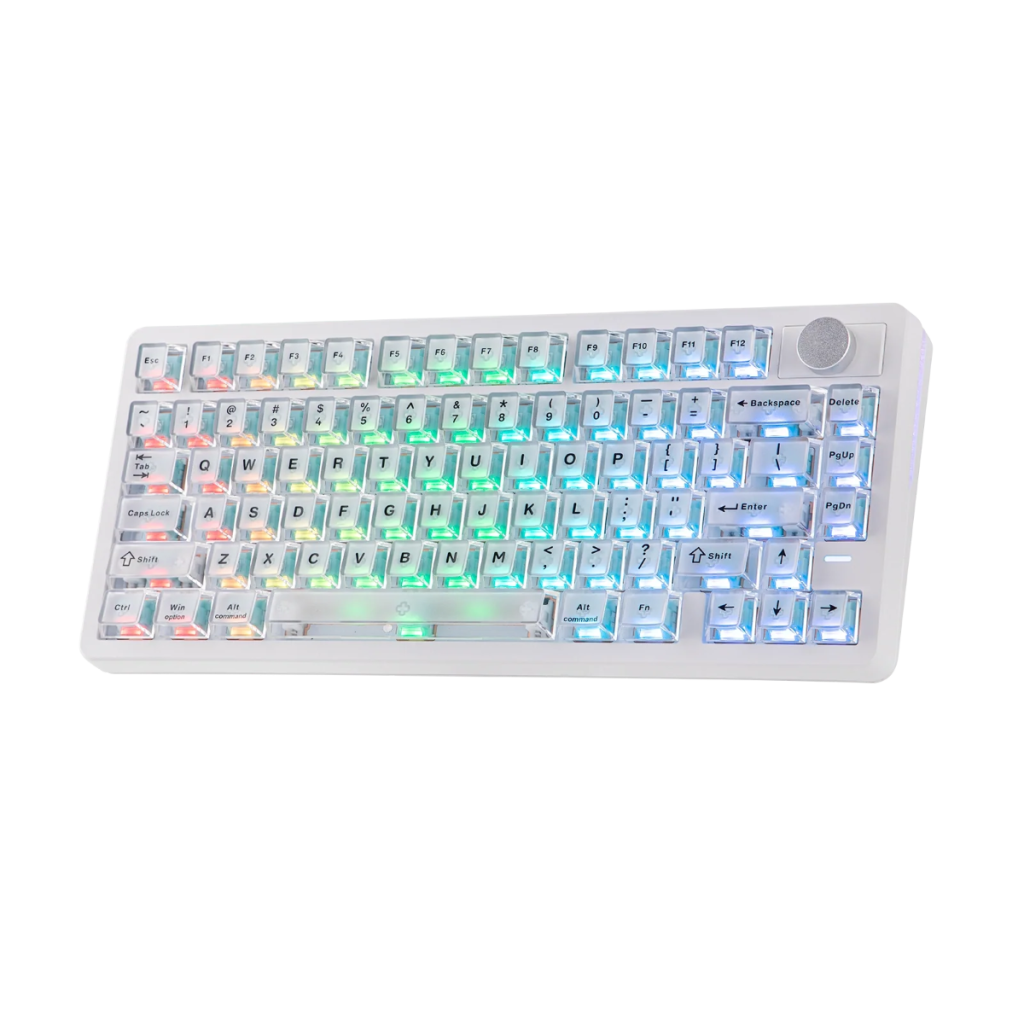
The HE75 V2 Keyboard from Epomaker landed on our desk this week, a 75% Hall Effect Tri-mode RGB beauty that is easy to use, adjust, and enjoy. This gorgeous, tiny-engine-that-could may not replace your full-size keyboard anytime soon, but for competitive gamers out in the world, this is something to seriously consider. If you’re someone who doesn’t enjoy full-sized keyboards or gaming, then you will also want to consider this hardware. It’s quite good.
Let’s get right into this.
I personally am not a huge fan of the smaller keyboard designs, as they are not typically built for those users with monstrous hands, as is the case with yours truly. What the keyboards are built for are gamers who want to quickly move from button to button, adjust the sensitivity of magnetic switches, and quickly customize the flow of the RGB color scheme to their liking. This is truly a dream come true for anyone who has an itchy trigger finger for Overwatch 2 or Valorant. I know people in those gaming corners, and they like the above options for their keyboard experiences.
Check out the HE75 V2 during Epomaker’s Mid-Year Sale! (non-affiliated URL)
The process of adjusting the magnetic switch is just clicking a letter in the software where it displays your keys, going down to the switch icon, and moving a circle up or down to improve the millimeter sensitivity of the individual key to your liking. For someone like me who isn’t familiar with the process a competitive gamer probably uses daily, I found it intuitive and certainly HCI-correct when it came to finding, locating, and adjusting said switches. It’s literally just open the software, go to keyboard settings, pick a letter, adjust the switch, and move on with your life. We’re talking about a whopping 60-second process at most.
Outside of the magnetic switch adjustment, the software also allows users to save states of the keyboard, so they can design different profiles for different games, and allows wireless sleep time adjustments to preserve the battery. The software also extends to a more creative and customizable set of options, including color and light flow schemes. There are a bunch of both. The style of the keyboard lends well to the varying color and light flow offerings, as the keys on this hardware are clear. Some of these light flows remind me of my childhood in the 80s, where it was essentially a disco. It’s pretty cool and gives me flashbacks to disco-y times. Those were terrible times, but the lighting was awesome.
Anyway! Getting back to serious business with this beauty, the HE75 V2 Keyboard offers up to 8000Hz polling rate. If you’re unfamiliar with that term, it means how fast the keyboard communicates with the computer after a button is pressed. It’s essentially reaction time. The higher the polling rate, the better the reaction time will be. A standard gaming keyboard typically starts at 1000Hz, so you can pretty much figure out how impressive 8000 is in this sucker. Of course, if you have ever been in the same room as competitive gamers, some folks like certain polling rates better than others.
For those gamers stuck in their ways, the HE75 V2 Keyboard offers the ability to adjust the polling rate from 8000 down to 125Hz. Now, for the life of me, I can’t understand why anyone would want to tone it down that far, but I am sure people have their reasons. The fact that this is adjustable on the software side means that Epomaker is well aware of people’s habits and has adjusted its keyboard to meet various gaming or computing needs. The option is nice to have around and helps to sell the keyboard to various keyboard enthusiasts out there in the world who are set in their ways. And that is okay to be set in your ways. It just makes you old when you’re young. Congrats.
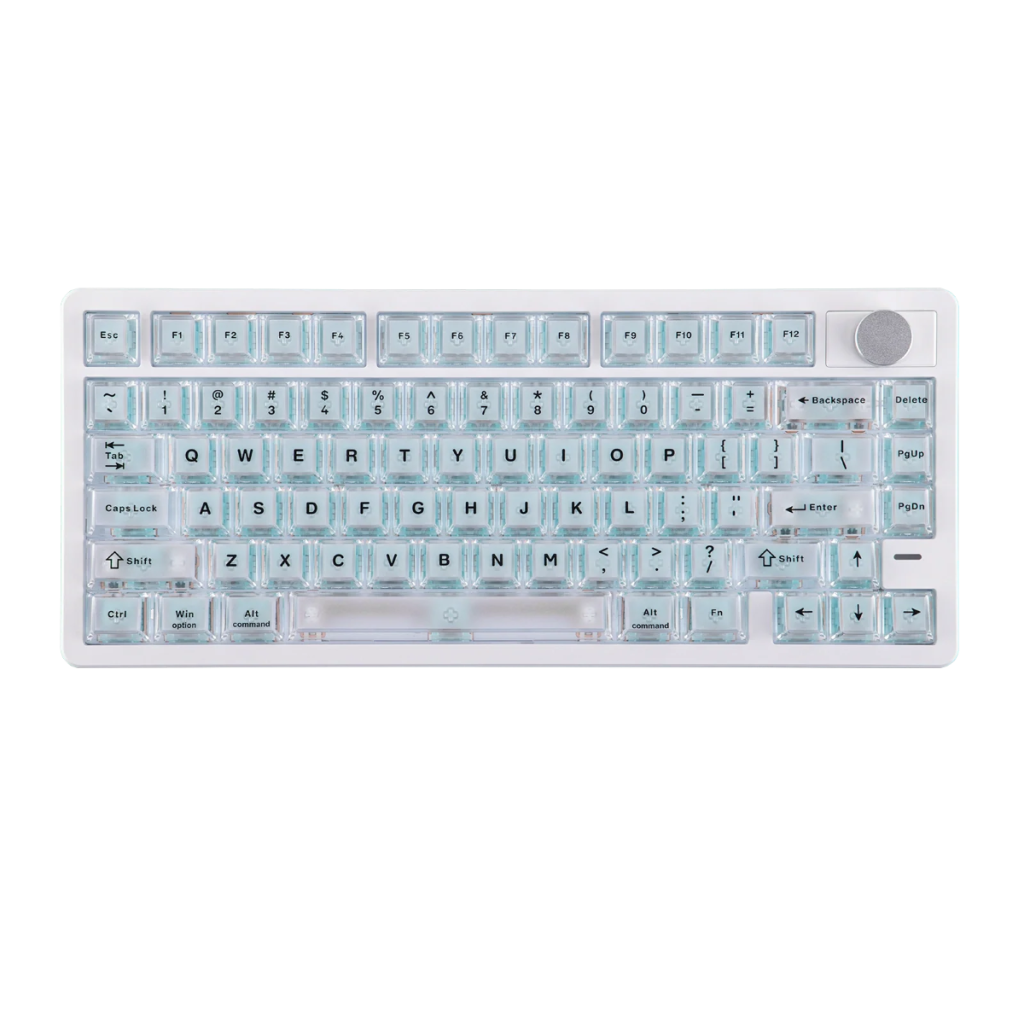
Overall, I have thoroughly enjoyed my time with the HE75 V2 Keyboard and highly recommend it. I say that with not only gamers in mind, who will most definitely find the keyboard easy to customize through simple software solutions and proper information architecture, but also anyone who doesn’t want a full-sized, bulky beast lying on their desk. Regardless, I highly recommend the HE75 V2 Keyboard. It’s a really well-built and easy-to-use keyboard that is everything you would want in a keyboard experience.