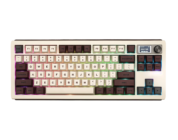
Epomaker’s G84 is an excellent contender for a budget keyboard. With its creamy acoustics, shinethrough keycaps, and other keyboard essentials, you can consider this keyboard a must have for a gamer on a budget!
I get it, mechanical keyboards can be expensive. Finding the perfect mechanical keyboard for work and/or play is an expensive hobby that spans years. Don’t ask me how much I, myself, have spent on this hobby, since…well, it’s a lot. The quest for finding the thockiest and best-feeling keyboard has me strapped in quite tightly.
I digress.
Epomaker, a mechanical keyboard manufacturer I’ve grown to love, has made meaningful steps in creating more affordable products that should appeal to gamers on a budget. Even better, these products are positioned toward budget-minded consumers who have not yet acquired their first mechanical keyboards. This sounds like a great combination and smart decision from Epomaker’s end. With that said, let’s take a look at one of their new budget-keeb offerings!
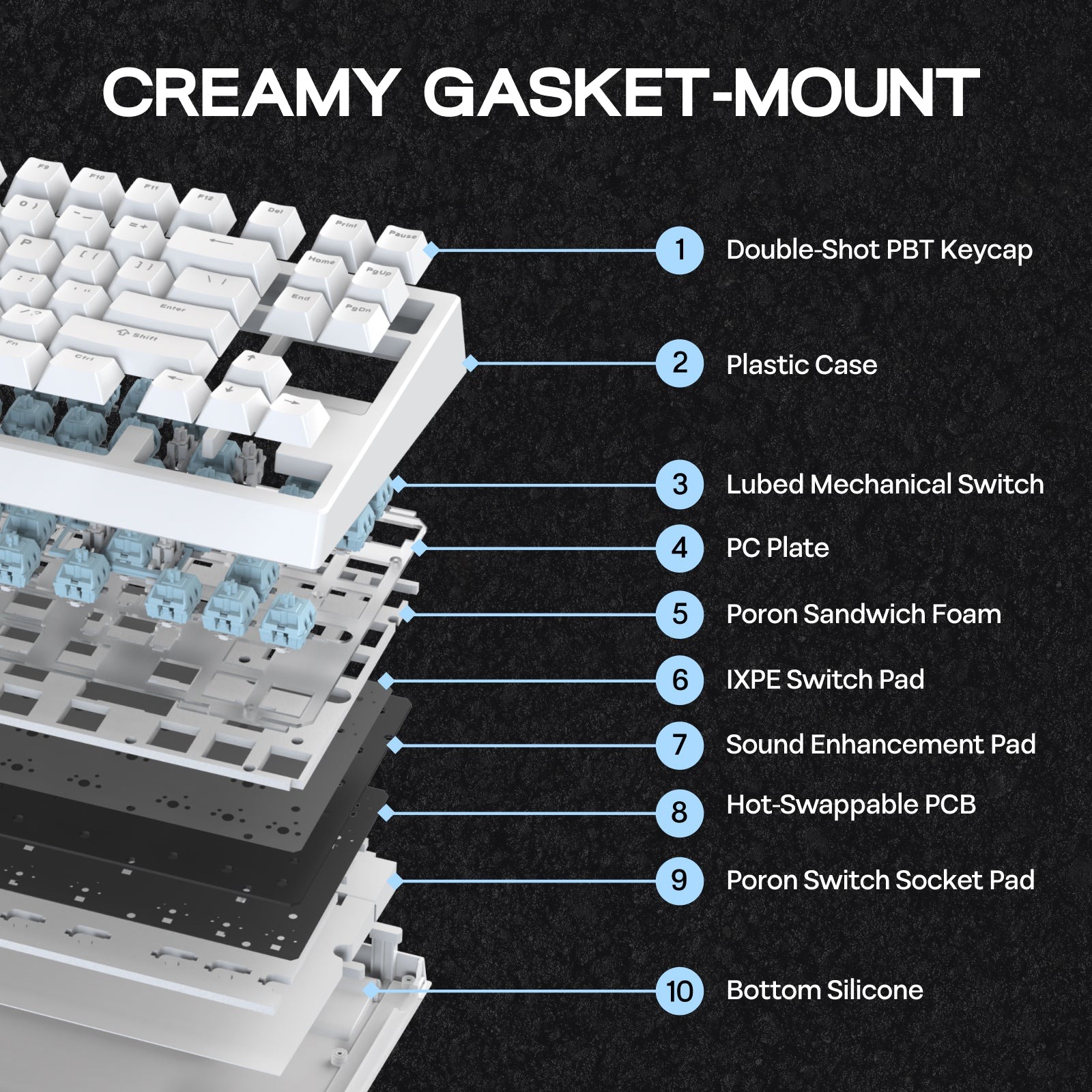
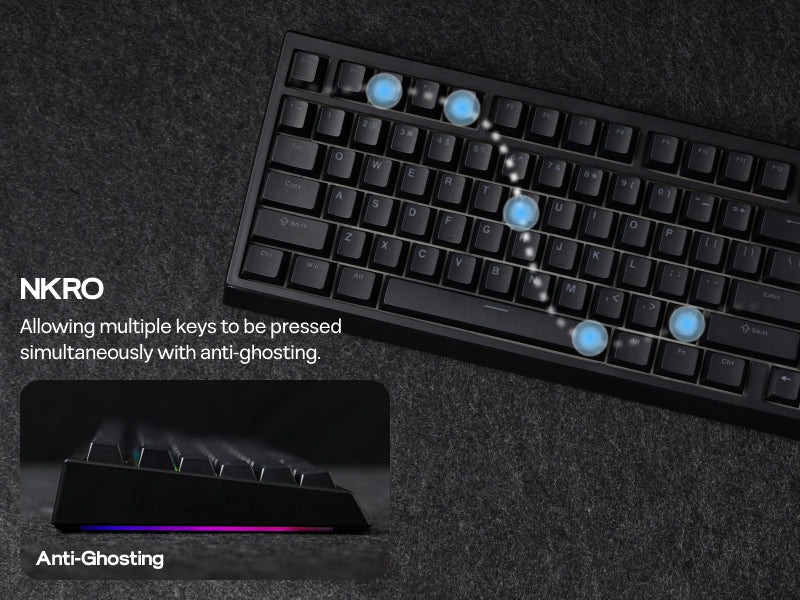 The Epomaker G84 is an 80% keyboard that utilizes gasket mounting, several layers of sound dampening materials, and creamy switches to offer players and workers a budget-keyboard like none other. It also features the “essentials” of modern mechanical keyboards, such as VIA support, tri-mode connectivity, and oodles of RBG customizations to make your desk as colorful as possible. For $69.99, the G84 is a competitive option for someone looking for a creamy mechanical keyboard that has all of the necessities!
Check out the Epomaker G84 by clicking here!
There are three variations of the G84. The black model comes with the Epomaker Transparent Switches pre-installed, while the white and pink models come with the Epomaker Creamy Jade switches pre-installed. Beyond color and switches, there are no meaningful differences between the colors, so pick based on your favorite color!
I was sent the black model to review. This unit adopts a uniform black aesthetic, save for the metal Epomaker badge on the right hand side. It looks like Epomaker is incorporating the little metal badge on more of their keyboards, which is a great way to add a hint of metal to an otherwise entirely plastic unit. I personally am not the biggest fan of plastic, but the plastic case and double-shot PBY keycaps feel relatively durable. They’re nowhere near flimsy or bendy, but there’s a light amount of give if you press firmly down on the keyboard and/or twist the unit in-hand. Don’t twist the keyboard like I did – I was simply testing the overall durability of the keyboard.
I haven’t seen that many of Epomaker’s keyboards use shine-through keycaps, and I’m glad that they made the decision to include them on the G84. The G84’s shinethrough keycaps illuminate when the keyboard’s LEDs are on, making the keycaps’ legends easier to see in the dark. If you’ve been wanting a shinethrough keyboard similar to what Wooting offers, Epomaker has put together a fine budget alternative that will light up you space.
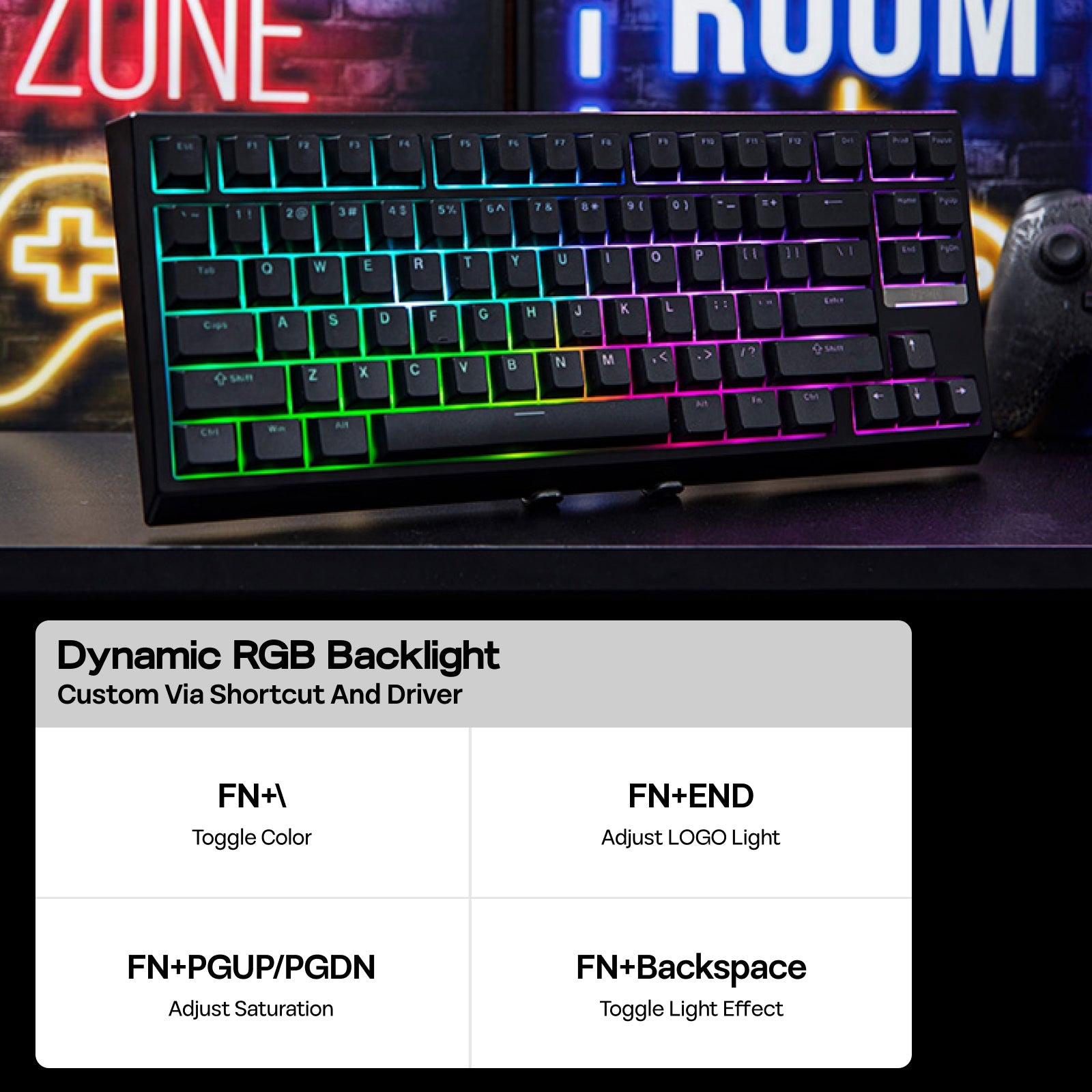 I was able to customize the brightness and colors of the RBGs using the on-board FN commands, but I wanted the keyboard to have a higher degree of brightness. As a result, the shinethrough legends on the keycaps ended up being less bright than the lights shining around the keycaps. One of the benefits of having shinethrough keycaps is their visibility, and when the keyboard’s brightness is relatively limited, it falls short in reaching that brightness that players want. If the legends were more transparent (they have a grey-tint to them that diffuses some of the light), it may look and feel brighter, but even at max brightness the legends look less bright than they should.
I get it, though, this is an entry-level keyboard. If the keycaps don’t illuminate to the brightness degree you want, you can purchase another set on Amazon or your preferred retailer that has a more transparent set of legends. Keycaps are easy to remove and replace, so don’t think that it’s the end of the world.
Moving onto the switches, the G84 comes with one of two switch types pre-installed. The Creamy Jades come preinstalled on the white and pink models. I’ve reviewed keyboards with the Creamy Jades prior to today, and they remain one of my favorite switches from Epomaker by a country mile. Their creamy acoustic profile and smoothness make them an utter joy to use for gaming and office work. Better yet, they’re now available for purchase separately, so if you end up getting the Black G84 with Transparent Switches, you can easily swap in the Creamy Jades!
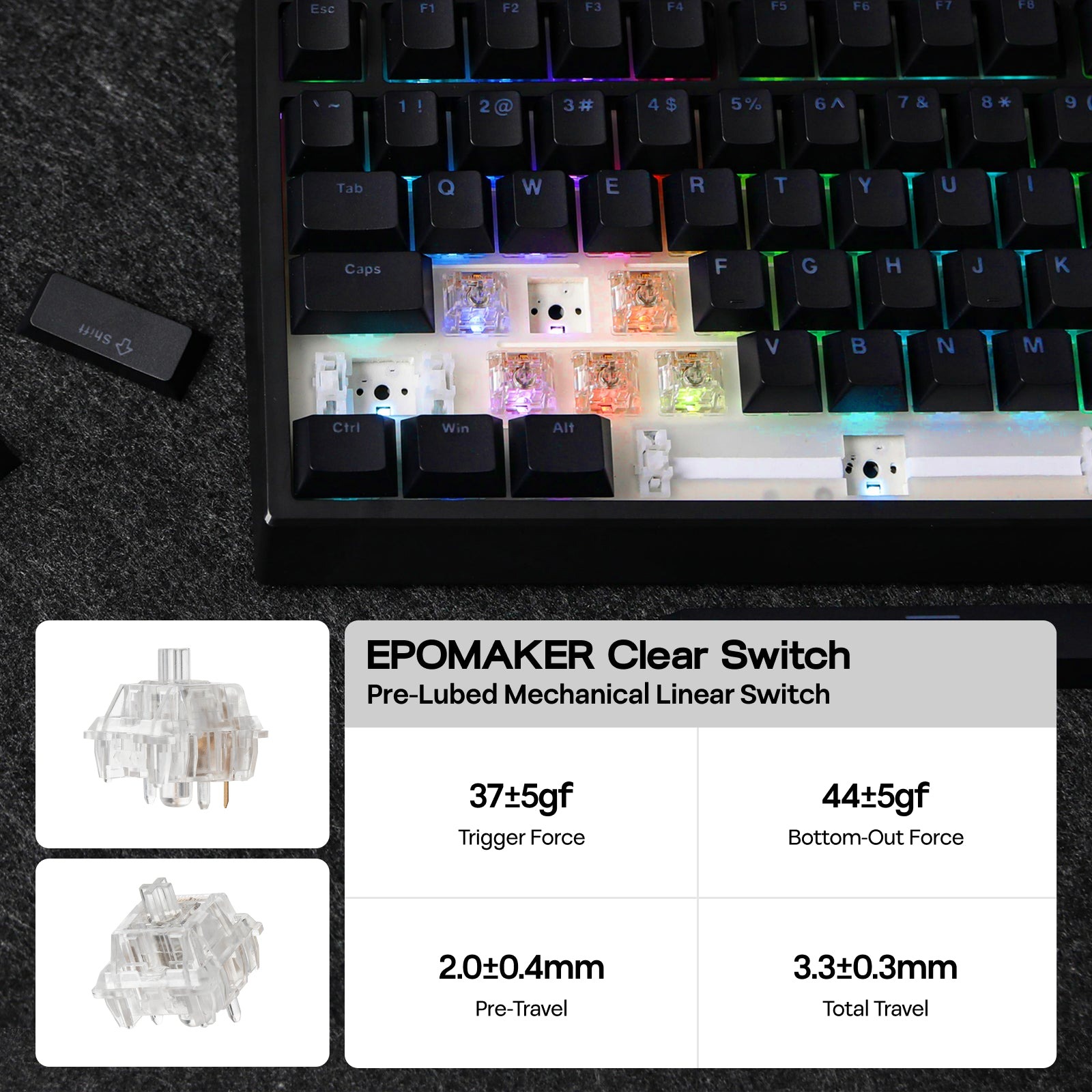 Speaking of the Transparent Switches, these are a new switch from Epomaker. To date, I haven’t seen Epomaker go all-in on fully transparent switches barring the Flamingoes and the Dawn Pink (both are tinted pink), so it’s nice to see them compete with KiiBOOM’s Crystal switches! These Transparent switches have a sharper creaminess than the Creamy Jades, but still sound relatively thocky. With the PC plate, the Transparent switches end up feeling and sounding like I am typing on marble.
The Epomaker Transparent switches require very little force to activate, merely needing ~32gf to push down. For comparison, the Creamy Jades require ~45gf of force to push. The Transparent switches’ ~1.9mm actuation point gives them a good depth to counteract the sensitivity. I’m typically wary of switches with under 40gf of actuation force, as anything less than 40gf means that they’ll be too sensitive to use for office work. If you have too sensitive a switch, be prepared to make incorrect inputs across the board.
Luckily, the combination of the 32gf and 1.9mm actuation point is the perfect combination for me. I put this keyboard through its paces in gaming of varying intensities and managed ~93wpm with 95% accuracy. There was rarely a situation where my fingers felt fatigued during longer typing sessions, so I was pleased with the testing.
 If you’re purchasing the G84 for gaming, I would consider this to be a contender for higher intensity games such as FPS games. While some may prefer Hall Effect switches for gaming these days, mechanical switches remain far more affordable and compatible with multiple keyboards.
Epomaker’s G84 is an excellent contender for a budget keyboard. With its creamy acoustics, shinethrough keycaps, and other keyboard essentials, you can consider this keyboard a must have for a gamer on a budget!