
I generally enjoyed the Maris 60, even if it felt like the aluminum version's construction felt like something different than I’ve come to expect and truly love from Cerakey. That said, the Maris 60 is a stunner in terms of its design and aligns well with the spaces where Cerakey has won me over when it comes to building premium feeling and sounding keyboards. Cerakey, if you’re reading this, consider making a larger keyboard that’s just as incredible as the Maris 60!
Cerakey has done it again – they’ve created a unique pre-built keyboard that brings out elements of keyboard and keycap design that they’ve chosen to master. Over the past few weeks, we’ve put their newest prebuilt keyboard through its paces in an effort to evaluate its potential as a gaming keyboard for the type of gamer who cares just as much about form as function. Without spoiling too much, it effortlessly clears the aesthetic bar. How about its functionality, though? Read on.
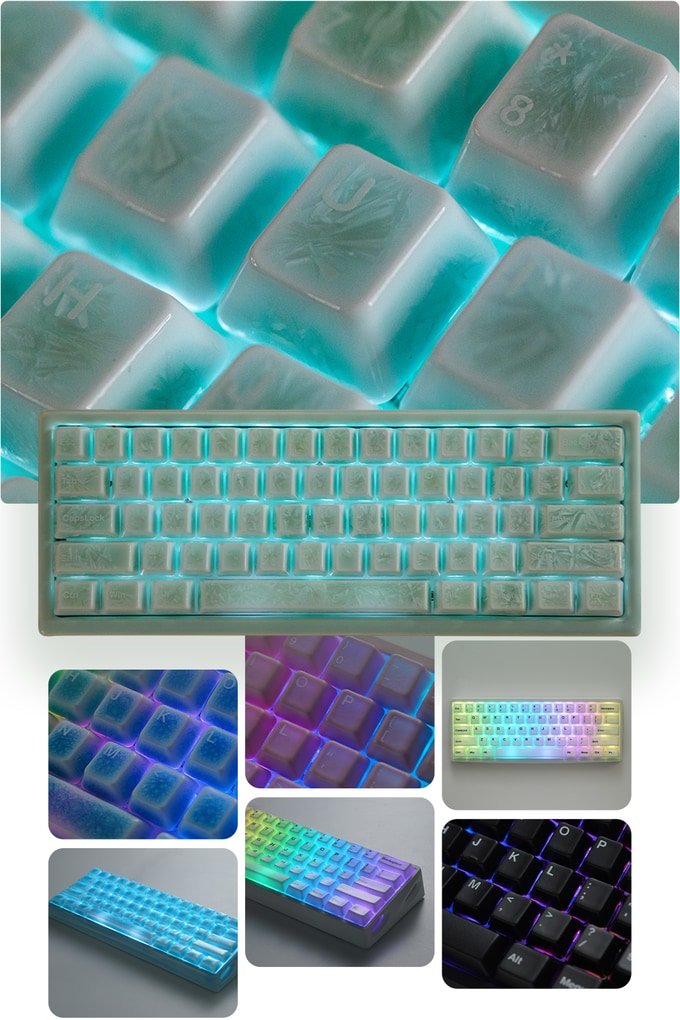
I’ve kept a close eye on Cerakey over the past few years, nearly to the point of being a superfan. In the mechanical keyboard world (which is already relatively niche, I’ll admit), Cerakey has made a name for itself for creating a set of keycaps made of ceramic. Yes – the same materials that comprise your pottery can now be found on your mechanical keyboard of choice. They’ve iterated on their novel ceramic keycap designs over the years, improving their stability and evolving their aesthetic designs to incorporate crystalline aesthetics that shimmer. Here’s the thing about ceramic keycaps, though: they’re not cheap. Some of you may find some ceramic composite keycaps available from third-party sellers, but they lack the premium quality and thock that come with a Cerakey product.
Cerakey’s newest prebuilt 60% keyboard, the Maris 60, is one of many that have been successfully funded on Kickstarter. As of October 2026, it is still available for those wanting to pledge their support in order to receive a keyboard before the end of the year. You better act fast, especially knowing that the holiday season is just around the corner.
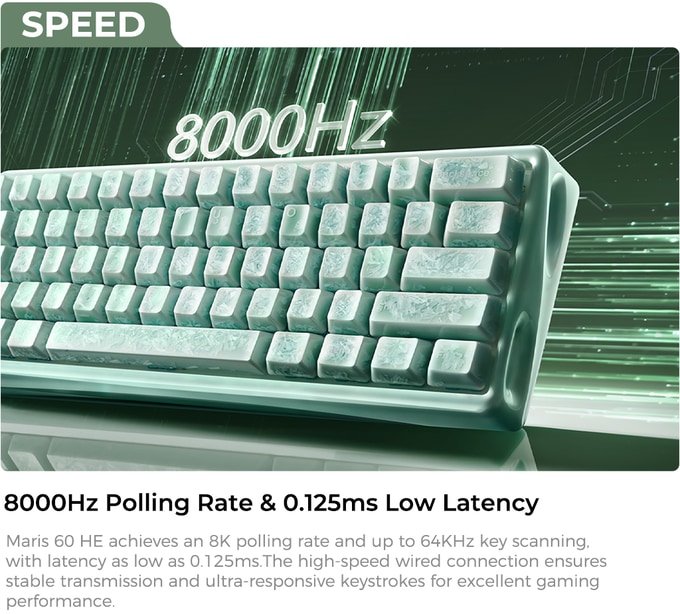
 The Maris 60 is positioned as meeting two specific goals. First, it’s a magnetic keyboard. Rather than a traditional mechanical keyboard, magnetic keyboards offer far greater keypress precision (down to 0.01mm!), customizable actuation points (meaning that you can set individual keys to be as precise as you want), unrivaled responsiveness in the form of an 8K polling rate, and massive durability that only magnetic switches can offer. Second, the Maris 60 boasts a next-gen dual-layer hollow design that creates a deep echoing acoustic effect.
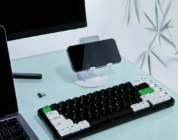
There are two types of Maris 60 available for purchase: a full-ceramic model (perfectly in-line with Cerakey’s designs) and a die-cast aluminum model. We were sent the aluminum model with black colorway to review. This model specifically comes paired with the black matte Cerakey keycaps (which I’ll cover in a moment) and is somewhat lightweight, a pleasant surprise from traditional aluminum keyboards I’ve tested and found to be overly chunky. The Maris 60’s webbed design gives it a sense of weightlessness that offsets the weight of the keyboard’s construction. Cerakey describes this as a hollow architectural backbone. This description doesn’t do the design justice, especially because I usually associate hollow build quality with something lackluster or incomplete. This keyboard is anything but incomplete. When resting my hands on the sides of the keyboard, my fingers naturally settle into the curved divots that make up that aluminum webbing. With regard to the color specifically, the black aluminum has a glittery sheen that doesn’t properly show up in photos but looks absolutely divine up when held in-hand. I tried taking pictures of it, but none of them showcased the smattering of shiny bits embedded within the aluminum frame. The other aluminum colorways use matte keycaps that match the color of the frame while the ceramic colorways have adopted Cerakey’s signature crackled/crazed physique.
It’s nice to see Cerakey play in a non-ceramic space, but the use of aluminum on the Maris 60 feels somewhat odd. Cerakey has successfully redefined my assumptions of how keyboards can (and now…should) be made of ceramic; going from their ceramic keycaps to another material feels like a massive downgrade. They feel that good. Every new iteration of their ceramic keycaps has become more stable while looking absolutely gorgeous in person. Their matte keycaps feel just as excellent as their glossy keycaps, even though they feel distinct from each other. If I had my druthers, I would be opting for the full ceramic version of the Maris 60 and paying the ~$100 difference in price. Cerakey can do ceramic exceptionally well, folks. Don’t miss out on the opportunity to get a ceramic keyboard that’s built exceptionally well.
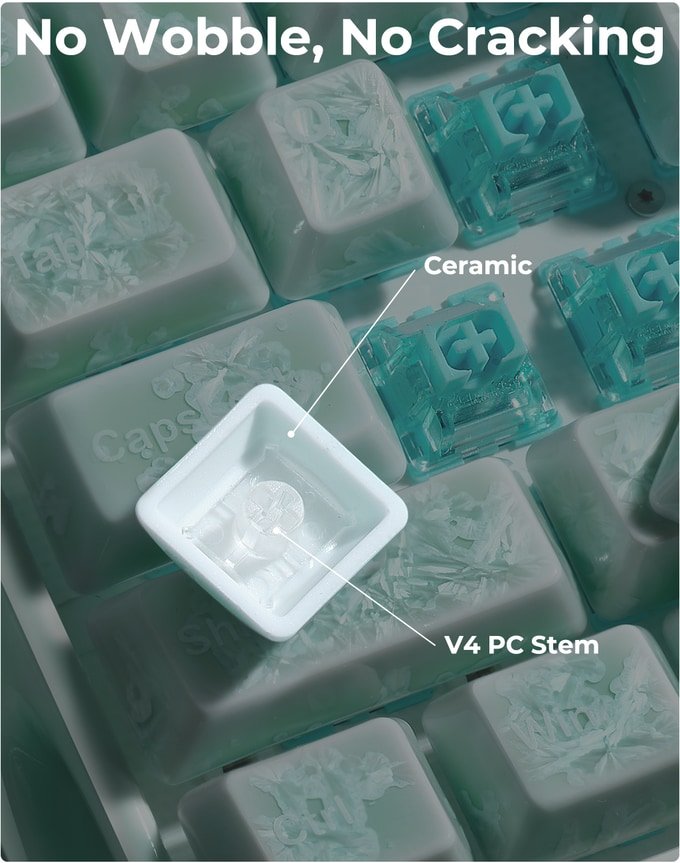
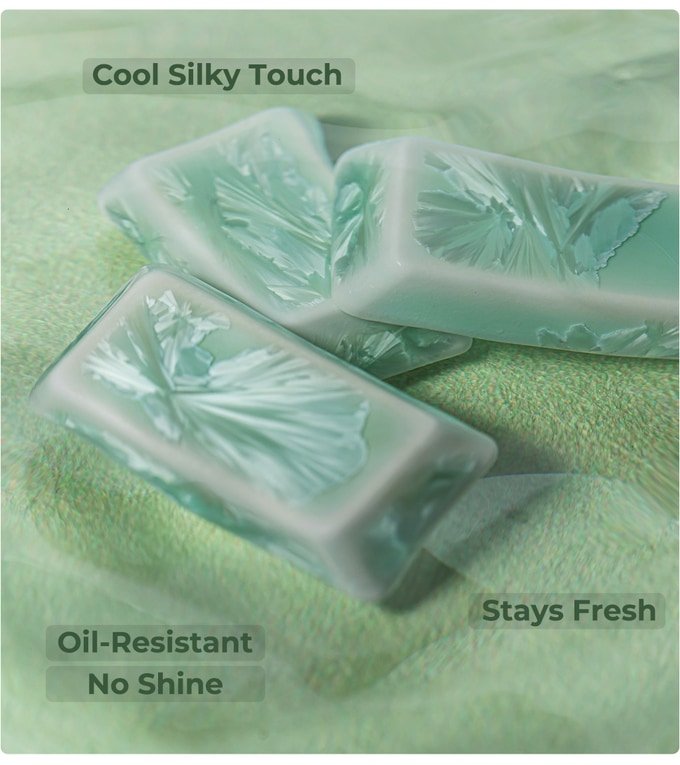 Speaking of Cerakey’s ceramic keycaps, the Maris 60 comes with the Cerakey v4 keycaps that are currently available on Cerakey’s store. I absolutely love these ceramic keycaps – I own a set of the v3s that I use on one of my daily driver keyboards. The v4 keycaps have an ABS stem that is properly molded to the entire underside of the keycap and ensures uniformity across the board. They also have what Cerakey calls an “enhanced backlit” transmittance that can achieve peak LED illumination; in practice, the keycaps diffuse more light than you would expect, but not to the same extent of true shinethrough keycaps made of something other than ceramic.
If you own a set of v3 keycaps, don’t worry. I wasn’t able to notice much of a tactile difference between those and the newer v4 keycaps. Instead, there’s a slight acoustic difference that makes the v4 sound slightly deeper, but that’s about it. The matte ceramic keycaps on the Maris 60 are fantastic. They’re cool to the touch, they produce a delightfully satisfying thock, and they hold up exceptionally well under the pressure of working all day and long nights of gaming.
 In terms of acoustics, the aluminum Maris 60 yields a quiet thock compared to the impactful and loud thock I have come to expect when using ceramic keycaps. The keyboard’s sound chamber does a good job of dampening the sharper/louder sounds that can come from combining aluminum with ceramic. I’ve tested out Cerakey keycaps on aluminum keyboards before and found that they didn’t really work. Cerakey successfully made them work together due to the Maris 60’s excellent design.
Let’s pivot to the magnetic switches. Cerakey has equipped the Maris 60 with their own set of in-house magnetic switches. They’re constructed of POM and ABS to produce a deeper sound profile without compromising on a silky smooth press. Interestingly, these switches have a 35gf actuation force, but they are fully compatible with the heavier than usual ceramic keycaps. These switches are very responsive and precise, especially when customized with Cerakey’s online launcher. These switches felt satisfying and smooth enough for the most intense games. When I was testing the Maris 60 out while playing Counter-Strike 2 and VALORANT, the switches were sensitive enough to support precise peeking and other minute movements that are needed to win.
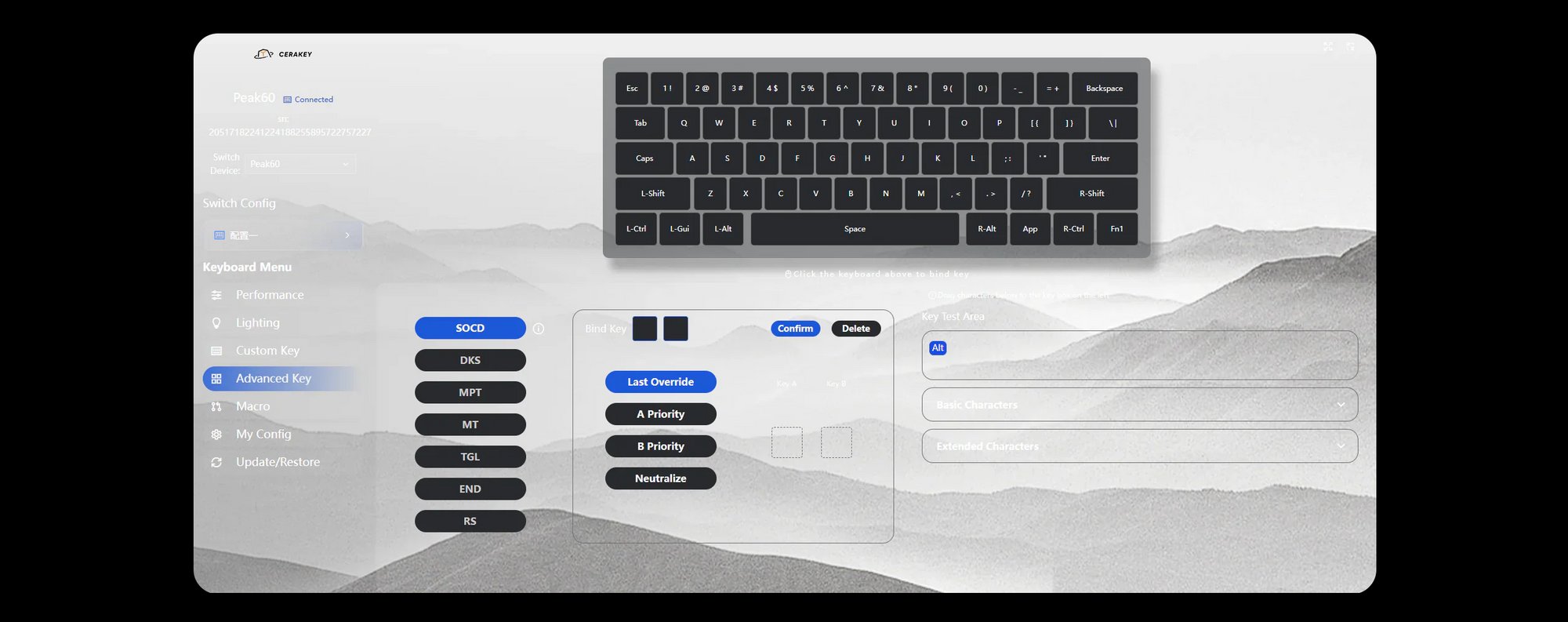
 To get the most out of the Maris 60’s unique switches, I was to use Cerakey’s online launcher. I’ve preferred to use online launchers just because of how having a persistent application running on my computer feels like bloat that I don’t need. Usually, I customize the keyboard to my liking and then I uninstall the driver. Cerakey’s web driver has the typical fix’ins like profile creation and editing LEDs alongside the new-magnetic-switch normal of customizing actuation points and enabling/disabling rapid trigger/SOCD. I’ll admit that this web launcher is not as fully feature and easy-to-use as Wooting’s Wootility (which remains the gold standard of online launchers as of today). I appreciate the effort put in by Cerakey to equip the Maris 60 with the essential features that are needed to take advantage of magnetic switches’ precision and responsiveness.
 Now, before wrapping this review, I want to emphasize that the Maris 60 supports hot-swappable magnetic switches, but you should be mindful of which types you install should you want to use a different set that comes pre-installed. Remember, the Maris 60 uses Cerakey’s ceramic keycaps, and those keycaps skew heavier than other materials. This means that you should be opting for a heavier/stronger switch of at least 45gf. I personally use switches in the 55-60gf range as anything under that feels too easy to press. Cerakey sells a set of Gateron Blue Magnetic switches that are some of the best magnetic switches I’ve tested in terms of how they feel and how they sound. So, if you’re looking for a set of new magnetic switches that bring out the best of your ceramic keycaps…you should absolutely pick these switches up.
I generally enjoyed the Maris 60, even if it felt like the aluminum version’s construction felt like something different than I’ve come to expect and truly love from Cerakey. That said, the Maris 60 is a stunner in terms of its design and aligns well with the spaces where Cerakey has won me over when it comes to building premium feeling and sounding keyboards. Cerakey, if you’re reading this, consider making a larger keyboard that’s just as incredible as the Maris 60!