As you are aware, or maybe you’re not, I’m a huge keyboard fanatic and someone tough to please when it comes to the perfect keyboard experience. Raised on an IBM globe typewriter, properly computer keyboard assimilated through a Commodore 128, my keyboard preferences are precise as they are particular. My fav? Creamy keyboards that are adjustable every which way and seamlessly programmed through an HCI-based software. If you can give me all those criteria, I’ll be happier than a kid on Halloween (who celebrates the holiday).
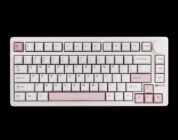
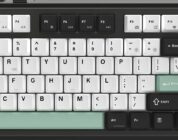
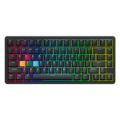
That short intro aside, Womier Keyboard sent Digitalchumps an SK75 TMR keyboard to check out. It’s a piece of hardware made for the dedicated gamer, sporting a large amount of weight, while diversifying its use through a well-thought-through piece of software that is easy to understand and adjust. It’s certainly in my top-five reviewed keyboards on this site, and one that raised the bar in several areas.
So, let’s get started on seeing what the SK75 TMR is all about.
Design and Functionality
The layout for the SK75 TMR is ANSI 75%, and sports a whopping 4.4lbs of weight. Both of these stats mean it was built for gaming, and it works well in that capacity. The keyboard doesn’t move a single inch when frantically pressing buttons or just casually typing. The accuracy of the keypunch is improved because of its lack of mobility due to weight, and it feels good to game on, especially with titles like Overwatch 2 and/or Valorant. Right off the top, this is a good gaming keyboard thanks to its size and weight. You probably won’t want to carry it a long distance due to the latter, but once it rests on the desk, it’s good to go for anything.
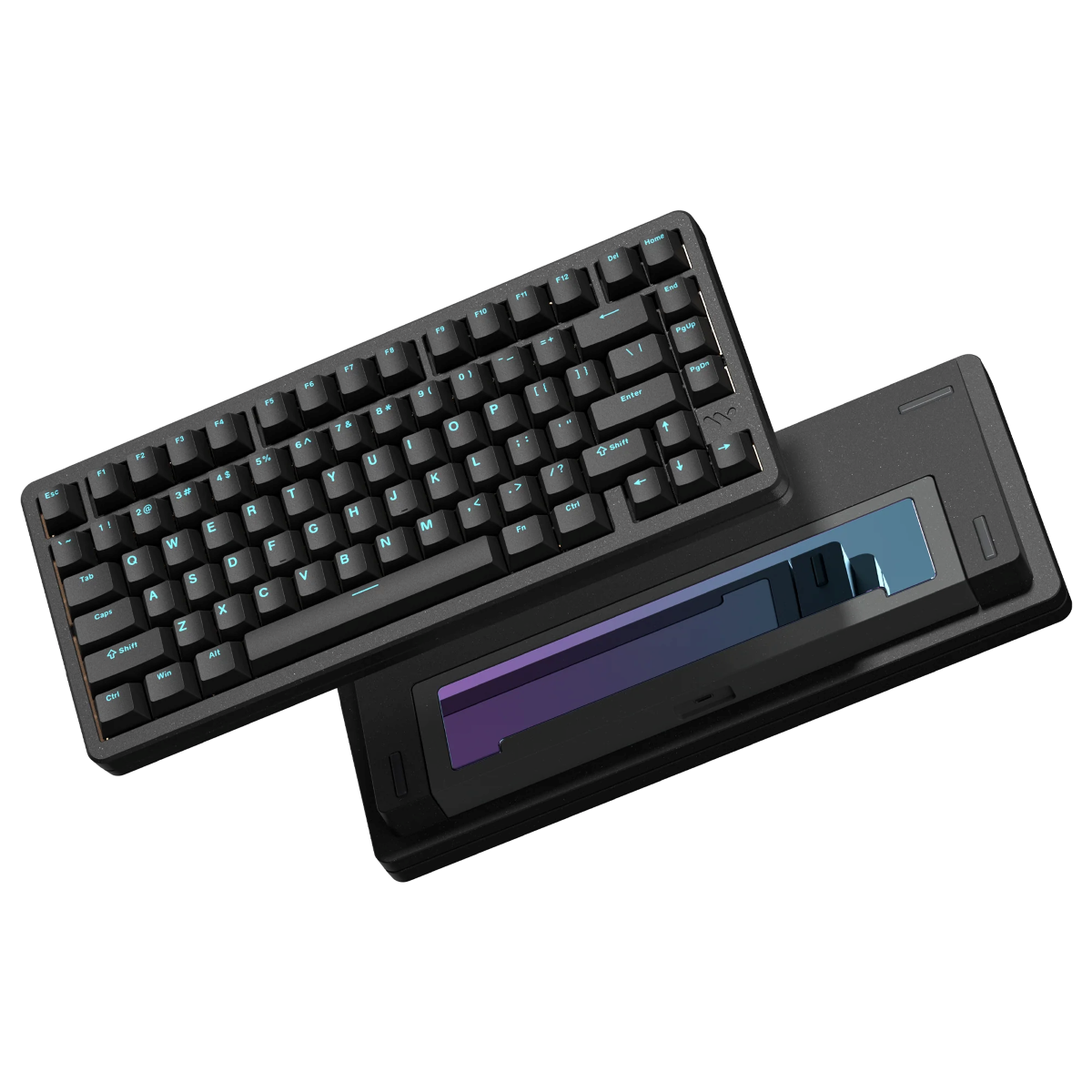
Beyond just gaming, the design also bodes well for editing. I’m a video editor at heart, having worked in news and commercials/promos a good chunk of my life, and editing videos on this keyboard is comfortable. I don’t get wrist fatigue due to its properly raised level (no legs necessary), and it works well with shortcuts in Adobe Premiere Pro. Would it be my go-to for video editing? Not necessarily, as a keypad helps with timecode and shortcuts, but if it is all I have on my desk, then it works just fine, and it’s comfortable. That isn’t a simple thing to type because not all keyboards are good for editing, especially non-full-size ones. The SK75 TMR exceeds expectations in this category.
In addition to the size and weight of this tiny keyboard, it also features TMR tech (Tunnel magnetoresistance). If you’re not familiar with TMR tech, it’s technology that dabbles in quantum mechanics and provides high-value accuracy when used properly with a minimum amount of power consumption. It also provides durability, which is a big reason why you’ll find most pro controllers sporting it. Lots of fun magnetics and resistance in the mix that make for a more accurate and improved time for keypresses and activations. It’s impressive tech that would have done well for the original Nintendo Switch Joy-Cons. At least it would prevent drift. Anyway, that’s an entirely different subject. Just know that when you see TMR in a description, then you’re in for a good time.
Other areas of interest for the SK75 TMR also include a Mag-Mech Hybrid Hot-swap construct. This allows for easy removal of switches and nearly instant gratification, depending on what you replace the switch with. For gaming folks in the world, this particular feature is important because certain keys and how they feel are imperative to advantageous competitive gaming experiences. Much like how I started this review, gamers are always looking for a perfect adjustment to a competitive game, and the SK75 TMR opens that door. Customizing a keyboard is typically the first piece of a competitive gaming puzzle for players. I’ve seen it with esports players, and it’s real. Again, this keyboard was built for competitive gamers.
Software
My biggest gripe lately has been about shoddy software with keyboards. I’m not a huge fan of Epomaker’s variety of different software for keyboards. The fact that some are browser-based and some you can install makes for a maddening experience when it comes to software capabilities (and possible browser/computer security). My preferred method for keyboard adjustment is installing software, which I can control fully. It’s okay to be Type A about software with keyboards. The more you control, the better the keyboard experience will be.
Now, climbing down from my keyboard high-horse, the SK75 TMR’s software is extraordinarily easy to install, navigate, understand, and use. When you install the software for the SK75 TMR, the main window that appears contains nearly all you want to take full control of your keyboard experience. If you wanted to create macros, you could do so from this window. If you want to adjust your stroke or switch settings, then they’re right on the same page. It’s a simple page with easy-to-find options. I love that about this software, and I wish more companies would go along with this design. It’s an HCI dream.
Shifting focus to specifics, let’s talk about the stroke and switch settings. The stroke setting is something to behold, as it allows you to easily choose a specific key, toggle how you want that key to activate when pressed, and how long it should take to reset once released. The range you get to work with on this keyboard is between .10mm and 3.20mm. It’s accurate to the millimeter.
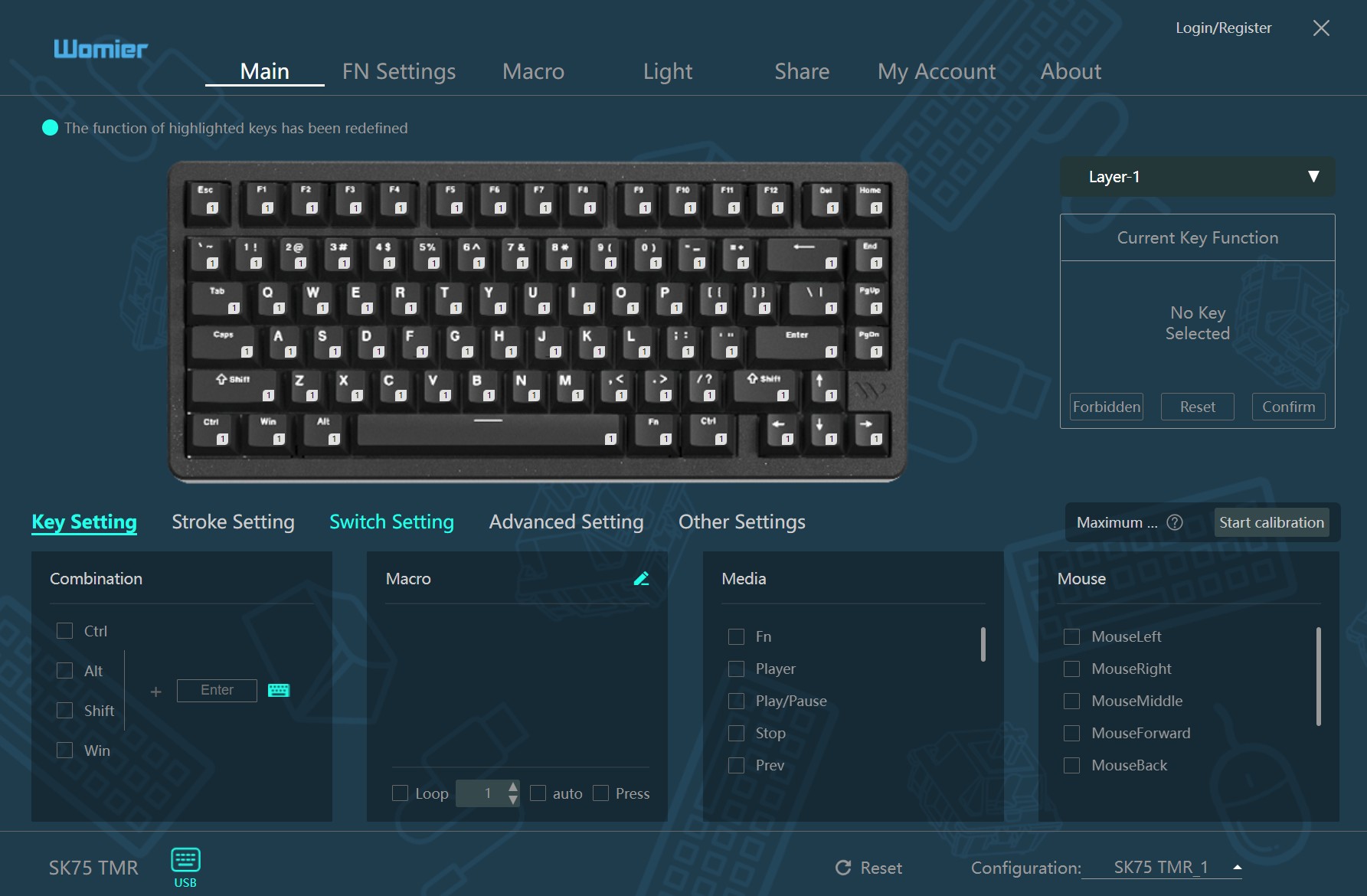
Anyway, you can select one key to adjust, or you can select all of them. Once you make the press/up adjustments, you just need to hit a confirm button to save them. It’s just that easy. Since my glory days in esports are behind me (I was never that good at gaming), having that type of adjustment and control of individual keys is amazingly useful for non-gaming purposes. I’m glad the software was simplified for an idiot like me to understand.
On the switch side of the tracks, should you replace single switches on the keyboard, the switch setting menu allows you to choose the type of switch (Outemu, Magnetic Jade, etc.) and then move forward quickly. It’s ridiculously intuitive, and for keyboard enthusiasts out there, you’ll love it. Womier Keyboard does a great job of making this part of the keyboard software as simple as it can be.
Beyond those two settings, the software allows you to adjust the lighting scheme (lots of options) and have the ability to share your settings once you adjust your keyboard. The latter of the pair is pretty damn cool. I haven’t seen that yet with keyboard software, and I find it fascinating that it was included, and it seems to work well. It reminds me of Nexus Mods, where people just upload their creations for others to try out. It’s a good way to create a solid community with your tech and to possibly have an advantage in Esports competitions.
Overall, I really enjoyed this software. I felt like it featured what I wanted right out of the gate and upfront, while providing me additional customization options that make my personal keyboard adjustments unique, and give me a way to share them.
On that sweet note, let’s wrap up this review.
Conclusion
Womier Keyboard’s SK75 TMR is a top-of-the-line keyboard that delivers a wonderful experience through amazing design and functionality, while sporting a well-thought-through software backbone to make customization incredibly simple.
For more information, you can find the keyboard here:
Official website: https://womierkeyboard.com/products/womier-sk75-tmr-magnetic-keyboard