My first journey into the pro controller gaming scene this year was with the Victrix controller from Turtle Beach. That controller introduced me to a new way to play fighting games without a stick, as well as a professional way to play Track and Field. Say what you will about the latter, but it excels on that damn controller.
Anyway, it had been a hot minute since I journeyed into the Pro controller side of the gaming tracks. But that world is a different beast, as most players are picky about how a controller works and how it feels. If you have ever been privy to an Esports competition, then you understand how intricate it can be. Players generally bring in their own hardware that they know is durable, familiar, and comfortable. It’s an important aspect of the Esports scene, as well as an aspect any competitive gamer carries with them.
And that is the reason why they are considered ‘Pro’.
Well, another Pro controller has made its way into the competitive gaming world, and it’s looking to check all the pro boxes along the way.
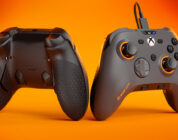
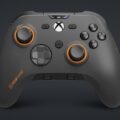
The Valor Pro Controller from SCUF Gaming is a marvel to behold and a potential heaven-sent controller for any pro gamer out in the world. The comfortable controller sports durability, customization, and a feisty piece of software that feels like it is in the works (and it is). I never knew how much I would enjoy a Pro Controller before Scuf’s Valor Pro, and I’m not sure I’ll be satisfied by another as much as this one anytime soon.
So, let’s get this SCUF stuff going.
Design
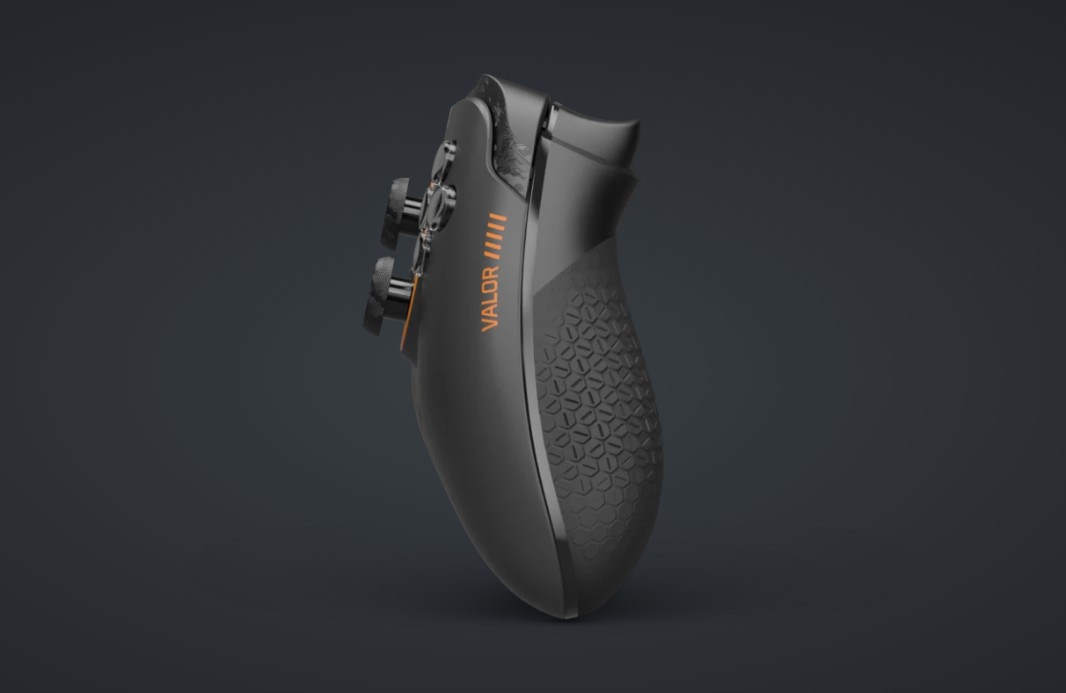
The design of the Valor Pro Controller is familiar, as it is impressive. The controller is weighty, probably the same weight as an Xbox controller, and has a good grip on the right and left sides. The grips are great for long-term or intense gaming and are incredibly comfortable. Gamers will find these invaluable during long sessions of Valorant or intense bouts of Call of Duty Warzone. They make a difference in player durability.
Moving on, the thumbsticks that come with the controller are sturdy, durable, and far less irritating to the thumbs than an Xbox controller (God, those are the worst). When you pull the controller right out of the box, you can jump into a game without giving much thought to anything less than a comfortable experience. The thumbsticks feel built to handle a lot of movement and hours of gaming. They look and feel good.
As with the controller’s aesthetic, its form is nothing more than what you might find with an Xbox or regular PC gaming controller. It looks and feels familiar with its design and doesn’t do much to go beyond that schematic. Why would it? If you’re trying to get gamers into this scene or assure pro gamers of design consistency, then this is the route you would want to take. In that respect, the controller excels.
Overall, the controller’s design is simple, cool, comfortable, and durable. I was impressed with it when I pulled it out of the box, and even more so when I began using it for a fighting game. I was able to concentrate on my ass getting beat in the game, rather than feeling like my thumbs were going to have their first layer of skin torn off or have sweaty hand slippage. Either would be the worst, and yes, I have had the former happen with the Xbox Series X controller. I never experienced blisters on my thumbs before that system.
Anyway, while the design is nice and familiar, as for the functionality, it’s expansive and impressive. Let’s get right into that a bit.
Functionality
The functionality of the Valor Pro Controller comes with its customization. That customization starts with SCUF Gaming’s choice to go the TMR (Tunnel Magnetoresistance) route with their stick design versus using Hall Effect. At the end of the day, that decision gives pro gamers sticks that are incredibly sensitive to movement, specifically with their reaction to small controller movements they may perform in games. That design is led by TMR and can quickly detect magnetic shifts in the sticks. This ultimately provides solid accuracy, as well as reaction to movement, and helps to severely, if not totally, reduce the possibility of stick drift as well.
That alone makes this controller worth its weight in gold. It’s almost a guarantee that you’re going to get the most out of your controller experience and expectations. I can get behind that without a hitch.
Further functionality with the controller comes with its customization. While this is now the norm in pro controllers, it’s still nice to see a magnetic faceplate that is easily removable simply by gently pulling up on it. The magnets also tightly keep the plate intact during gaming sessions, and work as well as most Apple iMac display plate magnets. It took me forever to realize the later models of the iMac were simply held on by magnets – it’s that good. The controller faceplate is equally impressive and surprisingly firm with those same type of magnets.
Now, once the plate is off, the player can adjust and customize the controller to their experience. If gamers want customized thumbsticks, they can replace them with smoother ones. If gamers want to replace two of the paddles in the back to have a flatter back surface, they can easily do that as well by simply pulling the pieces out and replacing them. Regardless of the player’s decision, the controller was built to be customizable to their liking, and the ease of use to do it is incredibly seamless and simple by design. For a Pro controller, it acts like you would expect one to be.
As for the many functions of the controller, the audio port is located at the bottom and is fully functional with PC and Xbox. It carries two scroll wheels on the outside of the 3.5mm input, which control volume and, what I can only imagine being chat audio, if assigned. It’s a thoughtless design that is a bit rough in execution, meaning I don’t think it fits the prettiness of the overall design, but it functions well. It’s just a plug-and-play/speak experience.
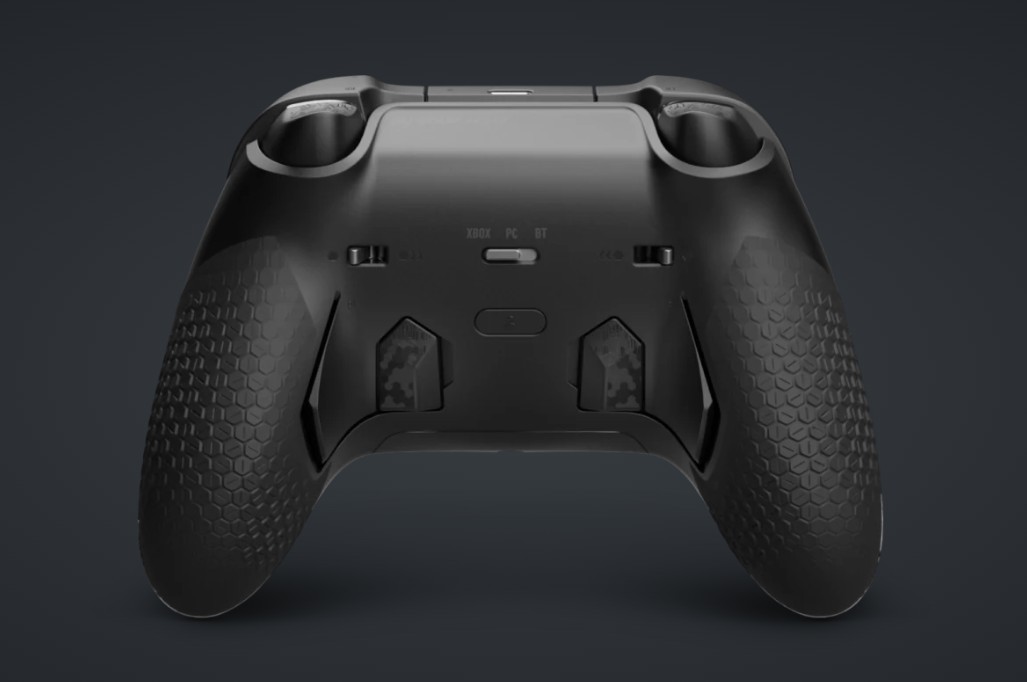
Other features of this controller include two flip switches in the back. The flip switches underneath the controller allow for a range push reaction for the triggers on the Valor Pro Controller. If gamers flip the switches outward, then the triggers become shorter with push-to-reaction time. This makes shooting games sensitive to trigger pushes, which probably means the world to pro gamers out there. If players turn them inward, then it’s back to the basics with trigger reaction. And, yes, players can have one inward and one outward. I can see that being useful in some gaming instances. Regardless, the flip switch options make the functionality of the controller more flexible for different gamers. In other words, you don’t have to be a pro gamer to enjoy this controller.
To round out this controller’s functionality, the device features different ways to connect, something most keyboard manufacturers have found useful for the end user. Players can connect both wired and Bluetooth, while also having the ability to select Xbox or PC separately. While most might discount the latter, you shouldn’t. The Xbox and PC have their own protocols built into the system the gamer is using. This means the firmware and functionality design of the controller is based on the platform gamers select. It’s profound, yet simple.
Now, speaking of simple, let’s talk software.
Software
At the moment, the Valor Pro Controller software is nothing more than a firmware updater. Sadly, I could not get this firmware updater to work. I tried for what felt like 30 minutes to hold down the left thumbstick and insert the USB-C cable to get the simple firmware updater to react. That should have connected the controller to the firmware software, but it didn’t. I’m not sure what the heck I was doing wrong with the simple instructions, but ultimately, it’s simply not working at the moment.
I honestly feel like the controller would be better suited with an actual piece of customization software, something that players might find if they have a gaming keyboard, but as of now, this is the only software available.
The good news, though, is that the controller is waiting on beta software to be released to make this a smoother experience. That software will be available on PC and Xbox, which is kind of cool when you think about it. I can’t remember the last time I actually had software on a console that expanded my controller experience. In fact, I haven’t.
Anyway, I cannot wait to try that out when it hits because I know how valuable such software can be to a customized experience. I will keep this review updated when that beta hits the world. As of right now, software is a current non-factor with this controller.
On that note, let’s wrap up this review.
Conclusion
The Valor Pro Controller from SCUF Gaming is a comfortable, durable, and easily customizable controller on the market. When the full-blown software hits, it should be a hell of a lot better.