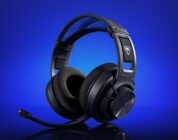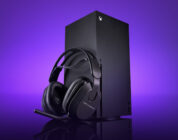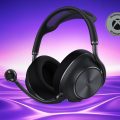
Here’s why I’m still adamantly recommending the Stealth Pro II: It’s a headset that lasts an absurd amount of time on a single charge with even more backup battery power to spare. Its audio sounds pretty dang good for the price, beating out Steelseries’ newest offerings. Microphone quality is top-tier, worthy of the price point. Most importantly, audio sounds fantastic and the headset is crazy comfortable.
Turtle Beach’s newest premium-tier headset, the Stealth Pro II, is a doozy of a headphone that’s one of the better wireless gaming headsets of the year. You never know what may come from SteelSeries, Audeze, Fractal, and Corsair this year, but Turtle Beach has taken some bold stabs at producing a damn good gaming headset. I will admit that the original Stealth Pro was great and a frequent recommendation to folks who wanted a top-tier headset, but it wasn’t my personal favorite. Now that I’ve tested the Stealth II Pro for the past few weeks, it’s reigning supreme as my current favorite headset of the year and worthy of being a daily driver with one (yes, one) drawback that I’m willing to tolerate…at least for now.
Let’s get this out of the way, you could probably get a better-sounding pair of cans from the likes of HiFiMAN, Sennheiser, Beyerdynamic, and Focal. What you won’t get if you choose those manufacturers is a tried-and-true gaming headset. That is, a set of headphones with a dedicated boom microphone, wirelessness, and a physical mute button/function. I know that these are weird tradeoffs in 2026, but as someone who sits in front of a computer most of the day it’s super important to have the gaming-focused features along with decent audio. Hopefully the gap between true Hi-Fi audio and gaming features closes further. I digress…
The Stealth Pro II is the newest top-tier headset from Turtle Beach. After testing it for around 200 hours, I’m excited to say that Turtle Beach has made their best headset yet and comparable with other premium gaming headsets that have released over the past year or so. Coming in with an MSRP of $350, it’s a pretty penny and steep ask for today’s gamers, but it’s delivering on better connectivity, ergonomics, and audio than ever before. It features certified high-resolution audio over wireless and wired connections, seamless switching via CrossPlay 2.0, 60mm Eclipse Dual Drivers that drive improved bass and other audio details, Dolby Atmos support for PC, swappable batteries (a classic Stealth Pro feature but massively improved), a 9mm microphone with flip-to-mute, and so much more.
Check out the Turtle Beach Stealth Pro II on their website! (non-affiliated URL)
In the box, the Stealth Pro II comes with a headset, USB wireless transmitted, a transmitter dock (that doubles as a charging port for the headset’s batteries), decently sized 6ft charging cable that I used to connect the dock to my computer, and a storage case.
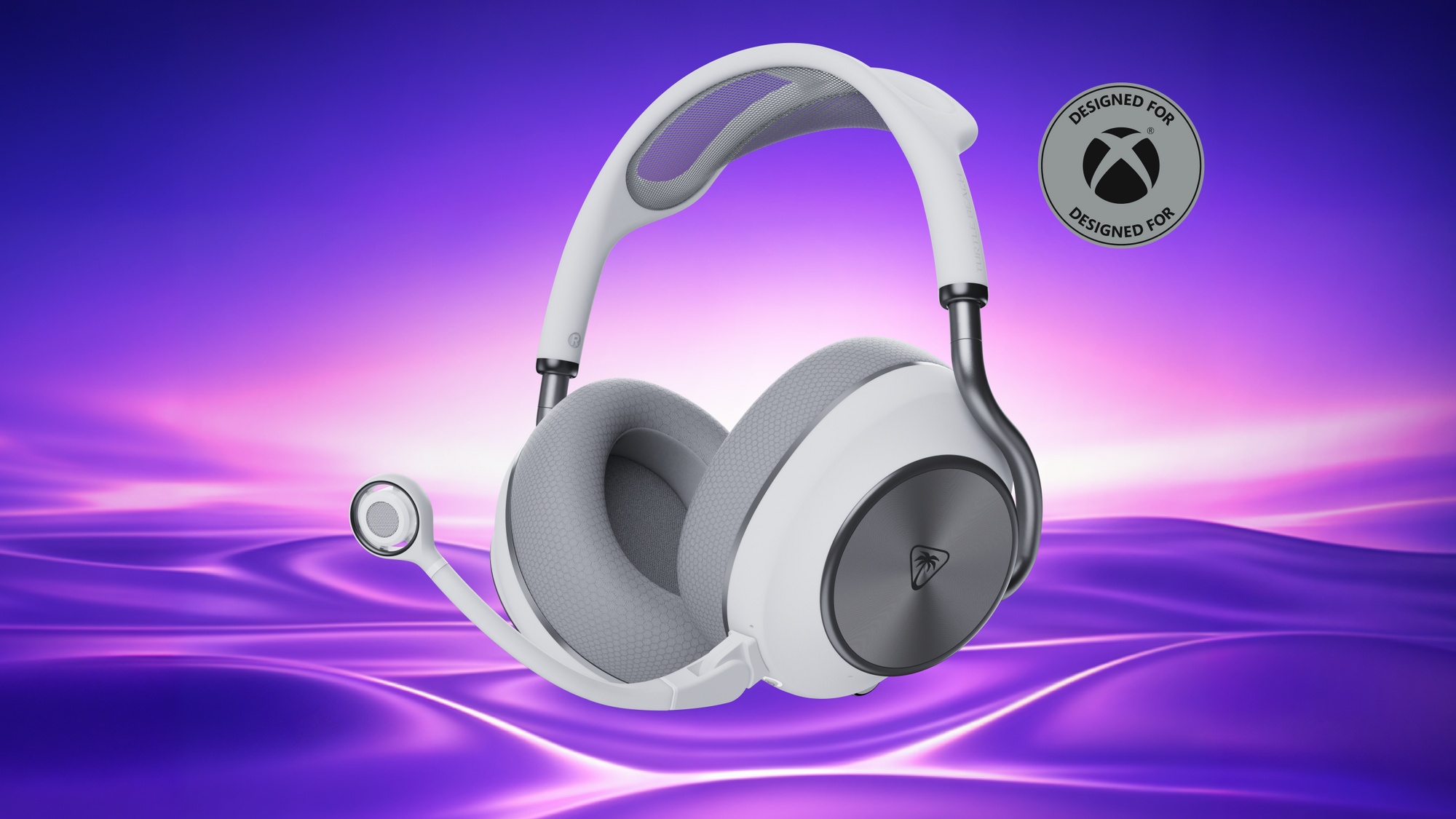
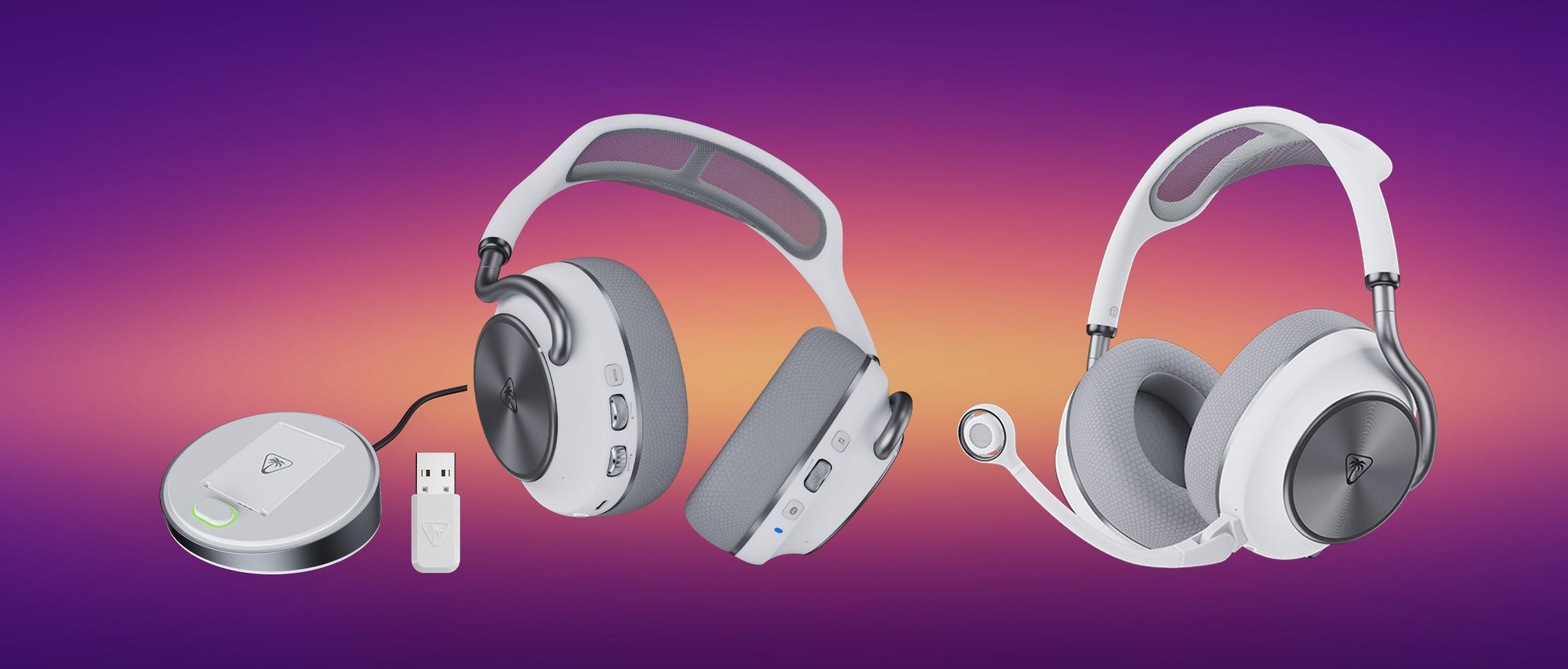 The Stealth Pro II is made of a mixture of flexible plastic, meshed cloth, and metal. It looks and feels outstanding for a headset. The plastic that comprises the frame is soft to the touch and looks like a skeleton out of the Westworld series. The plastic feels less fragile than other competitors’ designs, giving me some peace of mind as it pertains to longevity. The metal support bars curve around the headset, giving it an organic aesthetic rather than a traditional utilitarian metal physique. It’s a massive design improvement from the now-three-year-old Stealth Pro.
Despite its large size, the headset is far from heavy. It clamps in a natural way around my head without applying too much pressure to any one point. The meshed cloth headband is partially to thank here – after I did the necessary adjustments to get the headset to seal around my ears, the headband acted as a flexible buffer between the top of my head and the plastic frame.
Now, I know some folks might treat the lack of leatherette cups as a dealbreaker. You shouldn’t. Turtle Beach’s decision to go with soft cloth improves the comfortability of the earcups both in the pressure and tactile department. They’re not scratchy like some competitors’ cloth while sealing pretty dang well. The memory foam within the earcups naturally conformed to the contours of my ears, maintaining the seal so that the ANC can do its job. I’m unsure if Turtle Beach will offer alternative earcups, but I’ll go on the record and state that these stock earpads are comfortable enough on their own and should be left alone. If I have to take these earcups off, it’ll be to replace them with an exact same set of earcups – they’re that plush and comfortable and should be the standard for all future Turtle Beach headphones going forward.
Active noise cancellation is one feature of premium-tier headphones that set normal gaming headsets apart from the top-tier. For those unfamiliar, ANC creates a persistent ambient noise that effectively drowns out external noises while listening to music. It’s initially an uncomfortable experience (especially when coming from traditional Hi-Fi headphones with AMP), but that discomfort dissipates after a few hours. On the Stealth Pro II, the ANC works pretty well. It’s nowhere near the quality of, say, the Apple AirPods Max/Pro products, but it’s comparable with the Corsair Virtuoso Max. The other important thing to note about the ANC is that it might need some physical adjustments out of the box. When I first tried it out, I could hear a wavering rumble that alerted me to an earcup not properly sealing to my ear. After adjusting the headset a smidge, it was smooth sailing.
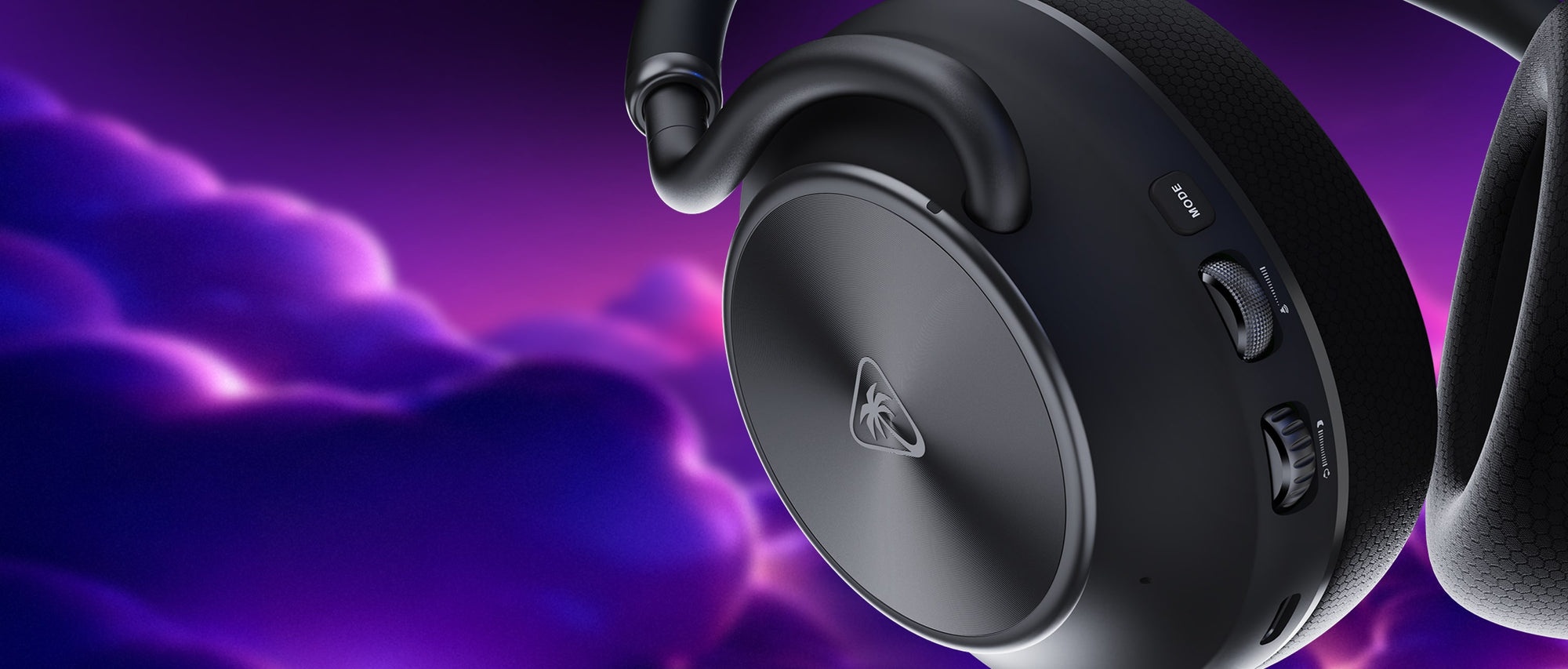 If ANC is not to your liking, it can be swapped to the “Transparency Mode” that lets me hear some of the background noises around me or disabled altogether via the Swarm II app. The ANC mode ended up being my preferred setting for the duration of this review given how it let me enjoy the music in relative isolation.
The Stealth Pro II’s microphone is one of the best headphone microphones I’ve tested as of late. It initially comes detached but quickly connects via mini-USB. It has a flip-to-mute function that quickly turns off the mic with a simple flip upwards. The microphone is flexible, too, letting me position it near my mouth with ease. Turtle Beach’s Swarm II has an AI noise reduction mode that drowns out noises near my microphone like typing and shifting on my desk, but it still works just fine on its own. I opted for the “Clarity” setting on the Stealth Pro II app, and it ended up making my voice crystal clear with no interruptions on Discord, TeamSpeak, and Teams calls.
Let’s move onto the charging puck and the battery life. One of the original benefits of the first Stealth Pro headset (and Steelseries’ current top-tier headset, the Arctis Nova Pro) was the dedicated transmitter “puck” that doubles as a charging port for hot-swappable batteries that are to be individually placed in the headset’s left earcup. On the Stealth Pro II, the left earcup’s metal faceplate can be easily removed to access the battery for quick switching. When my headset was drained of its first full battery cycle, it took less than 3 seconds to switch batteries. The Stealth Pro II’s puck has an LED that indicates the microphone being enabled/muted along with a secondary LED embedded within the battery release button that indicates the charging progress of the battery in the puck.
The Stealth Pro II comes with two batteries, both of which are supposedly rated for 40 hours of continuous use. I’m unsure if this is a conservative estimation or if Turtle Beach made a typo, but I was easily hitting 50 hours of use before needing to swap out the battery.
While the Stealth Pro II can be used just fine out of the box, Turtle Beach has additional features that can be enabled via the Swarm II PC / mobile app. I initially had to use the mobile app for updating the device’s firmware, but future updates should allow users to update directly using their PCs. It’s the same, relatively straightforward driver that I use to control the Kone II Air (my current favorite non-MMO gaming mouse). Unfortunately, I had several issues with Swarm II during my review, but I am aware that there are future updates coming soonish that should improve the software suite’s stability.
 Swarm II gave me the option to customize my Stealth Pro II’s EQ (for the microphone and the headset!), customize the headset’s physical buttons and wheels, adjust/disable ANC modes, and swap between the Turtle Beach Audio Driver and the Dolby Atmos Driver for high-resolution audio. Admittedly, I wasn’t able to discern much of an audible difference between the Turtle Beach driver and Dolby’s standalone driver (installed separately via the Microsoft Store), but the Dolby software suite had several audio settings that improved gaming and music sessions. I recommend that you try them out for the sake of testing your preferences. Either way, the Stealth Pro II lives up to its high-resolution audio prowess and sounds absolutely fantastic.
Speaking of preferences, my one singular complaint about the Stealth Pro II is its use of the Dolby Driver over another customization standard – namely SoundID. I appreciate how the Dolby suite is an audio standard for some professionals, but it underdelivers on personalized audio and falls short in implementation compared to SoundID. Where SoundID is integrated within the Corsair iCUE suite, the Dolby Atmos driver has to be downloaded and configured with a separate app. Frankly, the granular personalization and all-in-one package is where I’m still preferring the Corsair Virtuoso Max’s audio software support.
You shouldn’t base a decision on purchasing hardware based on its software alone, though. I have made this argument several times when reviewing Wooting keyboards (all of which have fantastic software support with arguably the best-in-class keyboard web driver), Keychron keyboards, along with the Google Pixel phones. Swarm II and the Dolby suite aren’t reasons to push aside the Stealth Pro II, but I’ll admit that the software support for this set of headphones is still very much a work-in-progress rather than being best-in-class.
Here’s why I’m still adamantly recommending the Stealth Pro II: It’s a headset that lasts an absurd amount of time on a single charge with even more backup battery power to spare. Its audio sounds pretty dang good for the price, beating out Steelseries’ newest offerings. Microphone quality is top-tier, worthy of the price point. Most importantly, audio sounds fantastic and the headset is crazy comfortable. If you’re an existing owner of the first-gen Stealth Pro, the Pro II is a massive upgrade and worthy of your consideration. If you’re not yet a hi-fi audio gaming headset owner, this should be top of your list for the year.