Sometimes it doesn’t take a $200 SCUF controller to enjoy a gameplay session. Sometimes a $49.99 controller is just fine.
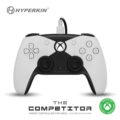
Well, Hyperkin has just that controller for you with The Competitor. This $49.99 wonder features hall effect thumbsticks, impulse triggers (for that extra immersion), a programmable backend, and just enough customizable grip to make it seem like you’ve got a fancy controller. While it isn’t as quiet as a SCUF or as in-depth with its programmability, it works just as well for a good gaming experience.
For someone not deeply immersed in the competitive gaming scene, this is a good controller for straightforward gameplay. It’s certainly more comfortable than the Xbox Series X controller and less abrasive on the thumbs. That last part is important for an old fool like me, who just doesn’t like having sandpapered thumbs for gaming experiences.
So, let’s dive into this inexpensive beauty and see what it’s about.
Design
The design of The Competitor is somewhat simple. The thumbsticks sit symmetrically on the controller, with indented directional buttons, and crisp XYAB buttons to boot. Once you pick up the controller, it feels incredibly comfortable, as if you’re holding something well-designed and thought through to create a gaming experience that’s comfortable during long stints of play.
That comfort is helped by the weight of the controller, which doesn’t feel like a brick. It has some weight to it, but it holds steady without putting too much on the gamer’s wrists. In this respect, it works better than an Xbox Series X controller, as it’s not sloppy with its lithium weight and uneven from top down. The Competitor feels good because of its squarish design that rests comfortably in the palms of the hands and distributes its weight evenly across the entire device.
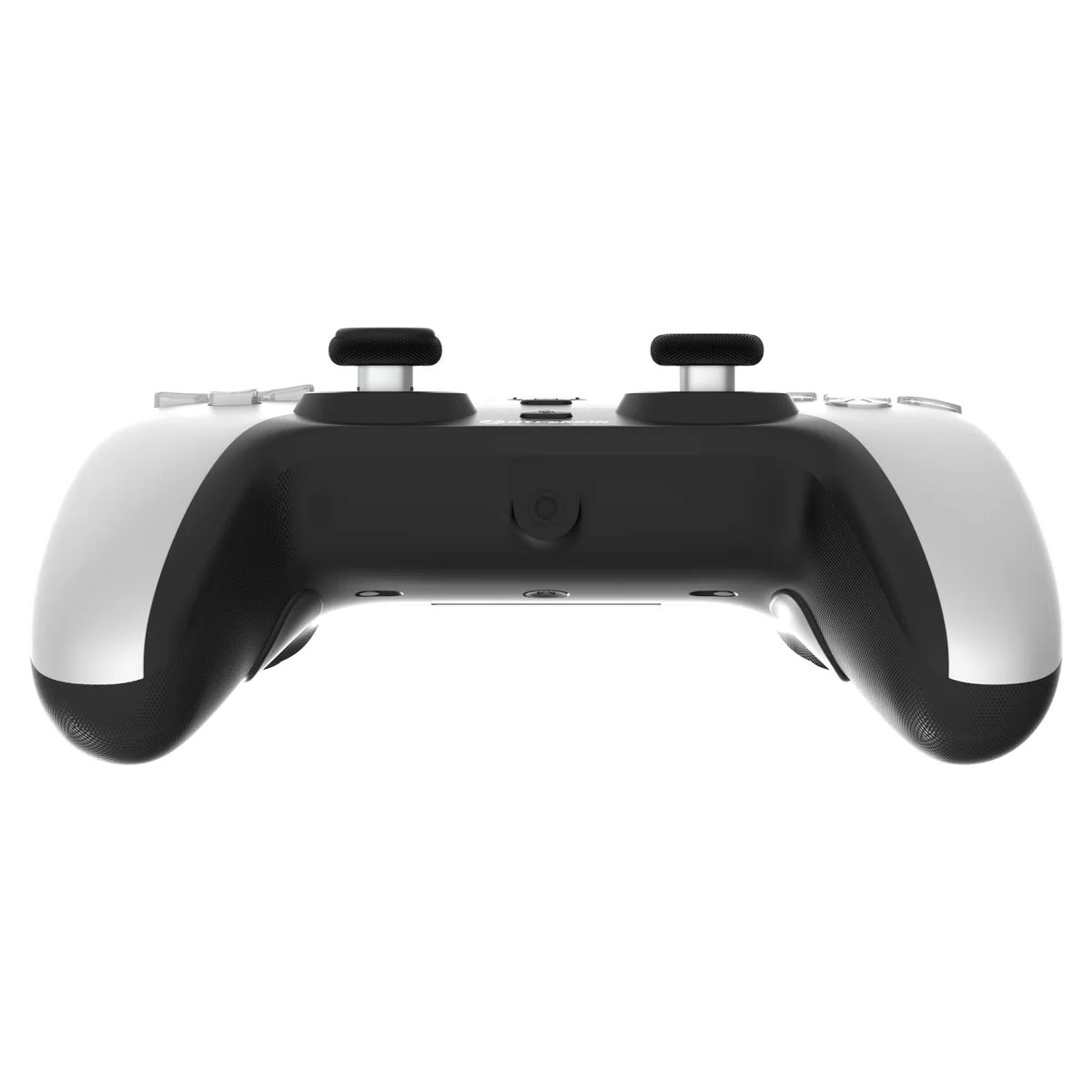
It’s rare to find good comfort in an Xbox controller, so I was surprised to find that this controller brought it. I mean, it truly feels like it fits snugly and perfectly within a hand’s grip and without much uneven fuss from weighty batteries.
To make this design experience even better, the controller’s comfort is helped by a bumpy set of grips that will prevent slippage when played for long periods of time or when action gets intense in a game. I’m looking at you, Call of Duty. The texture for the grips and the top of the thumbsticks is designed well without being too abrasive to the hands.
Shifting back to The Competitor’s buttons, they are well-designed for accuracy when it comes to push and reactivity. Part of that accuracy should be credited to the controller’s mold, as the directional buttons are individualized and instantly reactive because of that designed isolation. On the other side of the controller field, the regular action buttons look like they would on any other controller, but their push is a bit noisy in comparison to other high-end gaming controllers. You would definitely hear the difference between the buttons on this controller and the silent and deadly SCUF. But then again, you’re paying for what you get, and it’s not that bad considering the price tag of The Competitor.
So, how does the controller function? Let’s talk.
Functionality
The Competitor can go toe-to-toe with the regular features found in a SCUF controller or even an Xbox Controller. The first hurdle for any controller under $100 is its durability. And how its thumbsticks were designed helps this controller right out of the gate.
The Competitor contains hall effect thumbsticks, which reduce the possibility of drifting to a halt. Is it possible to get stick drift with these thumbsticks? Absolutely, but the chance of that happening within years of owning and using it heavily is still super low. This means that you can beat the hell out of this controller during gameplay and almost always be reassured that it will flip back to being centered.
Flipping the controller around, The Competitor contains back buttons that are comfortable and lockable. This means you can release the back button hounds when you so choose, or just simply lock them out. That just means you flip two switches in the back and you’re locked.
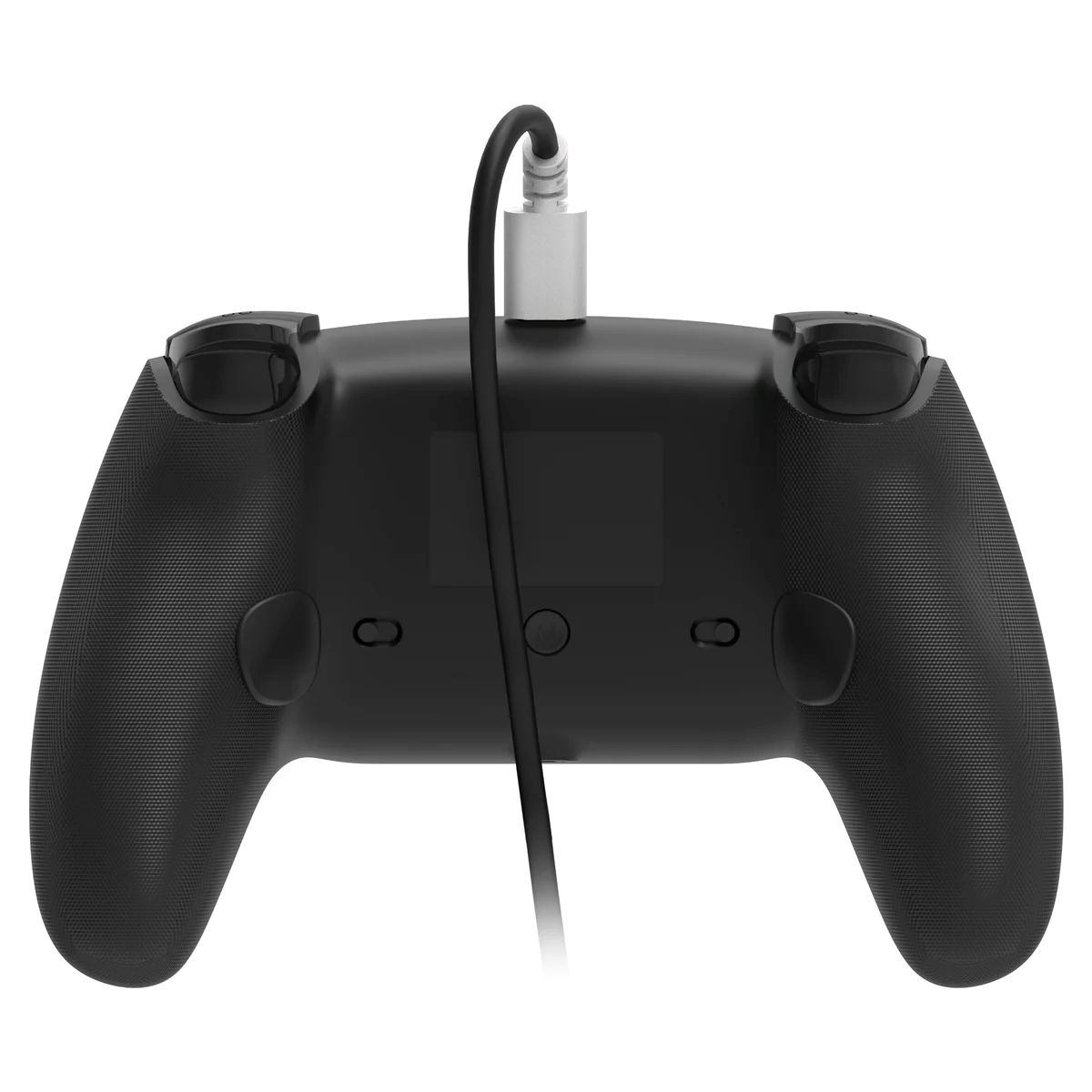
Should you be the type of player who enjoys those buttons and enjoys programming them, then you’re still in luck. While The Competitor doesn’t come with customizable software (super shame), it will allow you to map buttons to the back using its mapping button behind the controller. Mapping buttons to your liking is easy, and unmapping is just as simple. There is no real complication to the process, but the lack of software and building profiles for specific games is a missed opportunity for this one. Of course, I’m not sure I would want to go that deep with this controller if I’m a competitive gamer.
To round things out with The Competitor, it also features impulse triggers, which are built to deliver sensations when you play specific games. This works super nicely on the Xbox Series X, and just as well on the PC. I think the PlayStation 5 controller spoiled me with haptic feedback, so I’m always expecting triggers and controllers to react during intense gameplay. In that respect, The Competitor delivers on those goods. It’s not quite as accurate or as complicated as the PS5 controller or a SCUF, with how well it delivers that feedback. But it’s impressive with what it delivers for a controller that comes in at the price point it does.
All of the above, and a nice headset 3.5mm jack with muting capabilities, means that you’re in for a good time without breaking the bank. The Competitor is not a bad investment, especially during this holiday season when purse strings are pulled tight. Any gamer would probably enjoy this controller just fine.
Conclusion
If you’re looking for an inexpensive controller solution that delivers comfort, accuracy, and programmability, then The Competitor from Hyperkin is what you want. While not as complicated or as expensive as a SCUF controller, it does the trick and brings some well-placed design decisions to the table that help prop it up above other third-party controller manufacturers.