Corsair’s SCIMITAR ELITE WIRLESS SE MMO mouse is not just for MMO players despite its moniker. In the right hands, it can boost your everyday productivity through the roof, give you an edge in an MMO/MOBA, and streamline your media production needs. Regardless of use case, this mouse performs wonderfully and lasts nearly forever on a single charge. It’s the mouse I’ve always wanted for my work and gaming habits; it’s my favorite mouse for most games, to boot.
Within minutes of using Corsair’s newest MMO mouse, I thought to myself, “Dang, Nathan (DigitalChumps’ Editor-in-Chief) needs this mouse.” In case you don’t know, Nathan is not only our head honcho, but he’s also our resident Elgato expert. His experience running our Twitch/YouTube/LinkedIn streams and other media productions outside of DigitalChumps has benefitted from the Elgato hardware suite. Before I became a Chump, I remember meeting Nathan in his office at the University of Kentucky, and on his desk was an Elgato capture card that recorded his escapades on his PS4.
I mention all of this because the Corsair SCIMITAR ELITE WIRELESS SE MMO Gaming Mouse is more than a gaming mouse for MMO (or perhaps, MOBA) players – it’s also one that integrates effortlessly with one’s Elgato workflow thanks to its Stream Deck integration. Should you be an Elgato pro like Nathan, an Elgato novice like myself, or anyone in between, it will be the epitome of the mouse you need for your media production needs. Not into media production or Elgato? Don’t worry – this mouse is a stellar gaming mouse for most genres.
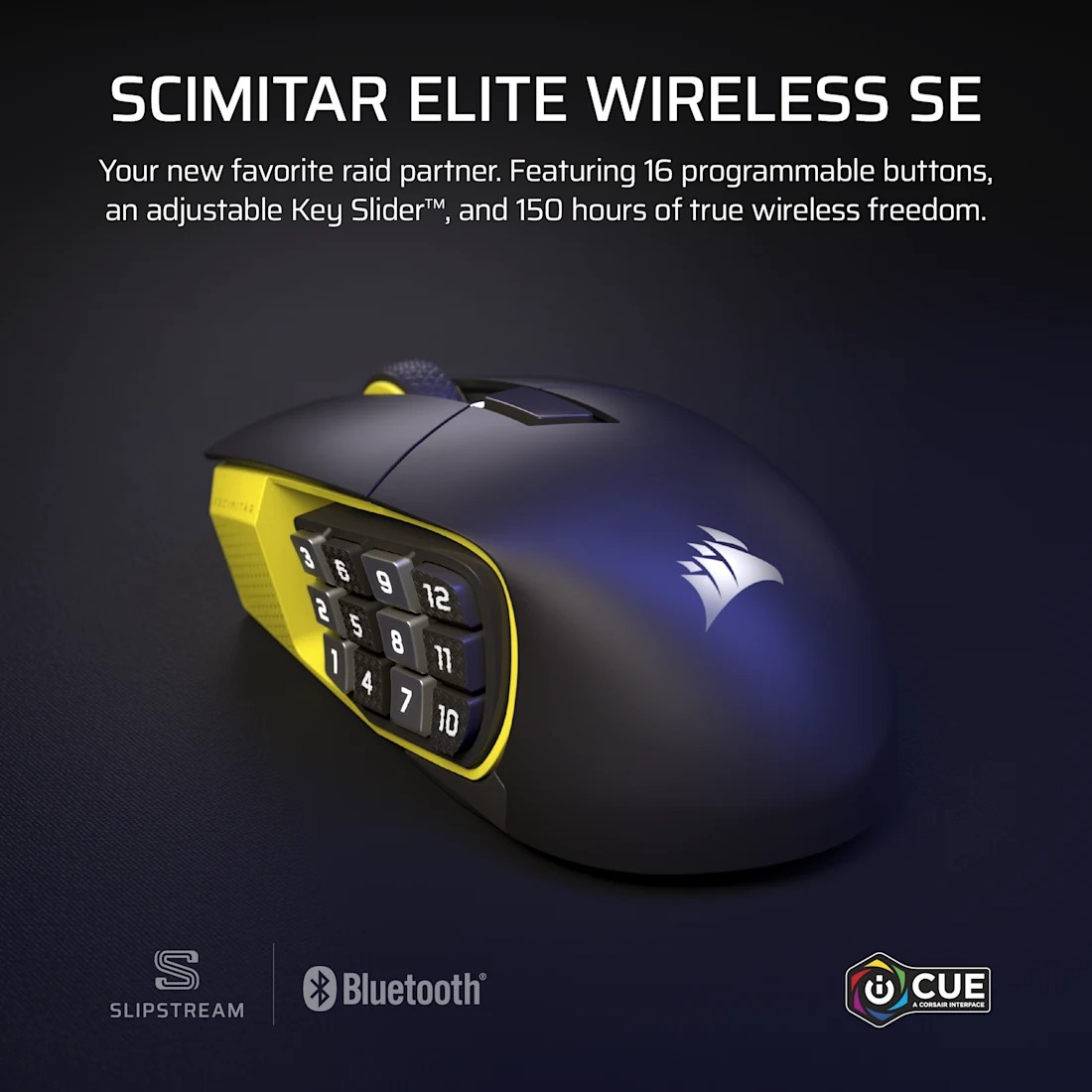
In case you missed it, Corsair’s SCIMITAR line of mice is highly specialized, relatively pricey, and full of buttons. Most gaming mice have anywhere from 5-9 buttons. Not SCIMITAR mice; these mice are great for MMO players like my significant other who plays Guild Wars 2 and needs all the buttons to cast a litany of spells in a short timespan. The SCIMITAR ELITE WIRELESS SE is their newest entry, bringing a handful of new features to the table.
If you’re already an owner of the SCIMITAR ELITE WIRELESS, the major differences between that and the SE version involve a 33K DPI sensor and support for Elgato Virtual Stream Deck. The Virtual Stream Deck is Elgato’s newest desktop overlay, allowing users to access macros and other hotkeys right on their screens. On the SCIMITAR ELITE WIRELESS SE, these virtual hotkeys can be easily mapped onto the mouse’s 12 side buttons. Should you own a physical Stream Deck (like our head honcho, Nathan), the SCIMITAR ELITE WIRELESS SE complements that little device so well.
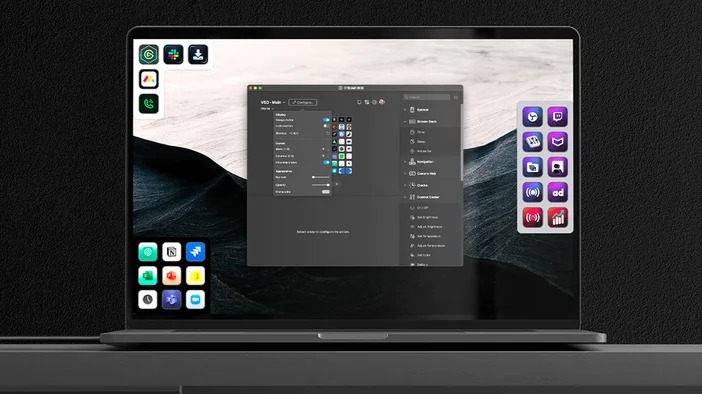 Even though the Virtual Stream Deck software is in beta and only can be used with a small handful of devices (most of which being Stream Decks), it plays nice with the SCIMITAR ELITE WIRELESS SE and feels like a natural extension of the software panel in handheld form. Right from the jump, I was able to assign functions like muting my mic, toggling my camera, and longer strings of characters. If I clicked one of the side buttons, my Discord functions appeared on-screen and allowed me to quickly access my notifications, a specific text channel in one specific server, and pull up my soundboard. I didn’t have to click anywhere on the Discord Desktop app – just tapping one button on my screen took me to where I needed to go or how I wanted the app to behave.
I cannot stress enough how amazing this software works in practice when using the SCIMITAR ELITE WIRELESS SE. It boosts my productivity to the max because I no longer had to hunt for buttons in different windows spread out across my two monitors. The on-screen hot-keys, when paired with my mouse’s buttons, just worked. Switching away from the SCIMITAR ELITE WIRELESS SE was noticeable because of how much I streamlined onto the mouse’s 12 side buttons.
I understand that this is a mouse review, and I’ve spent several paragraphs talking about a software suite. This mouse is the only mouse as of writing that is compatible with Virtual Stream Deck. The $10 price difference between the SE and the non-SE model becomes worth it when I don’t currently own a Stream Deck – a physical device that is more than the cost of either of these mice. With this mouse in-hand, I don’t feel compelled to purchase a Stream Deck thanks to having access to the Virtual version, and that makes all the difference when I want to make my daily workflow more efficient.
 The SCIMITAR ELITE WIRELESS SE’s Marksman S 33K DPI optical sensor (oy, what a mouthful) lives up to its name in terms of precision and sensitivity. It tracked the twitchiest of inputs while I was playing Counter-Strike 2 and VALORANT. On the technical side, this sensor supports up to 33,000 DPI, which can be assumed to be overkill for most players. I prefer a DPI of 1200-1800, but the higher DPIs were dumb fun to use in-game for silly trick shots. The biggest draw of the Marksman S 33K optical sensor is its ability to track high speeds and sharp accelerations all the while being power efficient.
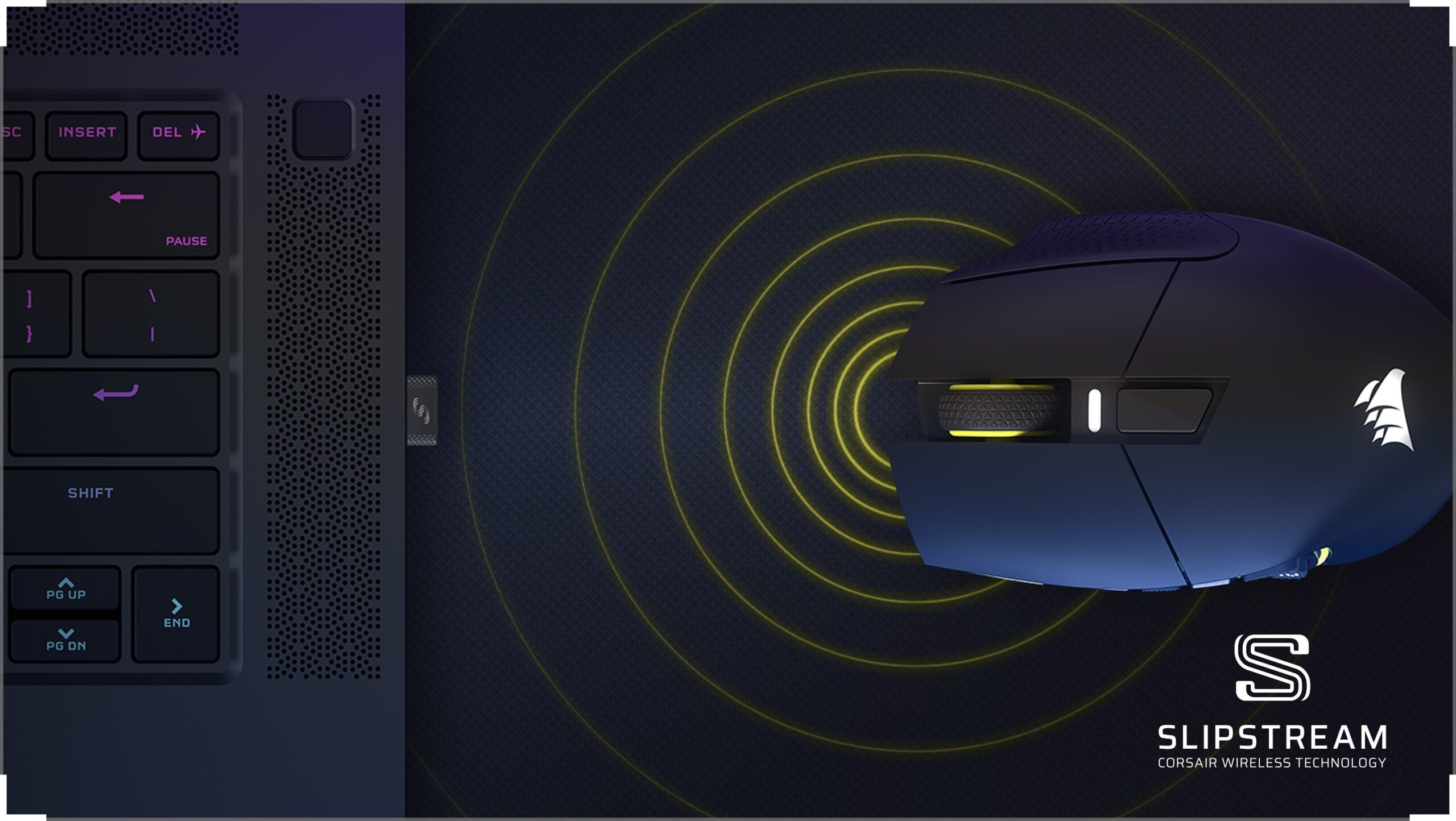
On the topic of battery life, the SCIMITAR ELITE WIRELESS SE seems to last…forever. During my review period, I only had to charge the mouse three times. When using 2.4GHz with the RGB off, the mouse was rated to last for up to 150 hours. I had the LEDs on, and I was able to hit the 100-hour mark before I needed to charge it. When it eventually did die the first time, I plugged it in using the included USB-C cord, made some lunch and took a shower, and came back to see it nearly fully charged. This mouse did not die despite my best efforts to drain it through heavier-than-average gaming use.
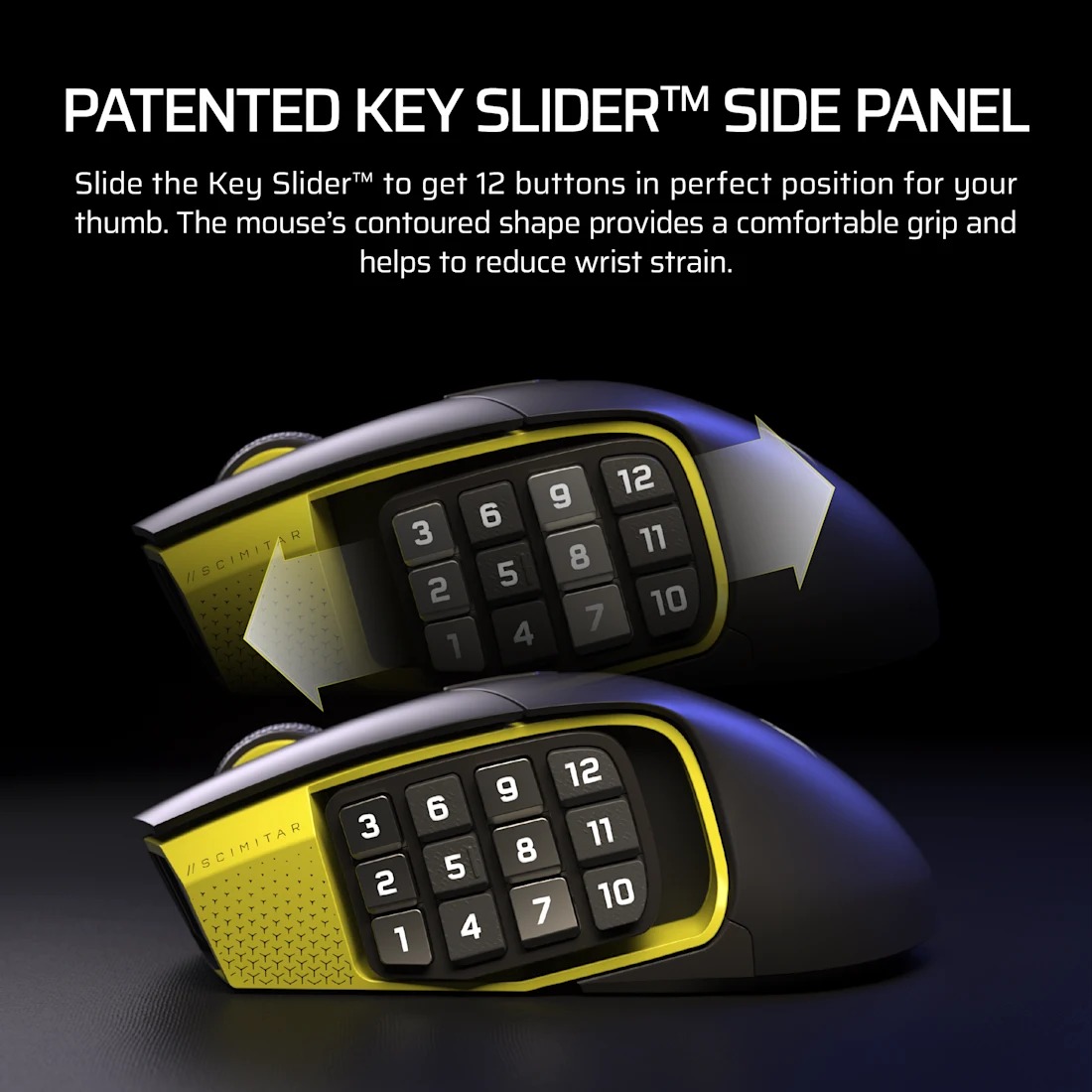
 The SCIMITAR ELITE WIRELESS SE is decently ergonomic, albeit not as ergonomic as the KONE II AIR (which reigns supreme in the ergonomics department). The mouse is curved with a slight recess on the left-hand side that features the 12-side-mounted buttons organized in the style of a number pad. This panel of buttons can be easily moved along a rail to your preferred position. I found that sliding it to where my thumb naturally rested in between the 5 and 8 buttons was the most comfortable, ensuring I could reach the furthest numbers (1-3 &10-12) without needing to move my thumb to an unnatural position.
Beyond the side buttons and the typical left/right mouse buttons, there aren’t any other novelties on the top side. There’s no side-clicking in the wheel, but there’s a DPI button placed dead-center at the top of the mouse. It’s the only seemingly-unnaturally-placed button, but it’s one that I could never trigger accidentally. Each of the buttons felt responsive and clicky, no mushiness of any kind. The rubber-edged wheel could only scroll in clicky increments, no smooth scrolling. Part of me wishes that the wheel had side-clicking and/or a smooth scrolling option, but there are enough buttons on this mouse to feel like I had access to everything I needed.
The side-mounted buttons have a slight curve to them and took the perfect amount of force to activate. Thanks to the homing bump on the “5” key, it was easy for me to discern the position of each button from memory, but I couldn’t remember the arbitrarily numbered positions of the buttons. That is, I couldn’t remember where the “9” key was placed by Corsair. Instead, it was more intuitive for me to memorize where specific functions were assigned within reach of my thumb being placed on the “5” key – the only key with a homing bump. Two of the columns have a texture to them, making it even easier for my thumb to find the button I need at any given time.
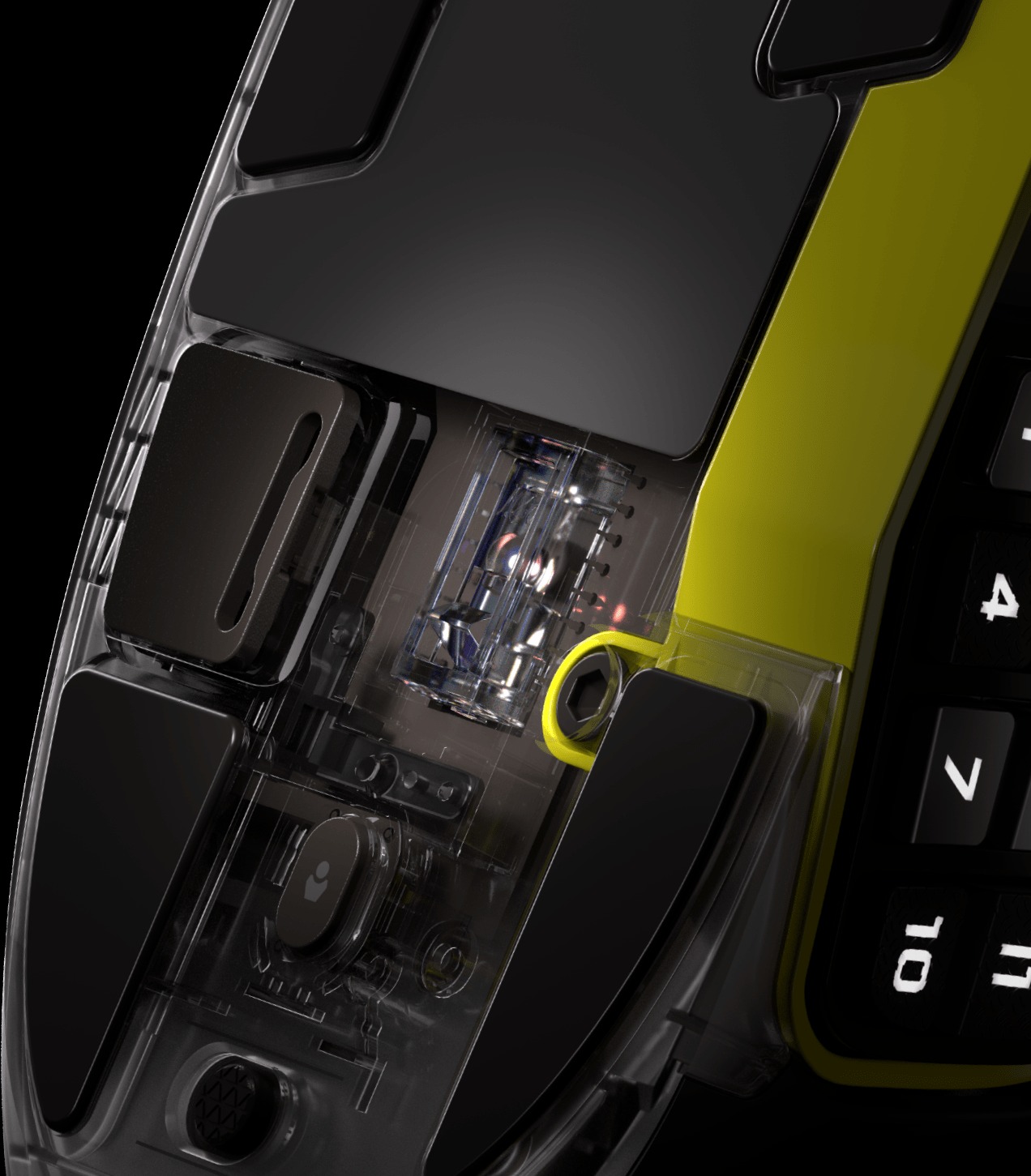
 I wish that the curve on the left-hand side was more pronounced for improved ergonomics. The right-hand side of the mouse has a nice amount of texture that kept my ring finger in place, but the left-hand side needed some more depth to make it feel like my thick thumb was naturally resting without being overextended. The sliding number panel helps a bit, but some inward-curving depth will improve the ergonomics for users like me.
In practice, the number pad was perfect for my MOBA escapades. I was able to assign button combinations to some of the buttons with ease, making my gameplay easier. I wasn’t necessarily playing better, but it felt better to play because I didn’t have to spam strings of buttons all at once.
I’ve seen some folks online claim that twitchier/intense games (namely FPS) might not be fit for the SCIMITAR ELITE WIRELESS SE because of the buttons being too sensitive. Perhaps I’m not the best FPS player, but I had no issues with accidentally pressing one of the side-mounted buttons. If you’re the kind of person who is frenetically pressing mouse buttons, then you may encounter that the buttons are too sensitive for your liking.
 To control some of the mouse’s functions, I was to use Corsair’s iCUE software – the same software suite that supports my VIRTUOSO MAX. Here, I could create and modify up to five DPI profiles, assign simple macros/hotkeys to the buttons, and adjust the mouse’s RGB lighting effects. It even had a surface-calibration that got my mouse accustomed to my leather deskmat.
I know some folks dislike always-running software drivers like Corsair’s iCue and Turtle Beach’s SWARM. If you’re one of those folks, the SCIMITAR ELITE WIRELESS SE has on-board memory that retains your preferred settings even when iCue is not running. Relying on the mouse’s internal memory limits you in terms of the types of macros you can save along with what types of lighting effects, though.
Before I wrap this review, I want to emphasize that my criticisms should be treated as me splitting hairs to find something to critique about the SCIMITAR ELITE WIRELESS SE. The lack of scrollwheel side clicks is something I can live without, as is the curved placement of the number buttons. I wish the left-hand side was ever so slightly deeper, but it’s still decently ergonomic. When very little about the mouse’s design, performance, and function amount to any major dealbreakers, it’s easy to come to the conclusion that this is one standout mouse of 2025, or perhaps longer. Its MSRP of ~$139.99 is a horse-sized pill to swallow, especially in a reality where most consumers are facing rising costs from tariffs.
The SCIMITAR ELITE WIRELESS SE is not your average gaming mouse, nor is it your average productivity mouse. It’s a highly specialized mouse that can effortlessly slide into your workflow or gaming routines, all the while masquerading as a mouse for MMO players.
With that said, let’s wrap this up.
Corsair’s SCIMITAR ELITE WIRLESS SE MMO mouse is not just for MMO players despite its moniker. In the right hands, it can boost your everyday productivity through the roof, give you an edge in an MMO/MOBA, and streamline your media production needs. Regardless of use case, this mouse performs wonderfully and lasts nearly forever on a single charge. It’s the mouse I’ve always wanted for my work and gaming habits; it’s my favorite mouse for most games, to boot.